Marky's Features
How to use posts, design edits, credits, agency tools and your account.
-
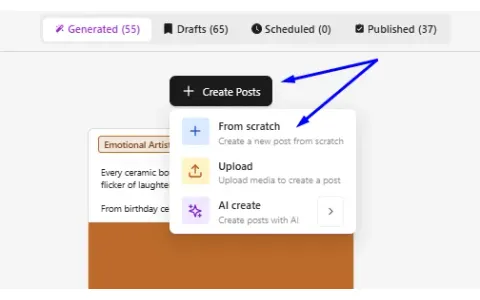
Where to use your AI Credits
Credits pay for AI pictures, AI videos, chats with Max and post batches. See where each one is used.
See how → -
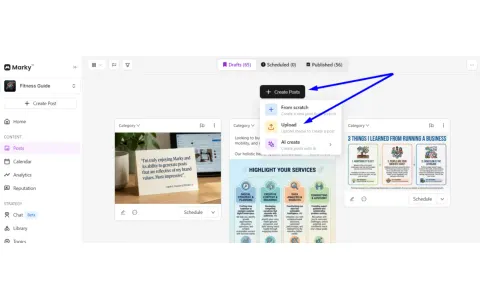
How to Use the “Write For Me” Feature
Have a photo or video but no words? Upload it and tap Write for me. Marky writes the caption.
See how → -
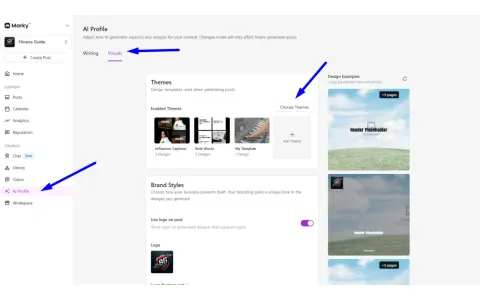
Minimalist Social Media Post Design Ideas
Pick simple, clean design themes so your posts look pro without a designer.
See how →
Posts
-
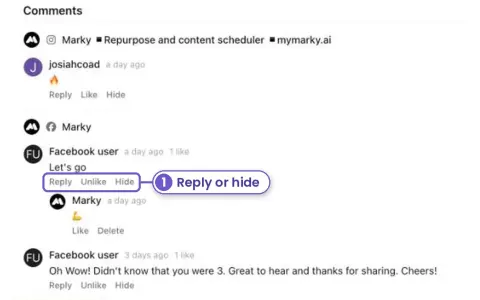
New Answer Facebook and Instagram comments without leaving Marky
Open a post that's already out. Its Facebook and Instagram comments are right under the stats. Reply, like or hide them there.
See how → -
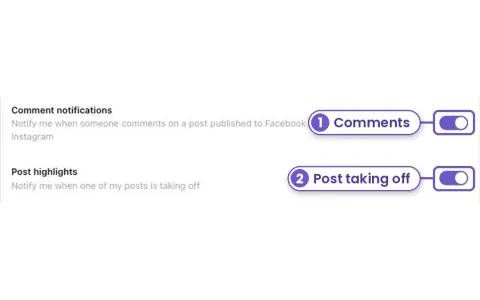
New Get told when a post takes off or gets a comment
Turn on browser alerts in Account, Notifications. Marky tells you when someone comments on a Facebook or Instagram post, and when one of your posts is doing far better than usual.
See how → -
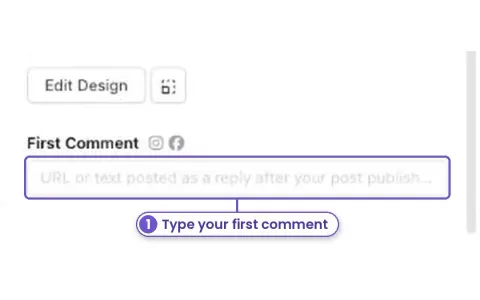
New Add a first comment to your posts
Put a link, your phone number or extra hashtags in a first comment. Marky posts it under your Facebook, Instagram or YouTube post right after it goes out.
See how → -
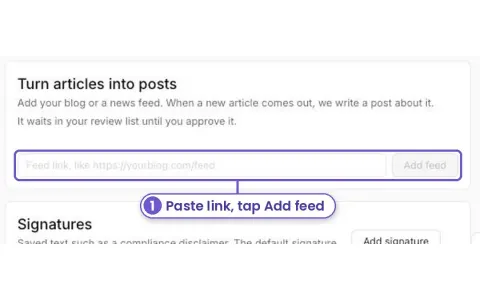
New Turn your blog posts into social posts on their own
Add your blog's feed link once. Each time you publish a new article, Marky writes a post about it and puts it in your review list.
See how → -
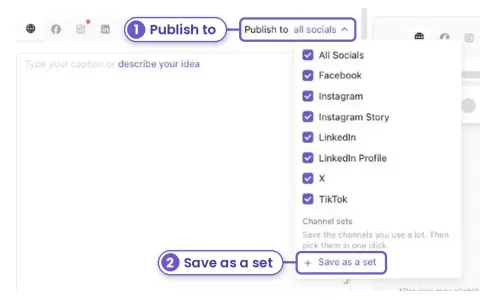
New Pick the same accounts in one click
Save the accounts you post to most as a channel set. Next time, pick the set and you're done.
See how → -
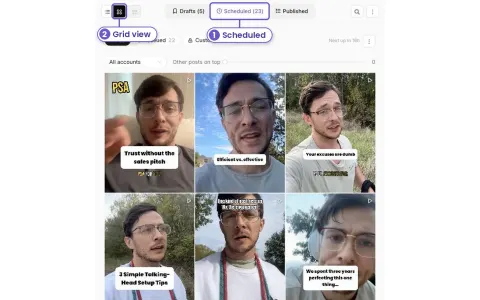
New See your Instagram grid before your posts go out
Check how next week's posts will look on your profile, side by side, before they publish. Pick one account and line them up with what is already live.
See how → -
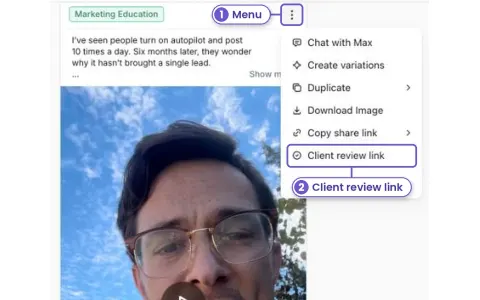
New Let your client approve posts from their phone
Send one link. Your client or manager can approve a post, ask for changes, or leave a note. They don't need an account or a password.
See how → -
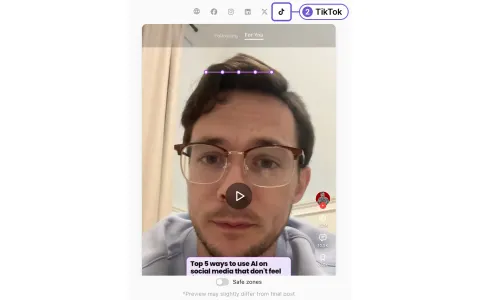
New Keep your text clear of TikTok and Reels buttons
Turn on Safe zones in the post preview to see which parts of a tall video or photo TikTok, Reels, Shorts, Stories and Pins may cover.
See how → -
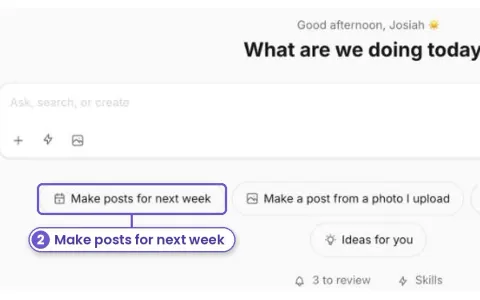
New Get next week's posts started in one tap
Open AI Chat and tap Make posts for next week. Max checks your calendar, writes the posts and makes the graphics. You check them and schedule them all at once.
See how → -
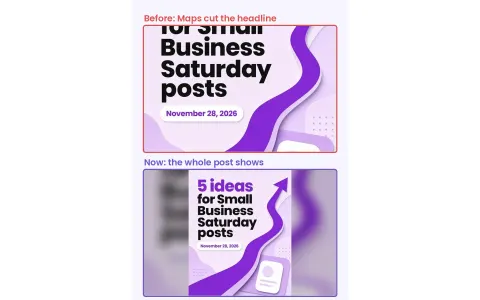
New Your Google Business posts now show the whole headline on Maps
Google Maps crops post images to a wide box. Marky now adds space to the sides of tall and square posts, so the headline isn't cut off.
See how → -
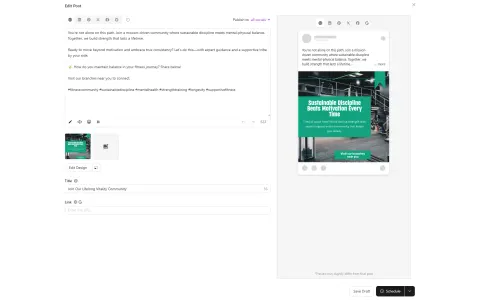
Editing Post's Design
Change the picture, text, colors and caption of any post before it goes out.
See how → -
Supported Image Formats
JPG and PNG work best. See every picture type Marky takes, and the few it can't use.
See how → -
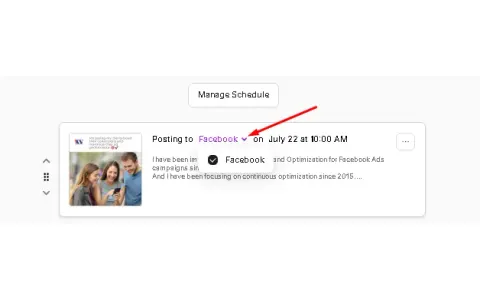
Unselect a Social for Specific Posts
Skip one account for one post. Open the post and uncheck that social.
See how →
Agency
-
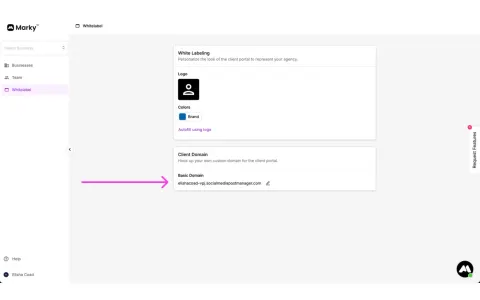
What is a Client?
A client logs in to your agency's own portal. They see your brand, never Marky's.
See how → -
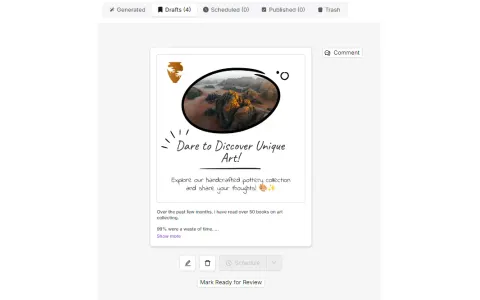
Review Process: Statuses and Commenting
Send posts to your client to approve. They can OK them, ask for changes or comment.
See how → -
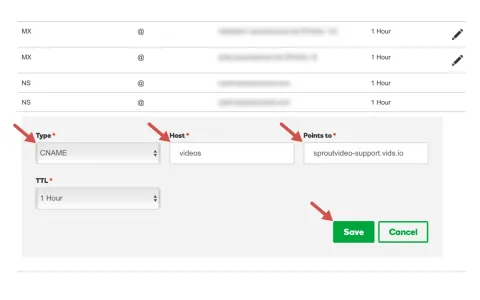
Setting up a Custom Domain (CNAME)
Put your client portal on your own web address, like social.yourdomain.com.
See how →