
6 articles
-
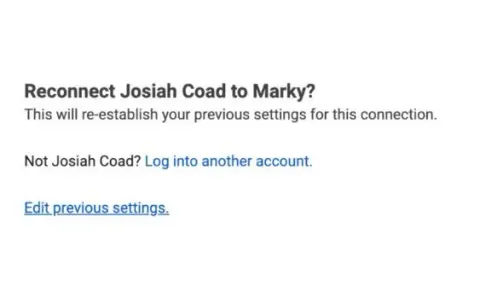
Connect a Facebook account to multiple Marky businesses
One Facebook login, many pages? Opt in to all pages, then pick the right one for each workspace.
See how → -
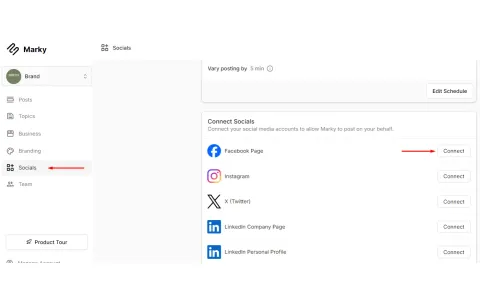
How to Reconnect Socials with "Opt in to all"
Using one login for many workspaces? Reconnect with Opt in to all so none get locked out.
See how → -
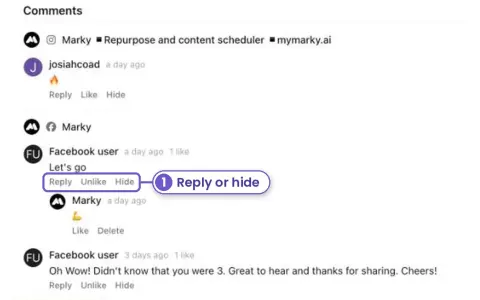
New Answer Facebook and Instagram comments without leaving Marky
Open a post that's already out. Its Facebook and Instagram comments are right under the stats. Reply, like or hide them there.
See how → -
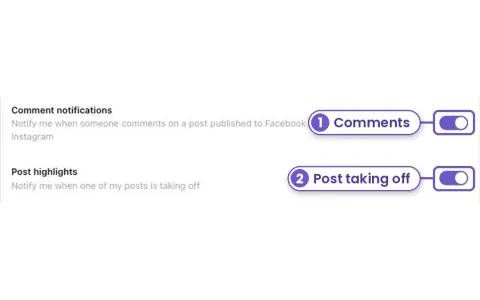
New Get told when a post takes off or gets a comment
Turn on browser alerts in Account, Notifications. Marky tells you when someone comments on a Facebook or Instagram post, and when one of your posts is doing far better than usual.
See how → -
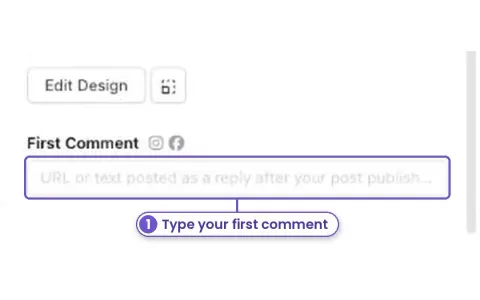
New Add a first comment to your posts
Put a link, your phone number or extra hashtags in a first comment. Marky posts it under your Facebook, Instagram or YouTube post right after it goes out.
See how → -
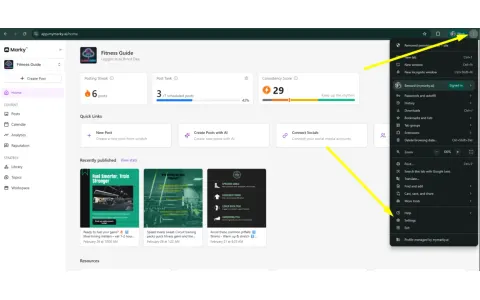
How to fix socials not connecting
Socials won't connect? Most of the time your browser is blocking the pop-up. Here's the fix.
See how →