
You want your booking link on an Instagram post, but links in Instagram captions don't work. A first comment fixes that. Marky posts it under your post the moment the post goes out, so it's the first thing people see.
How to add one
Step 1
Open a post in Posts, or make a new one.
Step 2
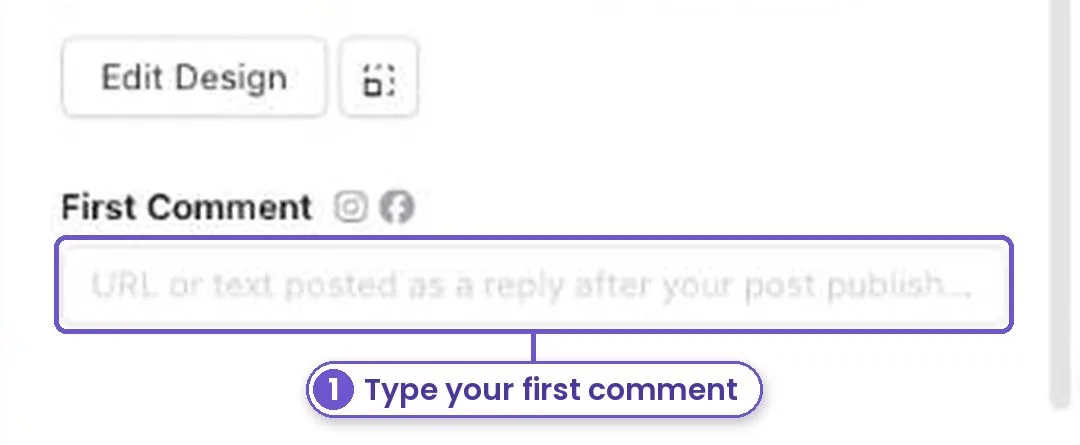
Scroll down under the picture to First Comment. The small icons show which accounts it will go to.
Step 3
Type your link, phone number or hashtags. Then schedule the post as usual.
It works for Facebook pages, Instagram feed posts and YouTube. If an account needs a reconnect first, Marky tells you right there.
What you get
A clean caption, and the link or number people need sits right under it.