
You run a busy shop and post a few times a week. Before the posts go out, you want to know how they will look together on your profile. Do the colors clash? Are three photos of the same truck in a row? Now you can see it all as a grid, the same way people see your page.
How to see your grid
Step 1
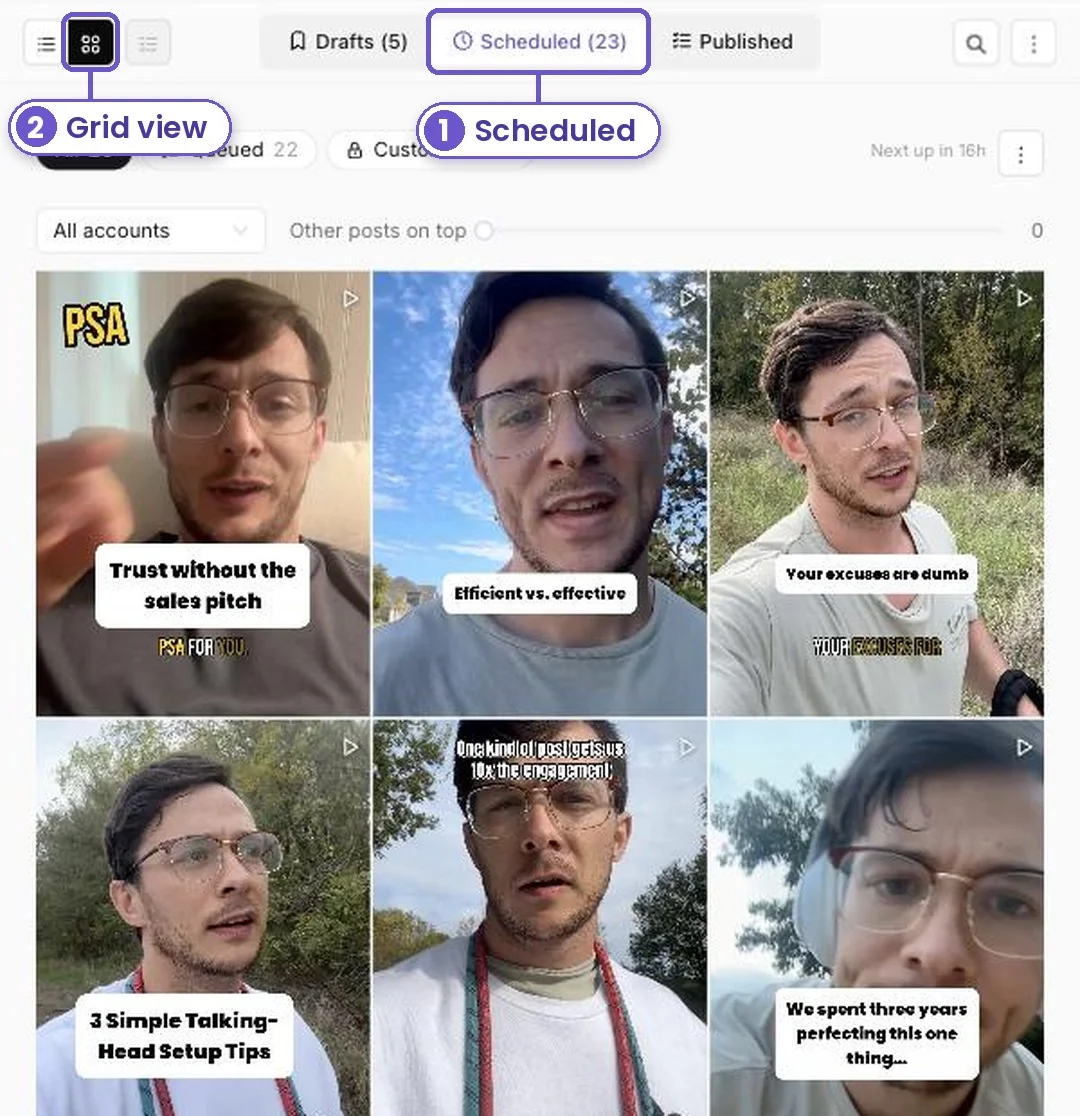
Go to Posts and open the Scheduled tab.
Step 2
Tap the grid button at the top left. Your scheduled posts now show as tiles, newest first, like your profile.
Step 3
Pick one account from All accounts, like your Instagram. Now you only see the posts going to that page.

Step 4
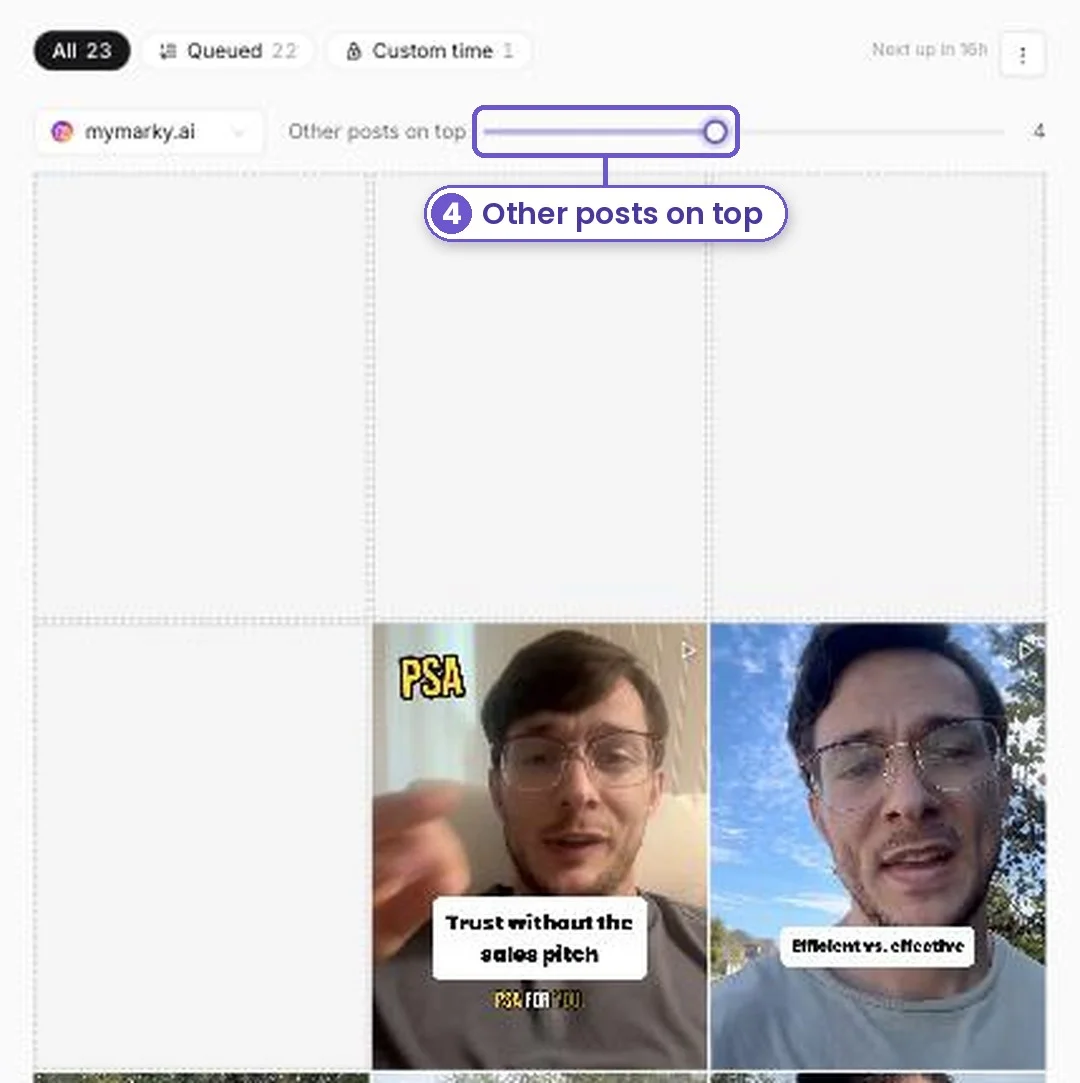
Some posts are already on your page. Slide Other posts on top to leave room for them. Blank tiles show where they sit, so the grid matches what people will see.
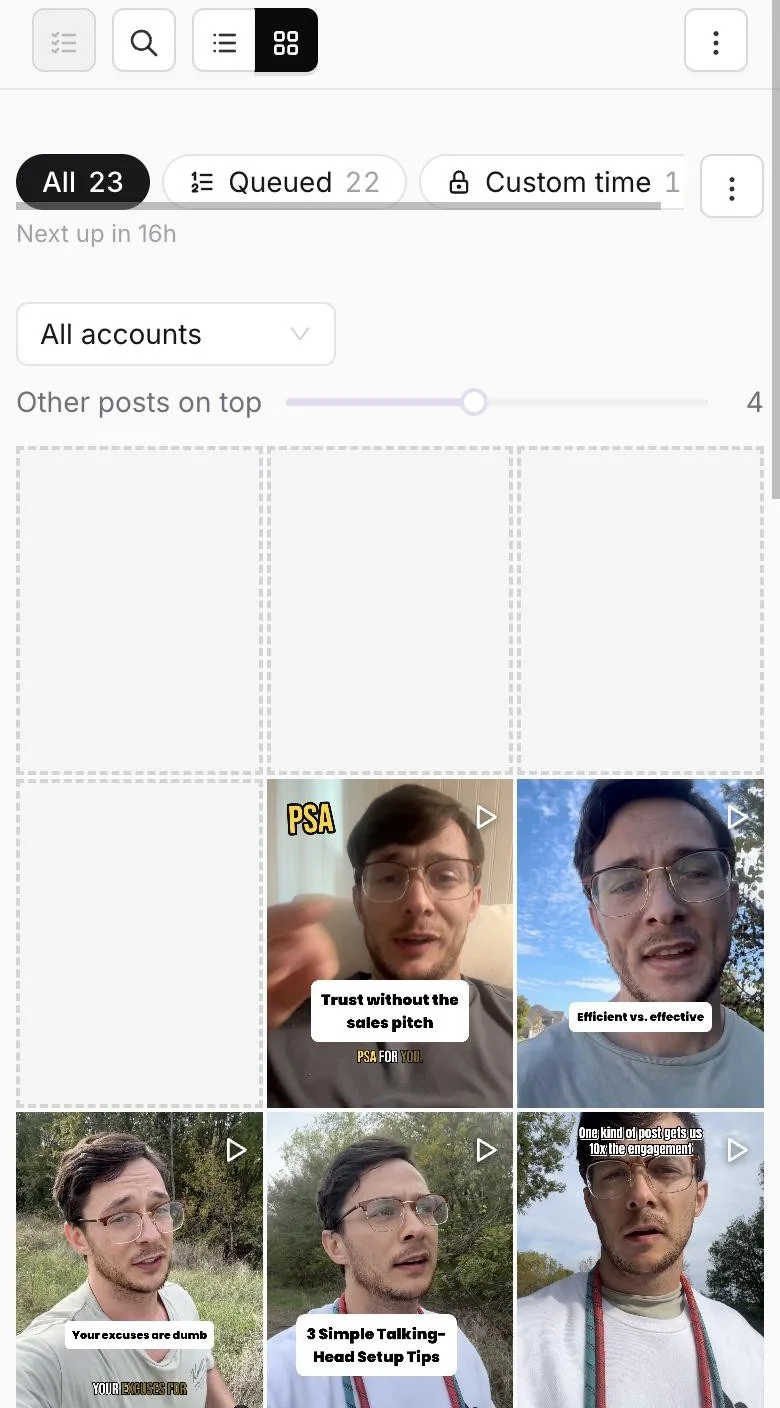
It works on your phone too.
What you get
Your feed looks planned, not random. You catch a clash before it goes live, then drag posts into a new order in the list view to fix it.