
You run a cleaning business and your manager (or your client) wants to OK posts before they go out. Chasing them by text is slow. Now you send one link. They open it on their phone, read the post, and tap Approve. They don't need an account.
How to send a review link
Step 1
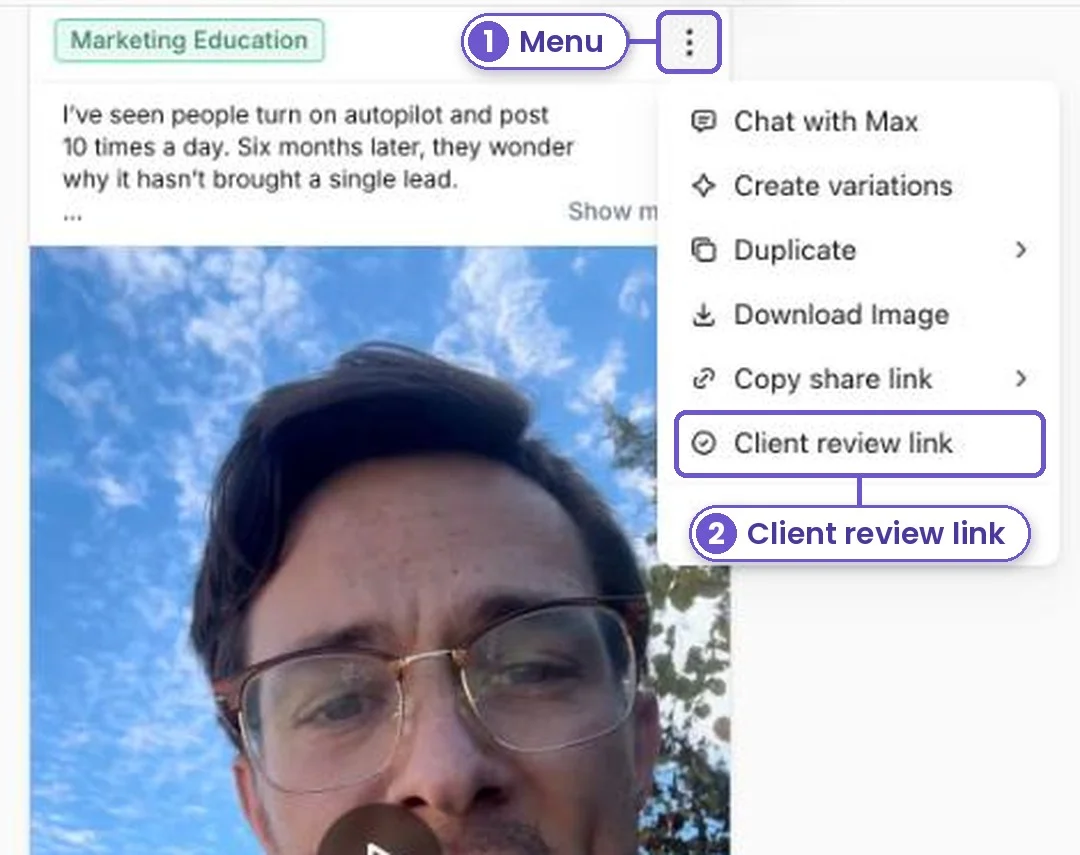
Find the post in Posts. Tap the menu (the three dots) on the post.
Step 2
Pick Client review link.
Step 3
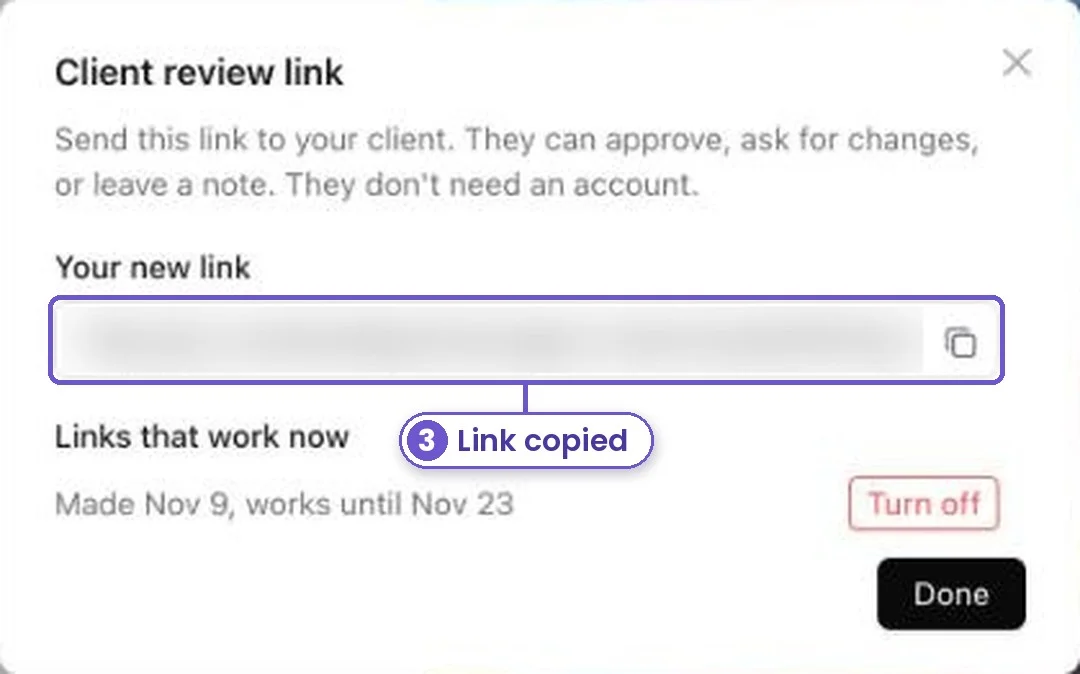
Tap Make a review link. The link is copied for you. It works for 2 weeks, and you can turn it off any time.
Step 4
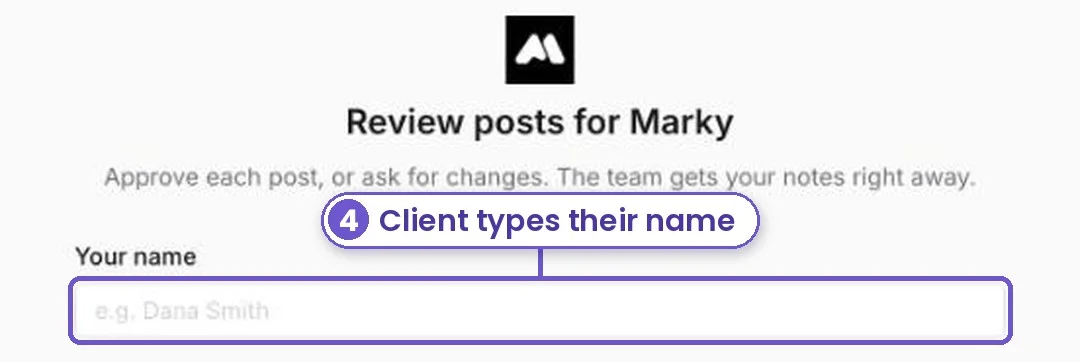
Send the link by text or email. Your client opens it and types their name. The page shows your business name, not ours.
Step 5
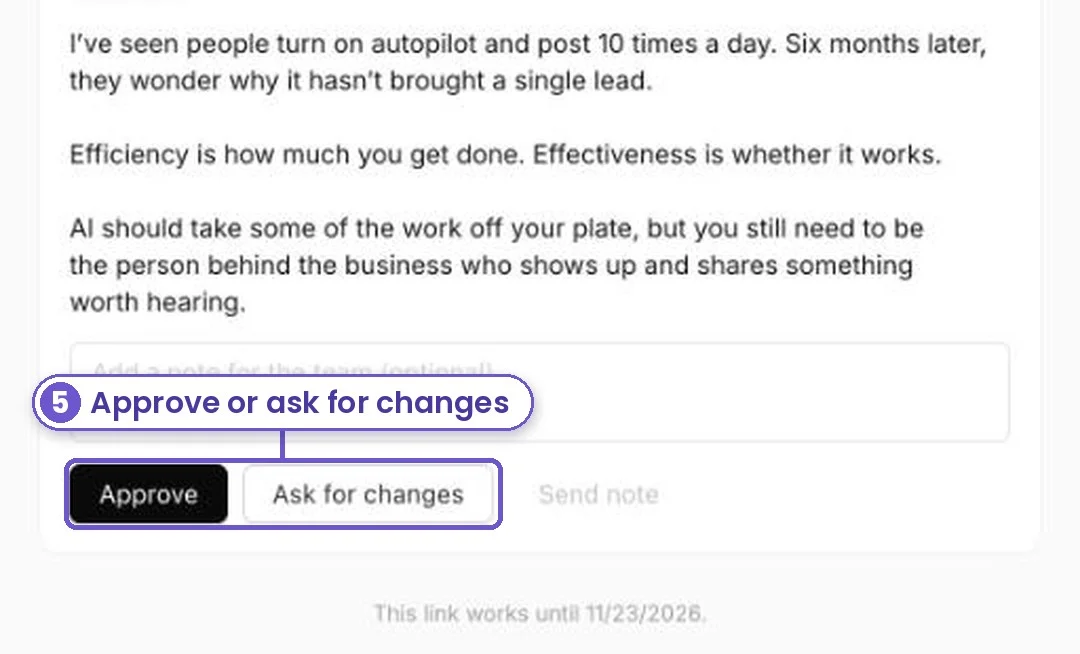
They tap Approve, or Ask for changes and say what to fix. You see their answer on the post.
What you get
Posts go out on time, and the person who needs to sign off has signed off. No logins, no back and forth.