
How can we help?
Search or pick a topic.
Pick a topic
-
Getting Started
Set up your account and make your first posts.
See all 4 → -
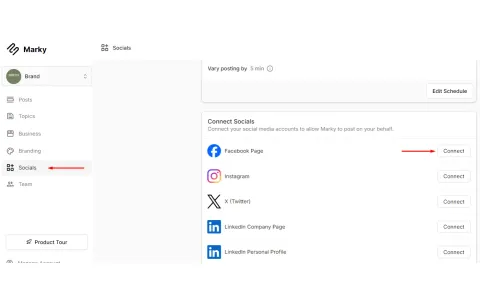
Setting up Socials
Connect Facebook, Instagram, Pinterest and more. Fix connection problems.
See all 4 → -
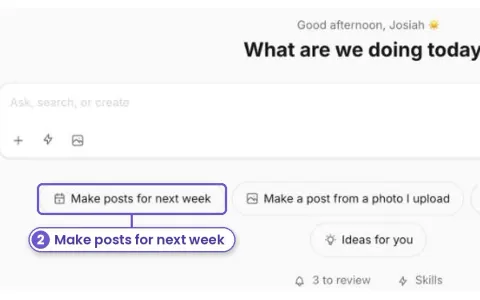
Marky's Features
How to use posts, design edits, credits, agency tools and your account.
See all 21 → -
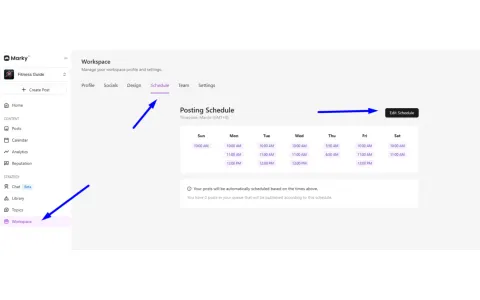
Social Media Tips
Simple tips to post better and grow on social media.
See all 31 →
New this month
-
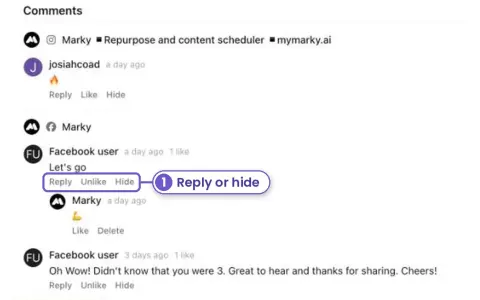
New Answer Facebook and Instagram comments without leaving Marky
Open a post that's already out. Its Facebook and Instagram comments are right under the stats. Reply, like or hide them there.
See how → -
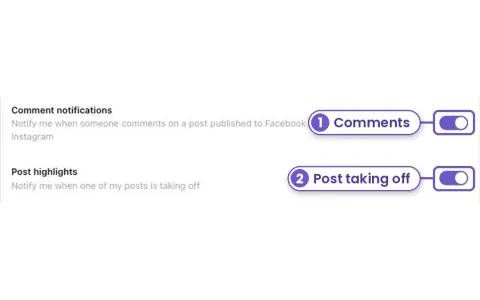
New Get told when a post takes off or gets a comment
Turn on browser alerts in Account, Notifications. Marky tells you when someone comments on a Facebook or Instagram post, and when one of your posts is doing far better than usual.
See how → -
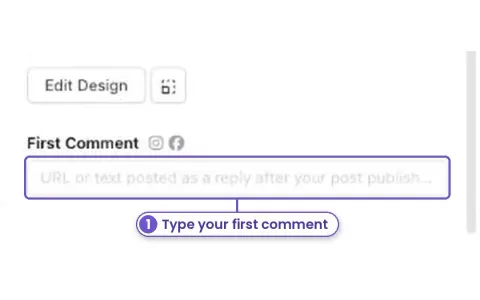
New Add a first comment to your posts
Put a link, your phone number or extra hashtags in a first comment. Marky posts it under your Facebook, Instagram or YouTube post right after it goes out.
See how → -
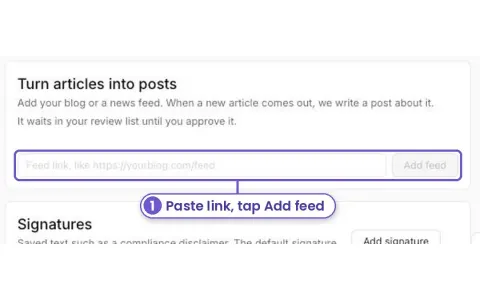
New Turn your blog posts into social posts on their own
Add your blog's feed link once. Each time you publish a new article, Marky writes a post about it and puts it in your review list.
See how → -
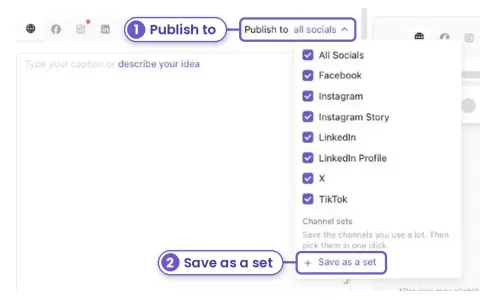
New Pick the same accounts in one click
Save the accounts you post to most as a channel set. Next time, pick the set and you're done.
See how → -
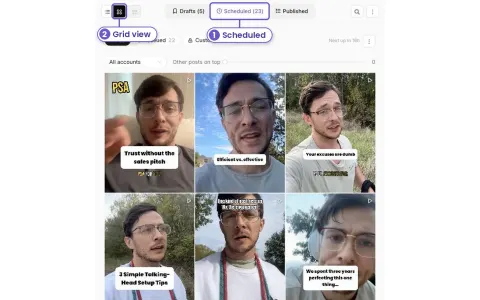
New See your Instagram grid before your posts go out
Check how next week's posts will look on your profile, side by side, before they publish. Pick one account and line them up with what is already live.
See how →
Browse by tag
- growth tips 23
- scheduling 13
- content ideas 9
- Instagram 9
- planning 8
- connecting accounts 7
- agencies 6
- Facebook 6
- photos 6
- getting started 5
- videos 5
- engagement 4
- post design 4
- approvals 3
- billing and credits 3
- captions 3
- account settings 2
- results 2
- white label 2
- Google Business 1
- LinkedIn 1
- Pinterest 1
- TikTok 1