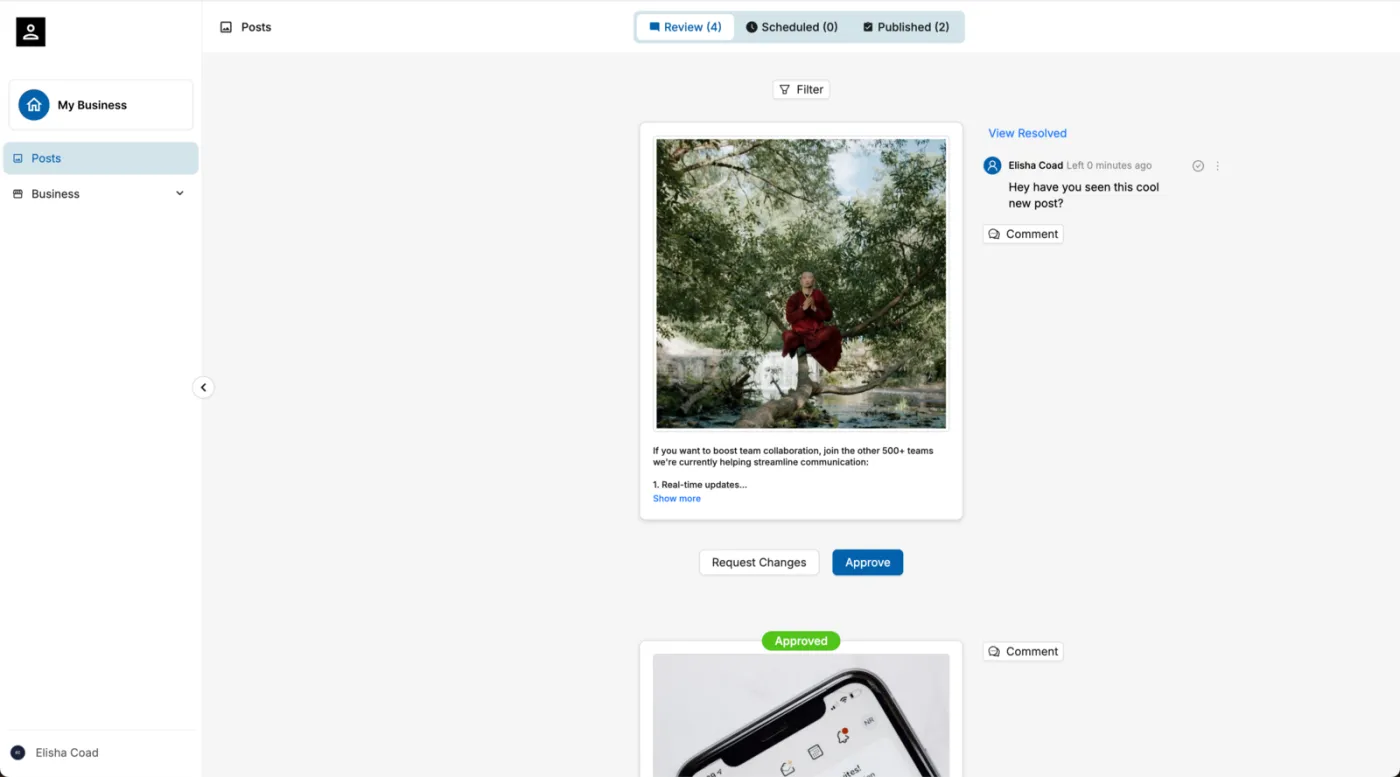
What is an agency client?
A Client is a type of user available exclusively to agencies. You can see what is unique about clients in this chart below.
Aspect | Agency Client |
|---|---|
Use Case | A client hires an agency to manage their social media |
Login | Through custom url and portal |
UI Branding | Agency's branding (no Marky traces anywhere) |
In-app Charges | Client will never see in-app charges or paywalls |
In-app Surveys | Client will not receive in-app survey's about their experience |
Ad Targeting | Marky will not report the user to our ad partners for retargetting |
Business Management | Managed by the agency |
Support and Training | Provided by the agency |
Emails | Marky will not send any emails to clients (marketing, drip, educational, etc) |
Permissions | Granular permissions, enabled by the agency (feature of advanced white labeling) |
Data Privacy | Governed by the agency's and Marky's privacy policies |
Notifications | Receives no emails from Marky (no forgot password, failed post emails, etc) |
How do I add a client?
- First, double check your Client Portal settings on your agency account.
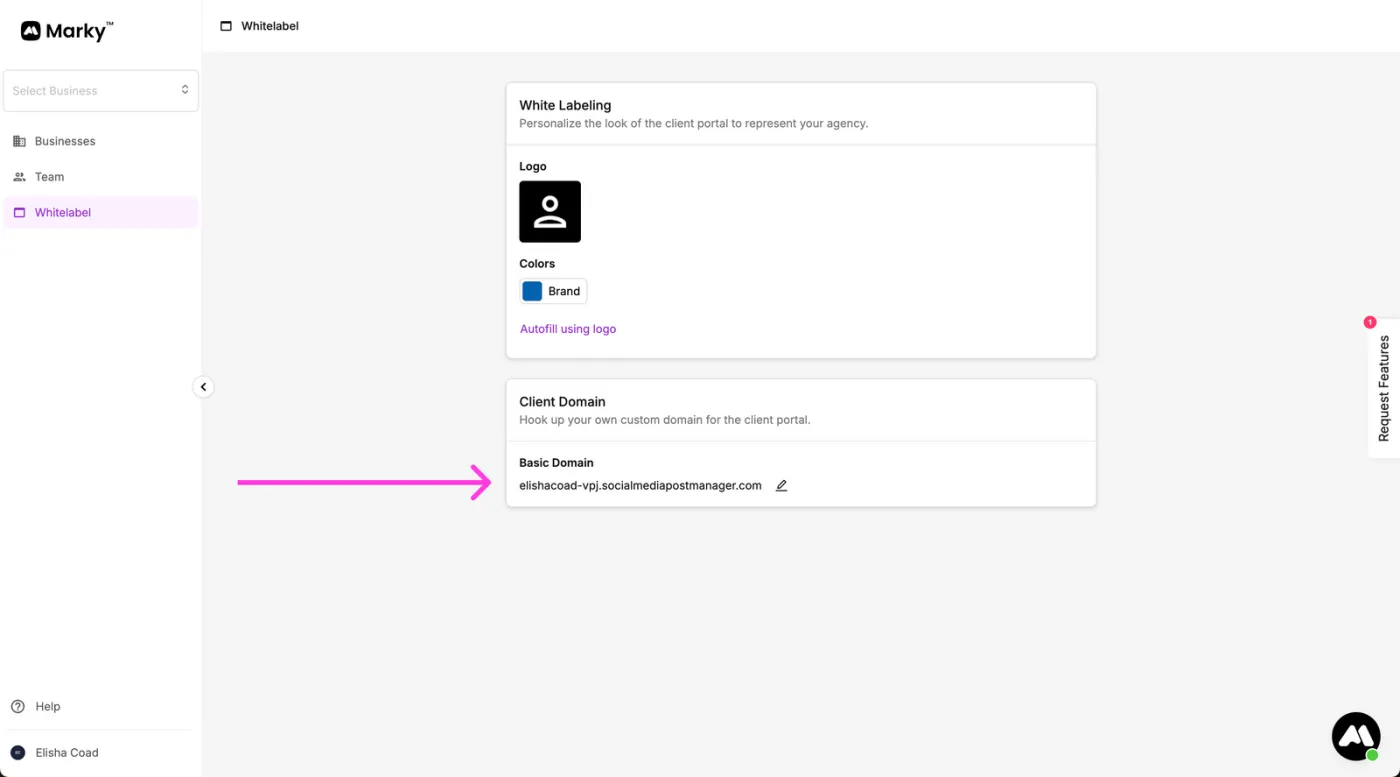
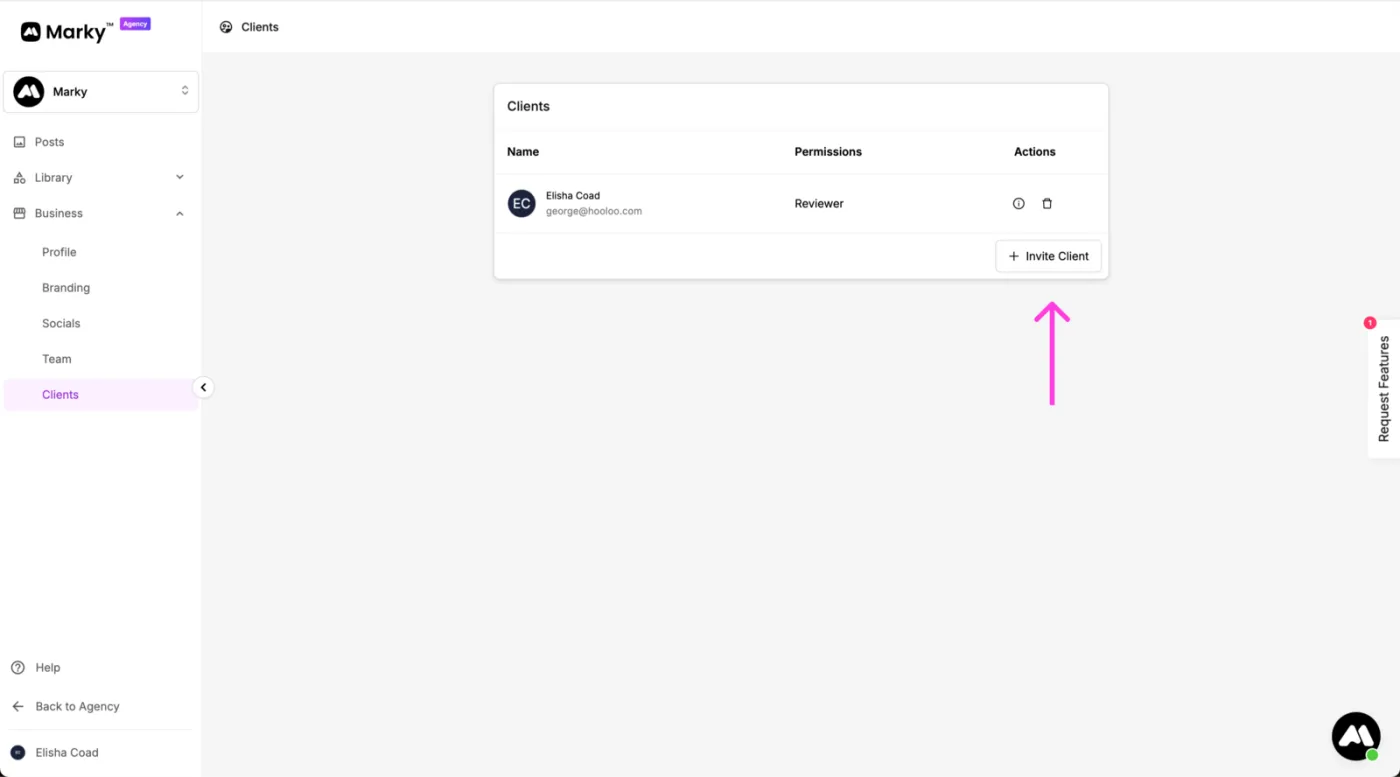
- Go to a business you want to add your client to and click "Add Client"
- Send them the link Marky provides which will allow them to set up an account
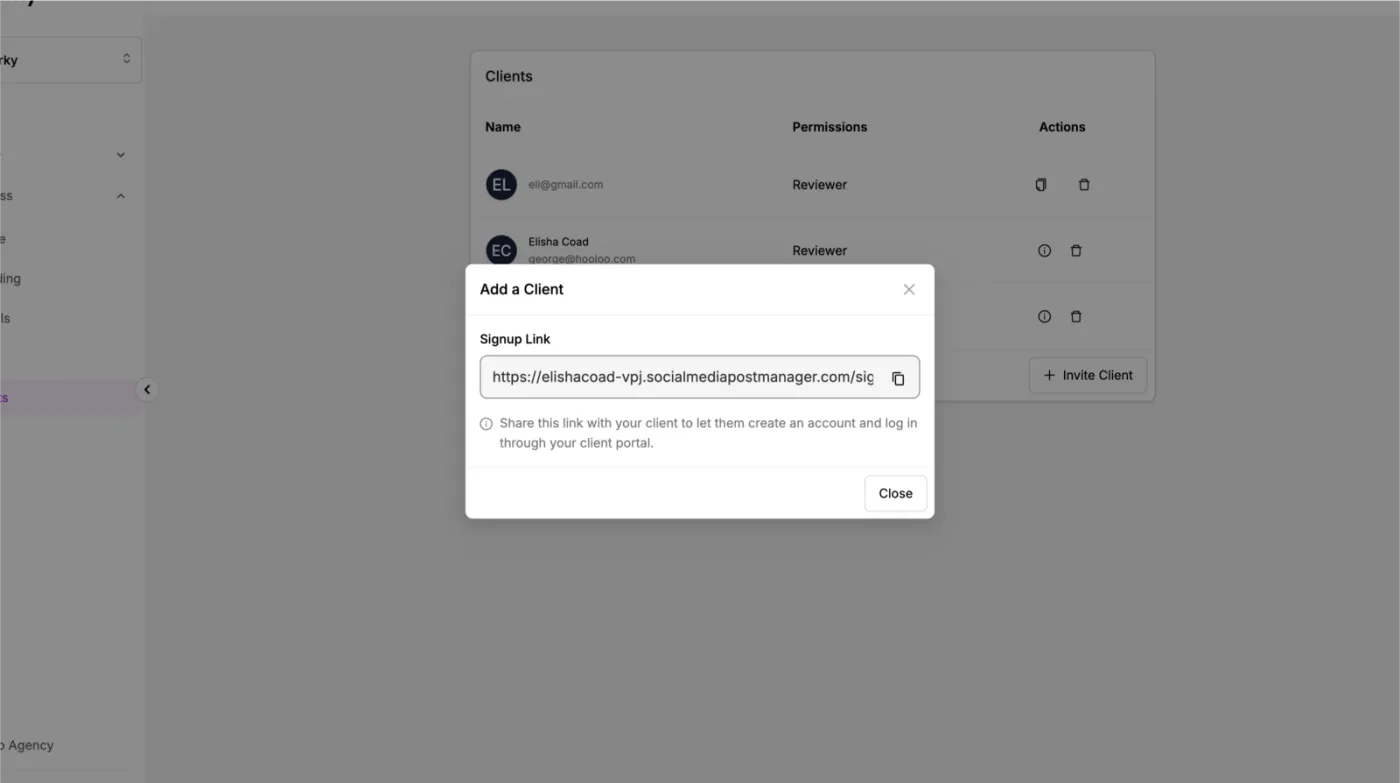
- The client will use this link to set up their account on your white labeled domain
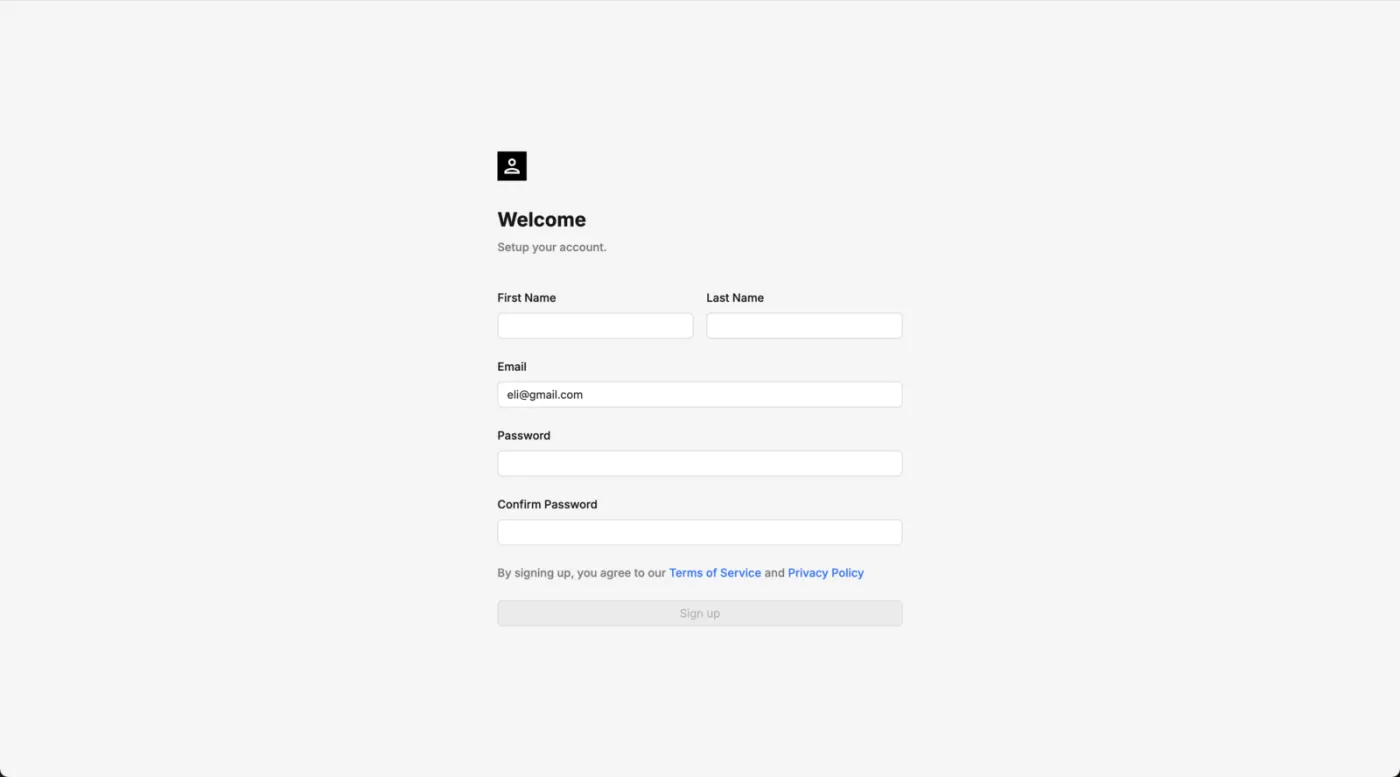
- And that's it! The client will now be able to log into your client domain at any point and review posts.