
It's Sunday night and next week has no posts yet. You don't want to start from a blank page. Open AI Chat and tap one button. Max, your assistant in Marky, looks at what's already planned, then writes posts to fill the gaps.
How to do it
Step 1
Open AI Chat from the left menu.
Step 2
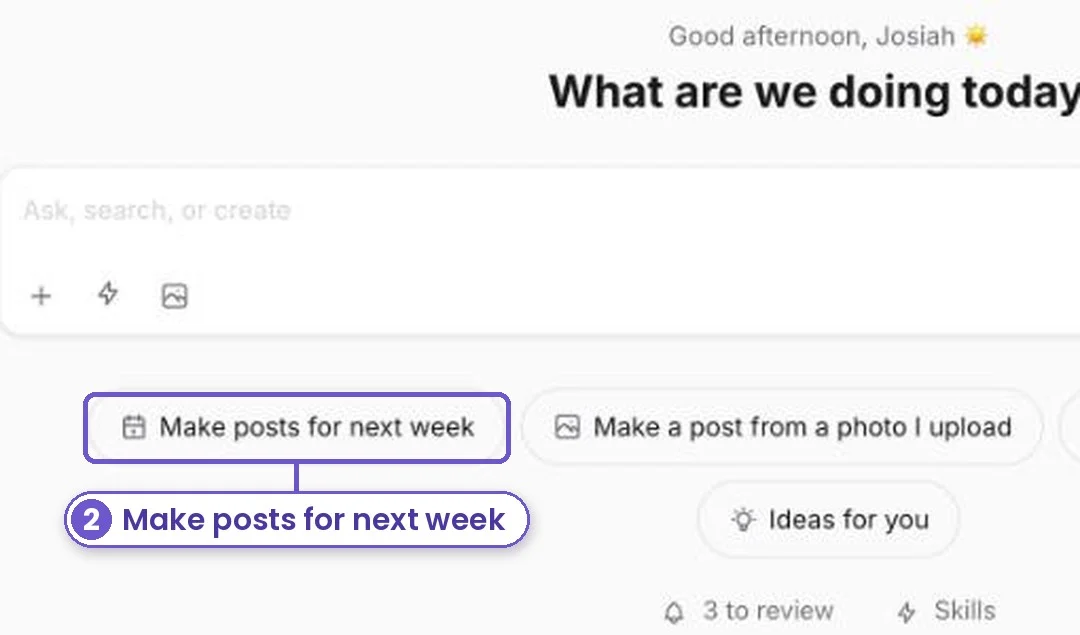
Tap Make posts for next week. You can also type what you want, like "3 posts about our fall special".
Step 3
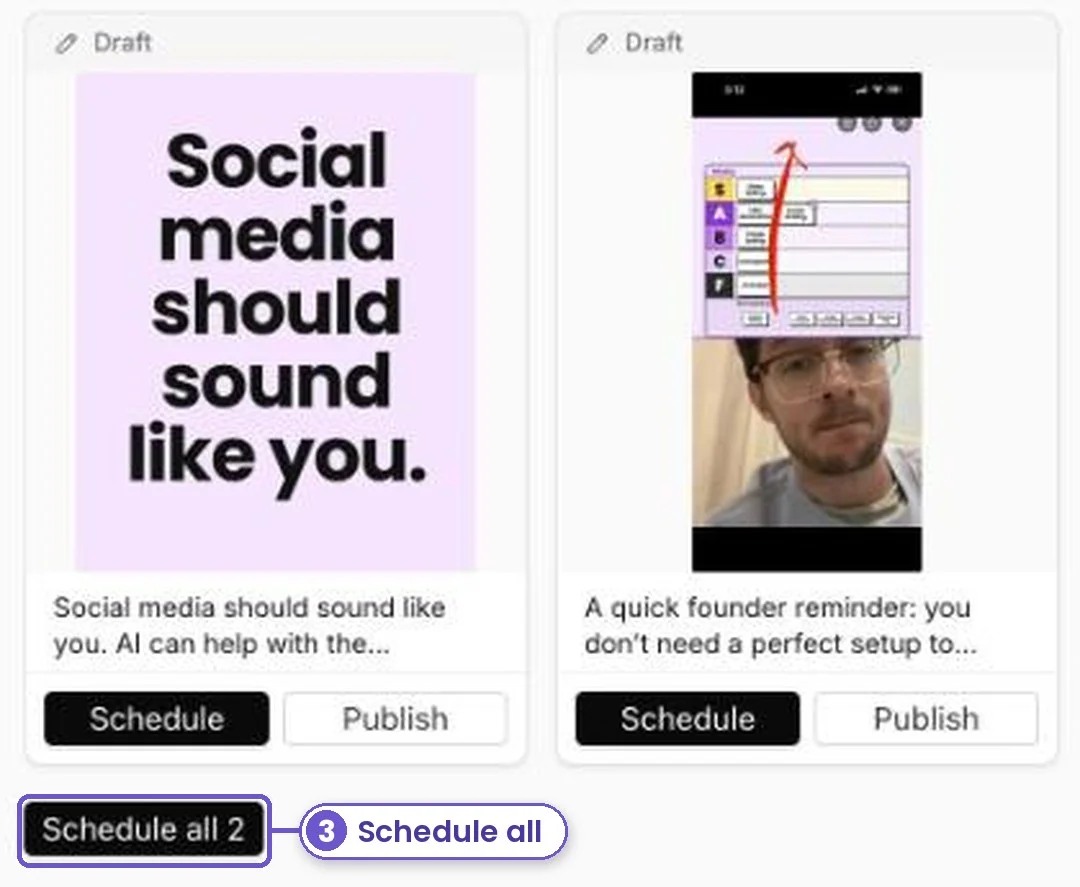
Max checks your calendar, writes the posts and makes the graphics. Read them over. Tap a post to change it, then tap Schedule all.
What you get
A week of posts started in a couple of minutes, in your brand's look and voice. You stay in charge: nothing goes out until you schedule it.