
You're on a job site all day. You don't have time to check every app. But when a post is taking off, or a customer comments, you want to know right away so you can answer while people are looking.
How to turn the alerts on
Step 1
Click your name at the bottom left and open Account. Pick Notifications.
Step 2
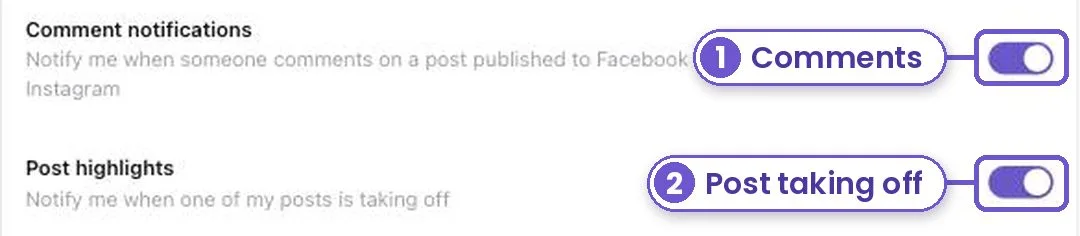
Turn on Comment notifications to hear about new comments on your Facebook and Instagram posts.
Step 3
Turn on Post highlights to hear when one of your posts is doing much better than your usual.
Your browser may ask if Marky can send alerts. Say Allow. The same alerts also land in the bell at the bottom left of Marky.
What you get
You find out about a hot post or a new question while it still matters, not days later.