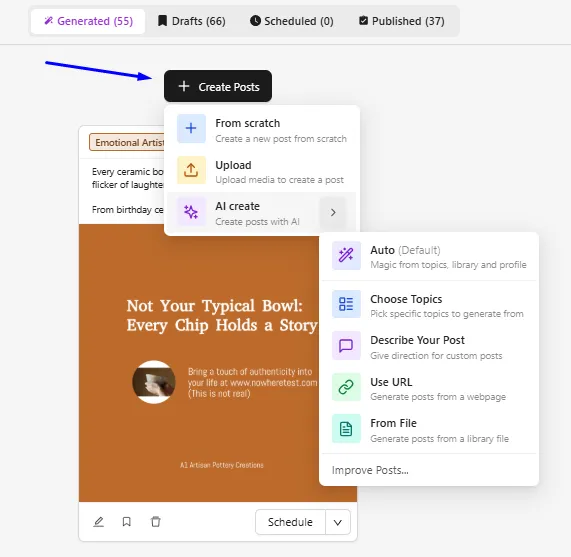
Credits will only be used if you generate AI Images, AI Videos, chat with MARKY MAX, run a workflow, or instruct it to generate posts.
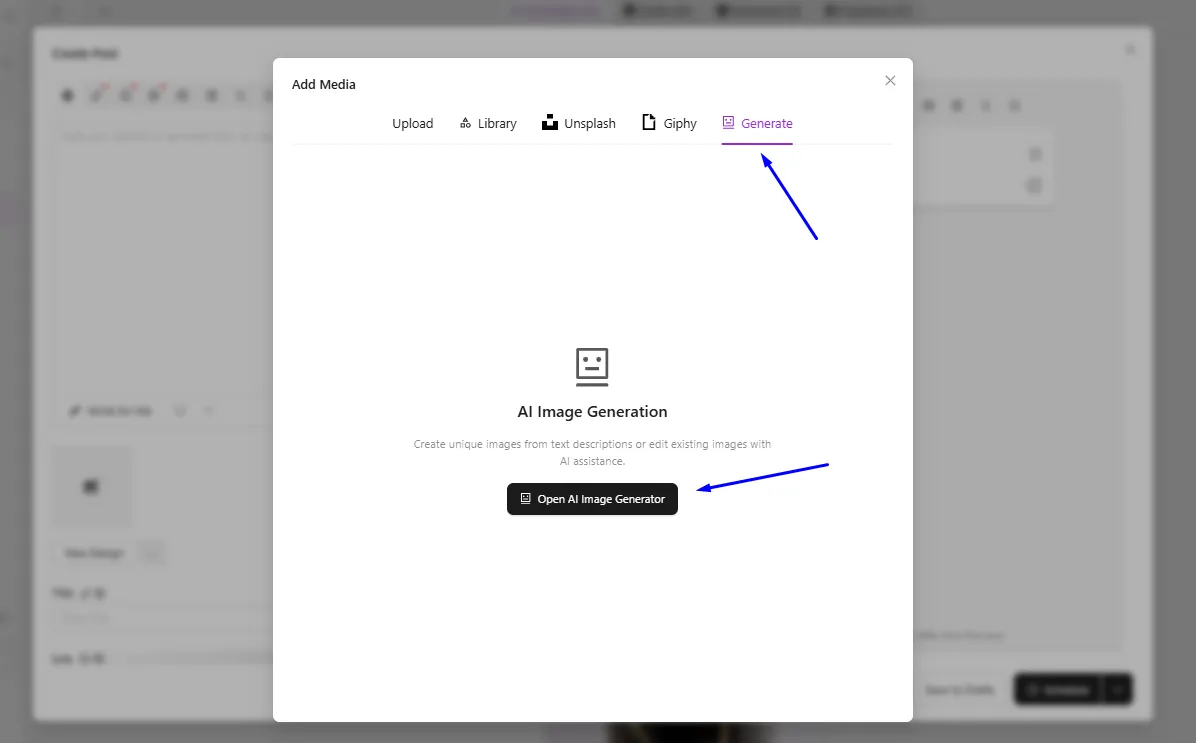
Generate AI Images (Nano Banana and Banana Pro)
- Click + Create Posts > From Scratch
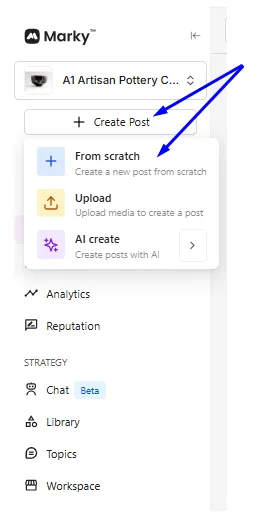
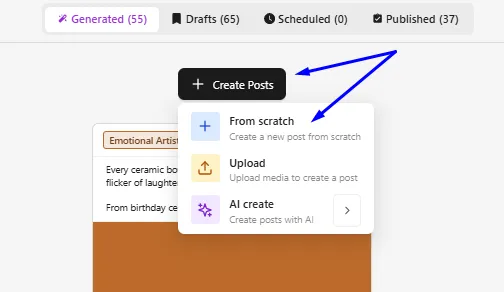
- In the Create Post screen, click on the Add Media icon
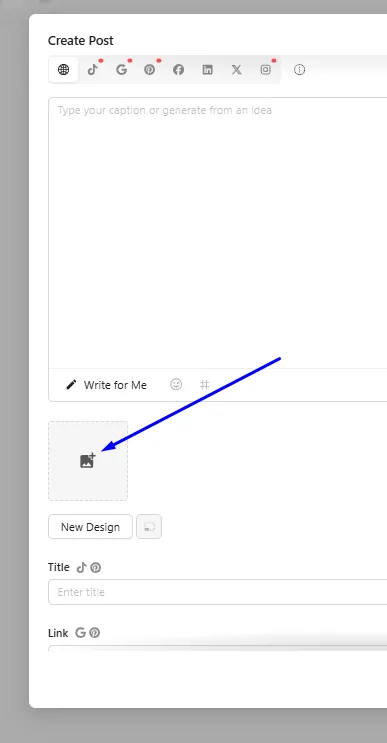
- Click Generate tab, then Open AI image Generator
Generate AI Videos
- Click Chat Beta or the Marky Max tabs
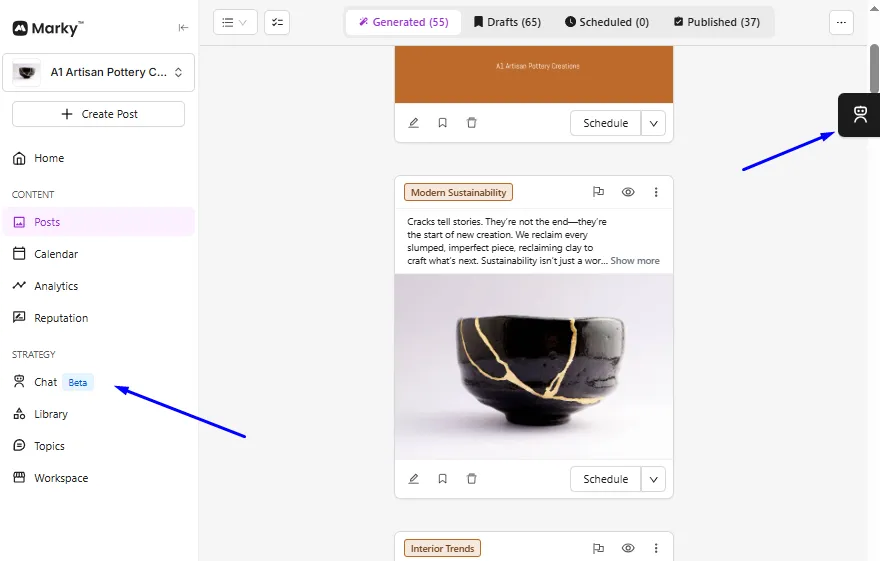
- Type in your prompt. You can also select the chat model—by default, it is set to Auto.
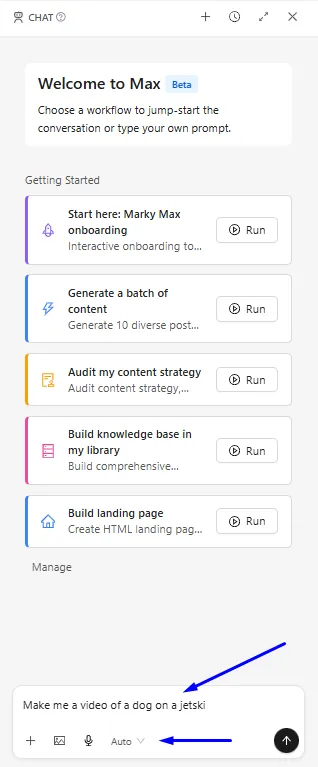
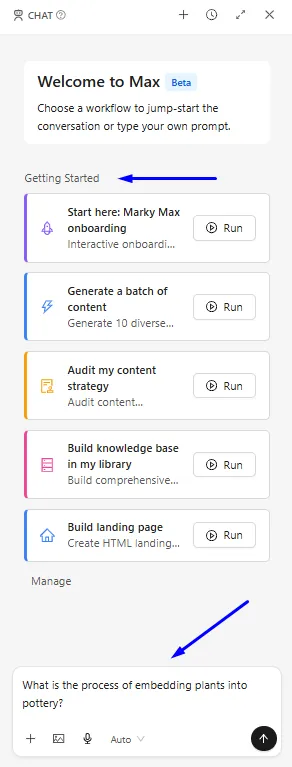
**Chat with MARKY MAX, run a workflow, or instruct it to generate posts. **
- Ask Max a question or pick from any of the available workflows
Describe your Post + Selecting AI Image media.
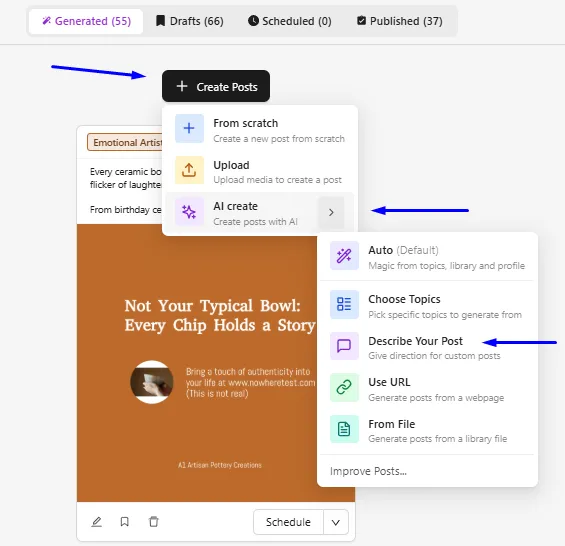
- Click + Create Posts, then AI Create and Describe your Post
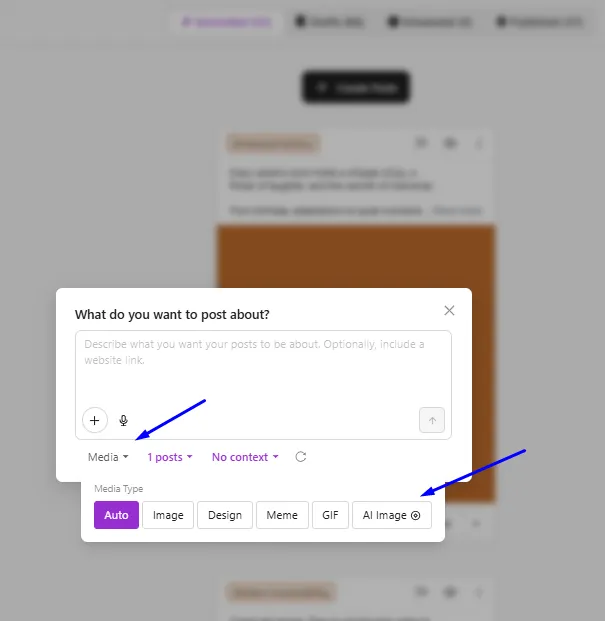
- Click the Media Type dropdown and then select AI Image. Enter a prompt to describe what you want to post about.
Everything else in the + Create Posts is the regular method of using Marky and does not use credits