November releases: better posts, the iPhone app, and more

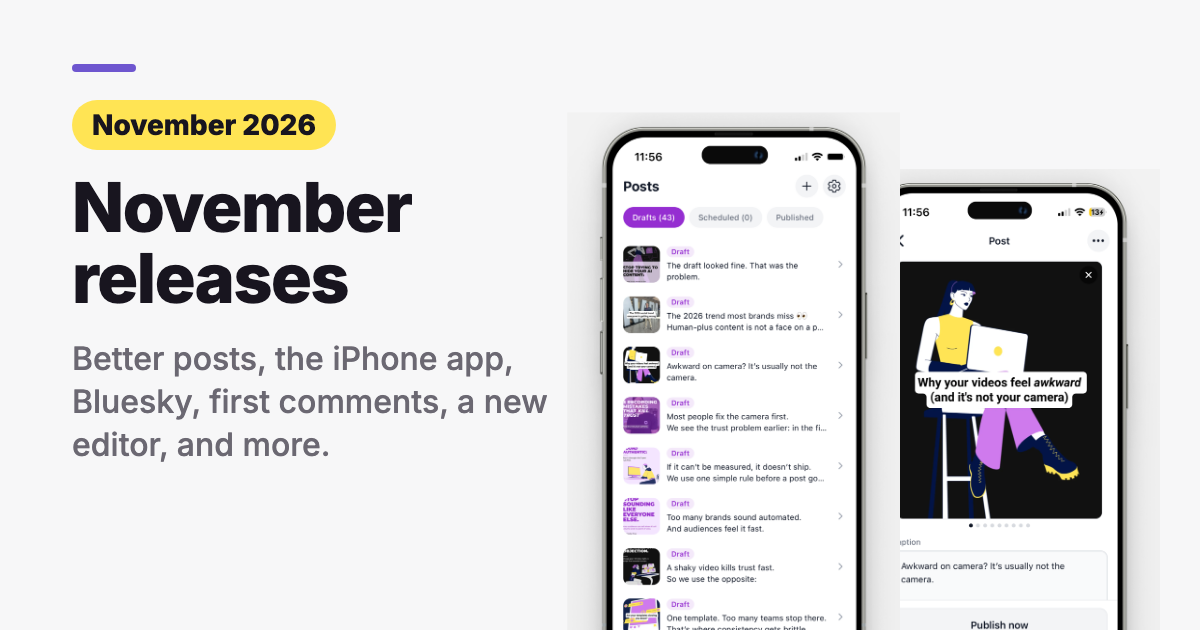
This month we shipped a lot. Each part below says what changed, what it does for your business, and how to use it. Some parts have a short demo you can watch.
Want to tell us which ones matter to you? Rate each one in our 2-minute survey.
Missed our November Office Hours or want to rewatch? Here's the recording.
1. Better posts
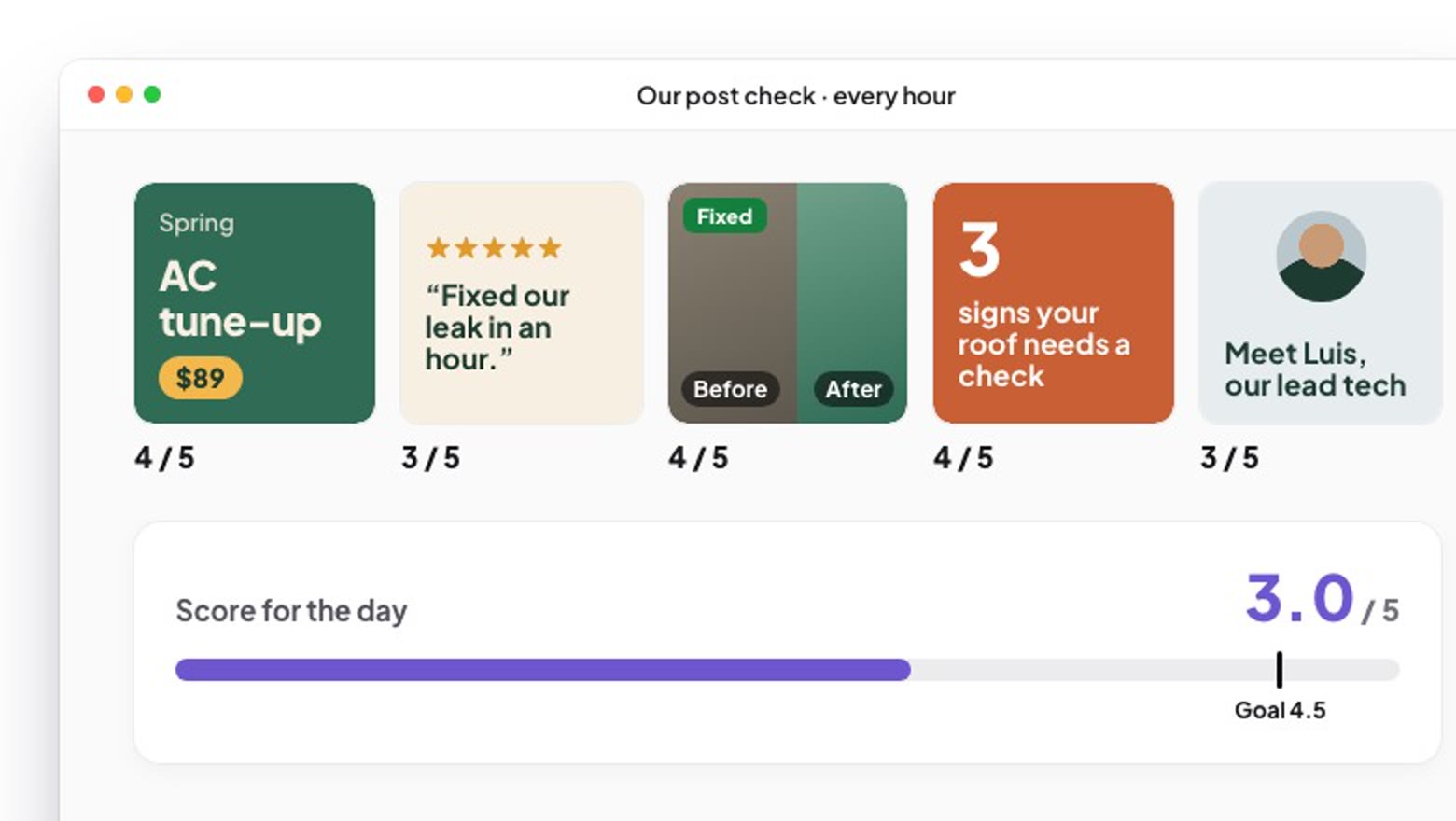
Good posts are the main thing you pay us for, so this comes first. Every hour we now score a sample of real posts, blind, out of 5. In four days the average went from 2.8 to 3.0. Our goal is 4.5, so we are not done. We fixed missing pictures, blank captions, the same photo used twice in one week, and captions that didn't match the picture.
How to get posts with a clear headline and your real photo →
2. The iPhone app
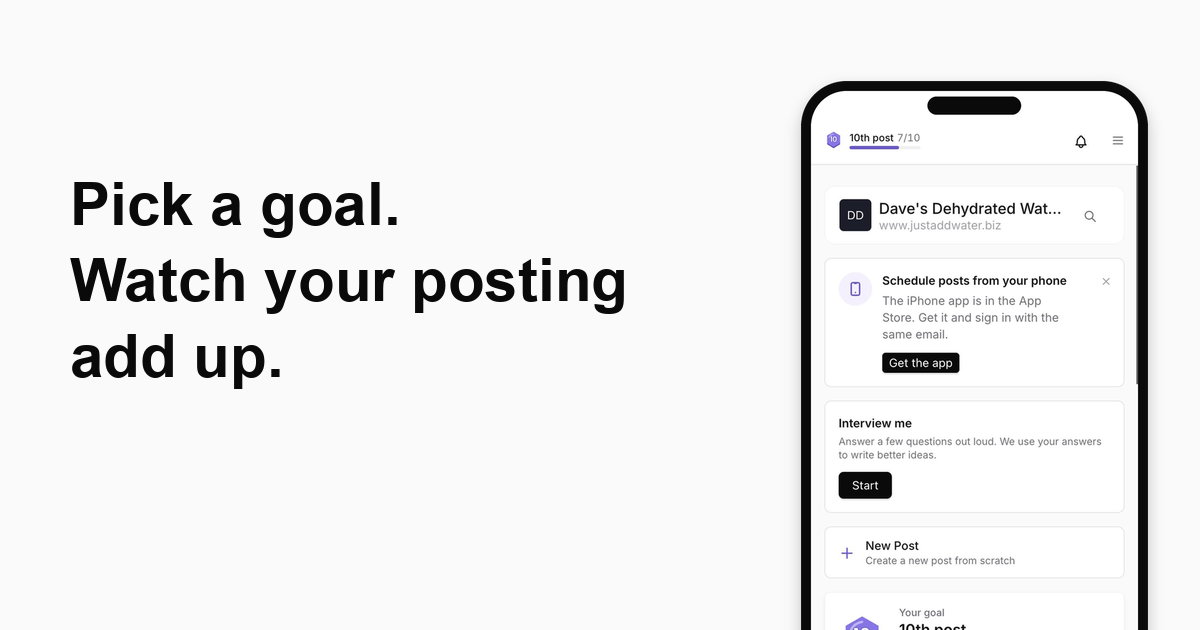
Check, fix and schedule your posts from your phone, between jobs. Sign in with your Marky login and your posts are already there. It's free on the App Store. Search for "Marky Mobile".
How to get Marky on your iPhone →
3. Post to Bluesky
If your customers are on Bluesky, your posts can go there too, from the same place as the rest of your socials. Bluesky posts also show views and likes.
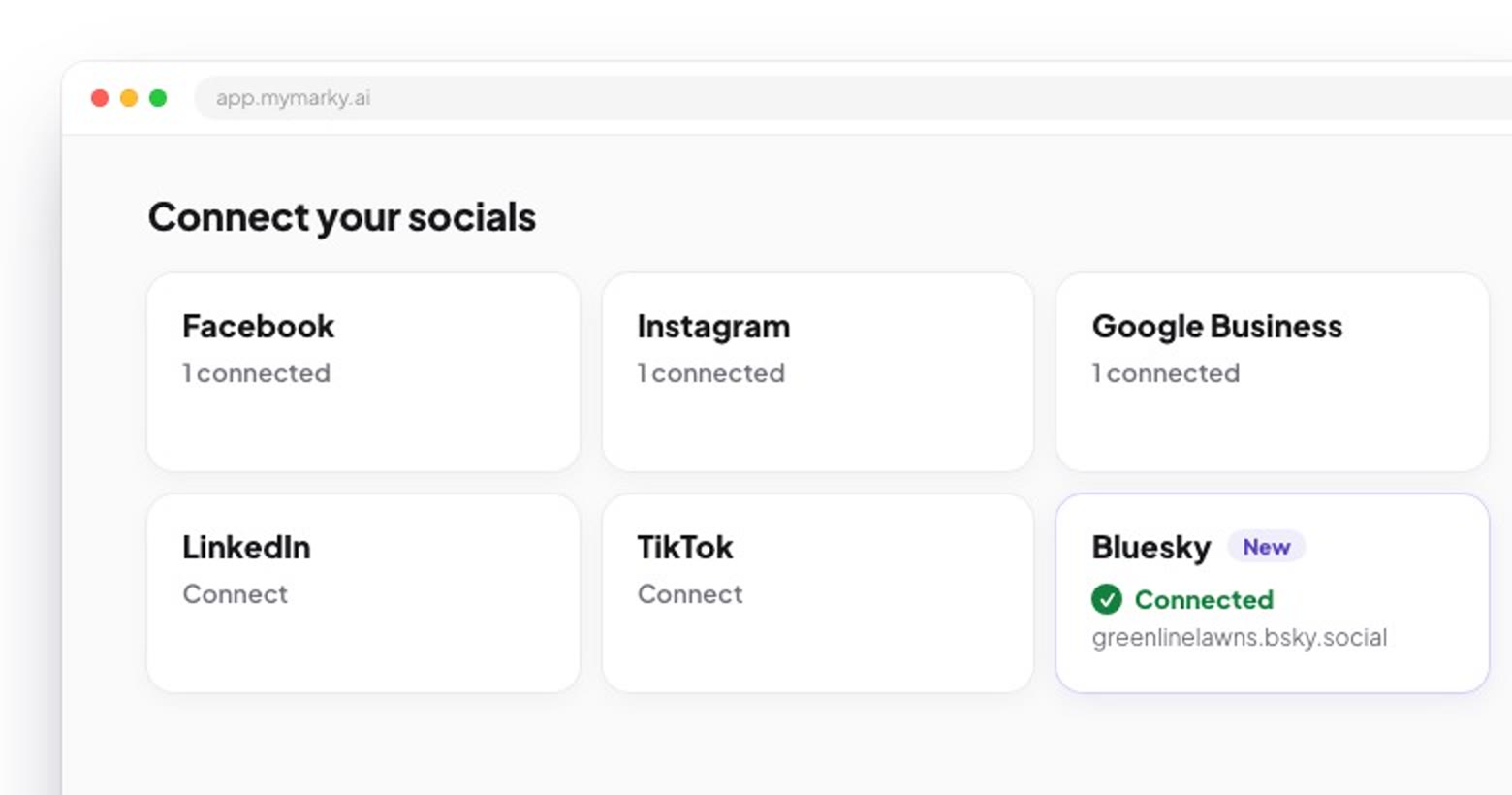
Bluesky connects with an app password. It can post for you but can't change your account. Don't use your regular password.
4. Your own first comment
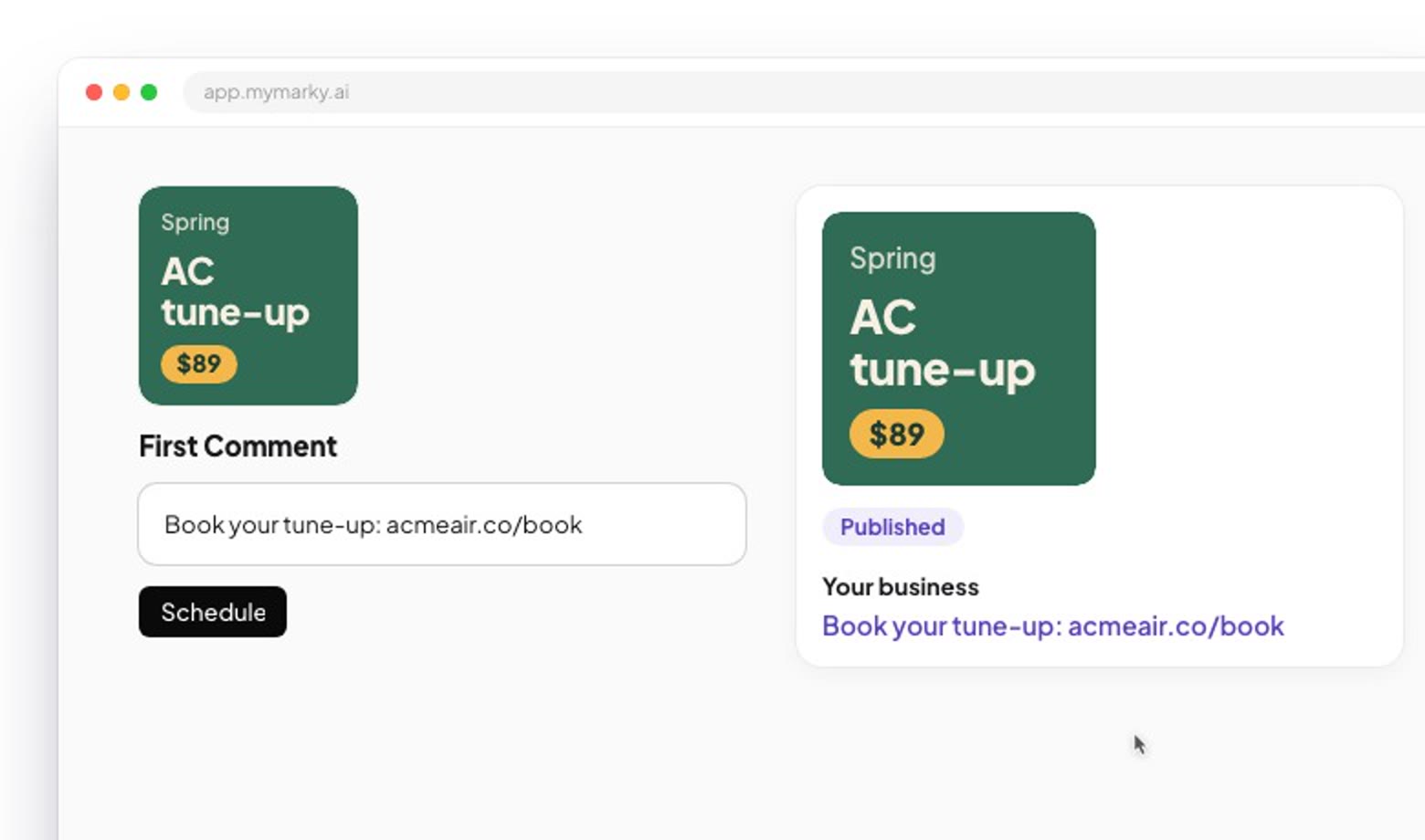
Put your booking link, address or a question in the first comment, so the caption stays short and the link is easy to find. Works on Facebook, Instagram feed posts and YouTube.
5. Answer comments from Marky
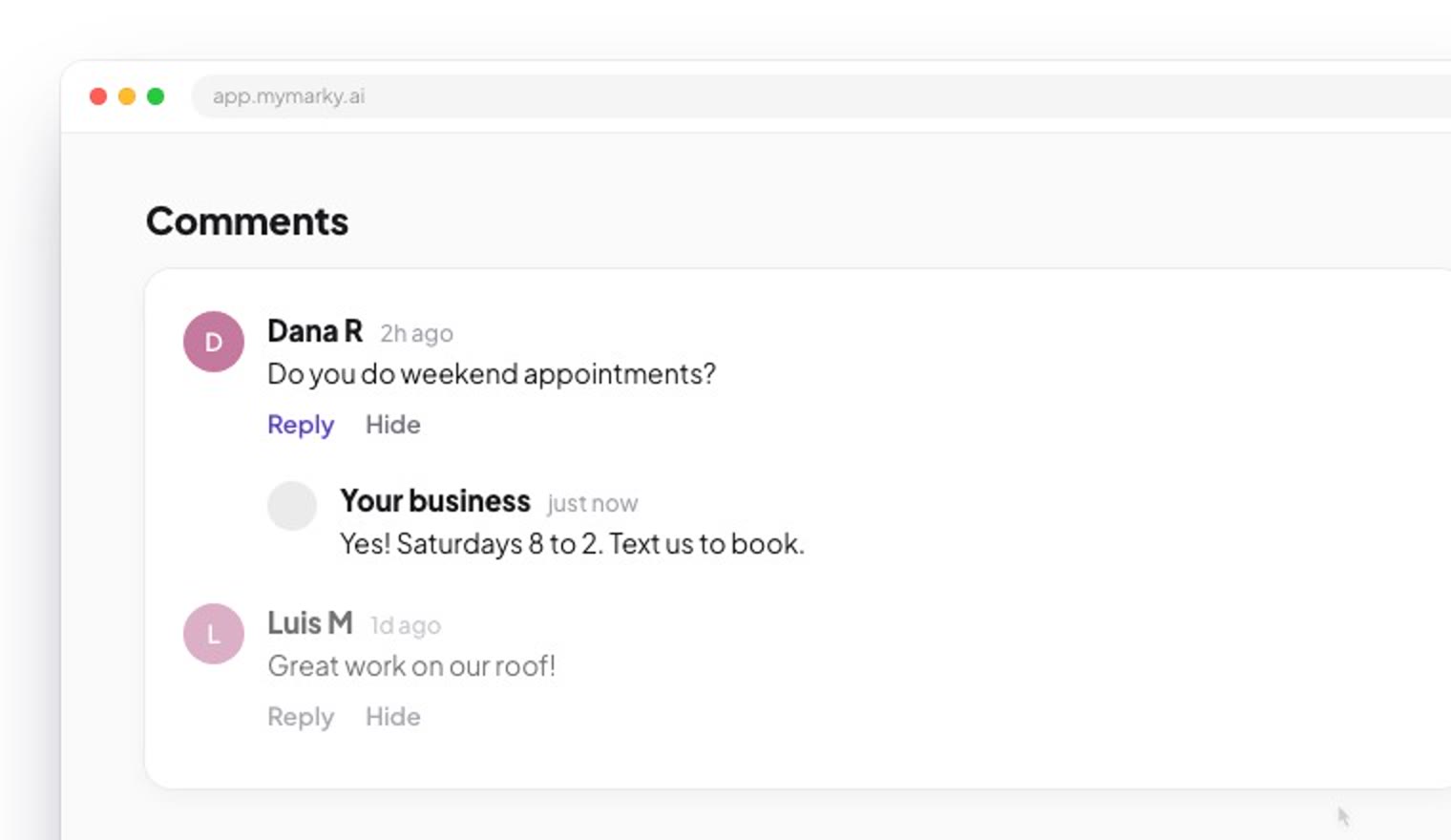
A customer asks a question under your post. You can see it and reply right in Marky, on the web or the phone app, without opening Facebook or Instagram.
Coming soon: one inbox for all comments and DMs
How to answer comments in Marky →
6. A follow-me page for your socials
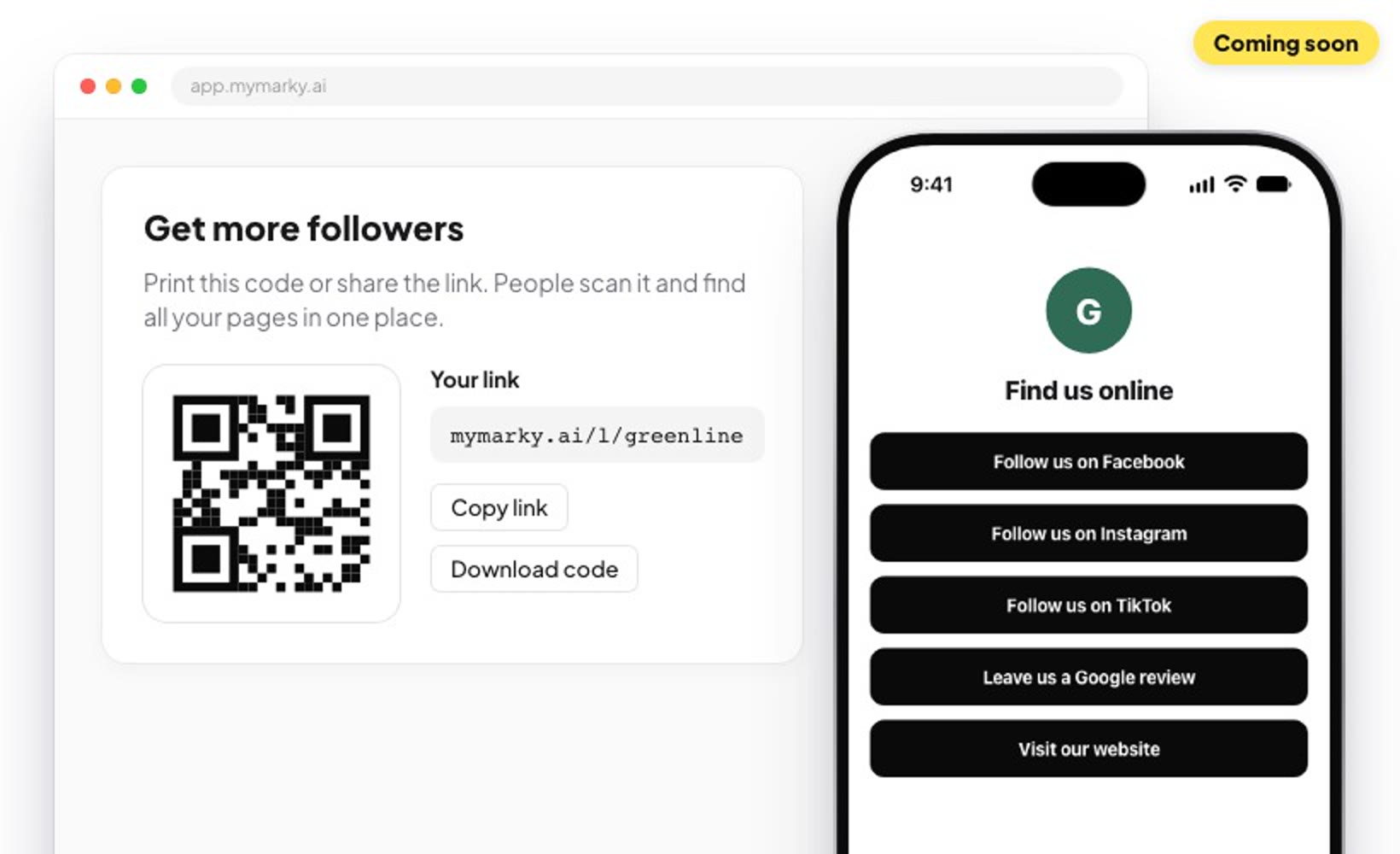
Coming soon
One link and one QR code that lists every social you're on. Put it on a business card, a flyer or your front desk, and people can follow you in one tap. Our team is using it now, and it comes to you next.
7. A new design editor
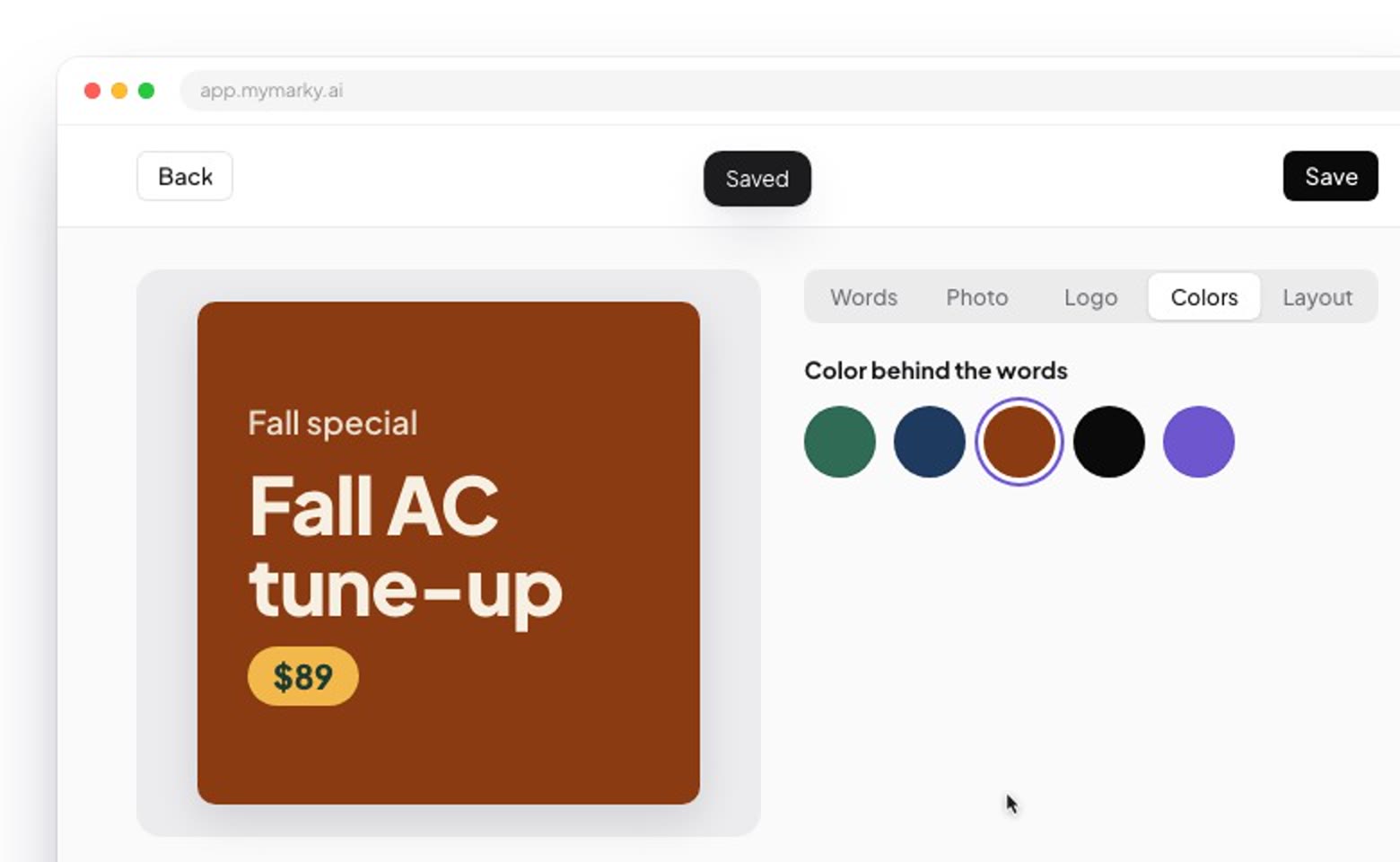
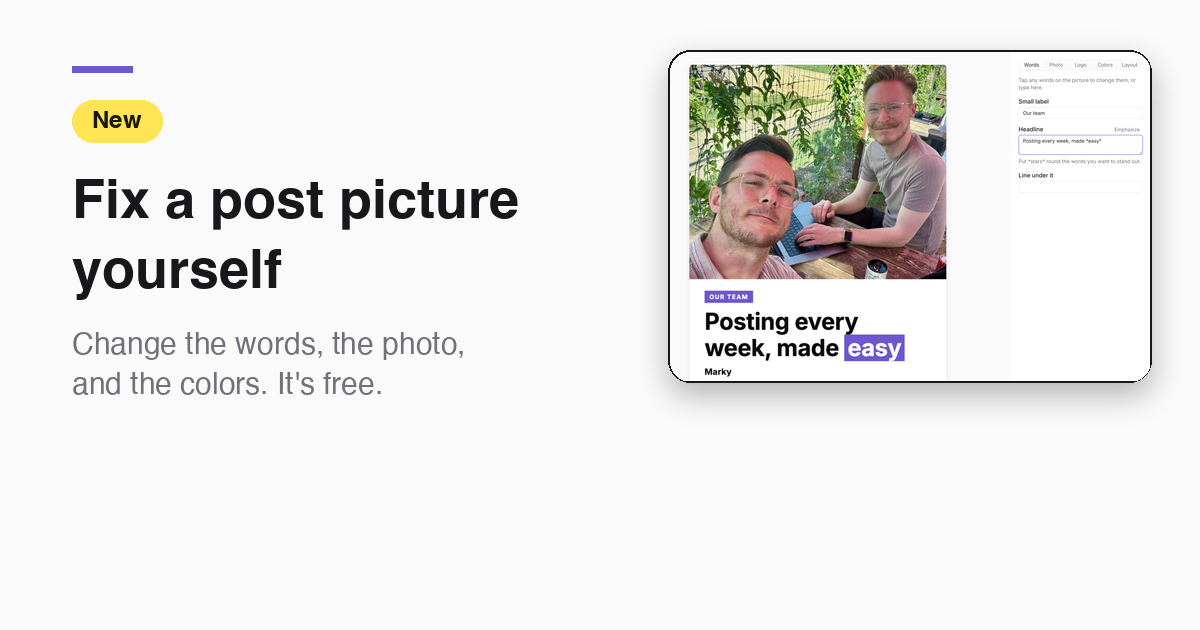
Fix a post's picture yourself in seconds. Change the words, swap the photo, add your logo, pick colors or try another layout. Editing a design yourself uses no credits. It's live on the web now. The phone version is in testing.
tune‑up$89
Tap any words on the picture to change them, or type here.
How to change a post's picture yourself →
8. Your posts go out: 99.9%
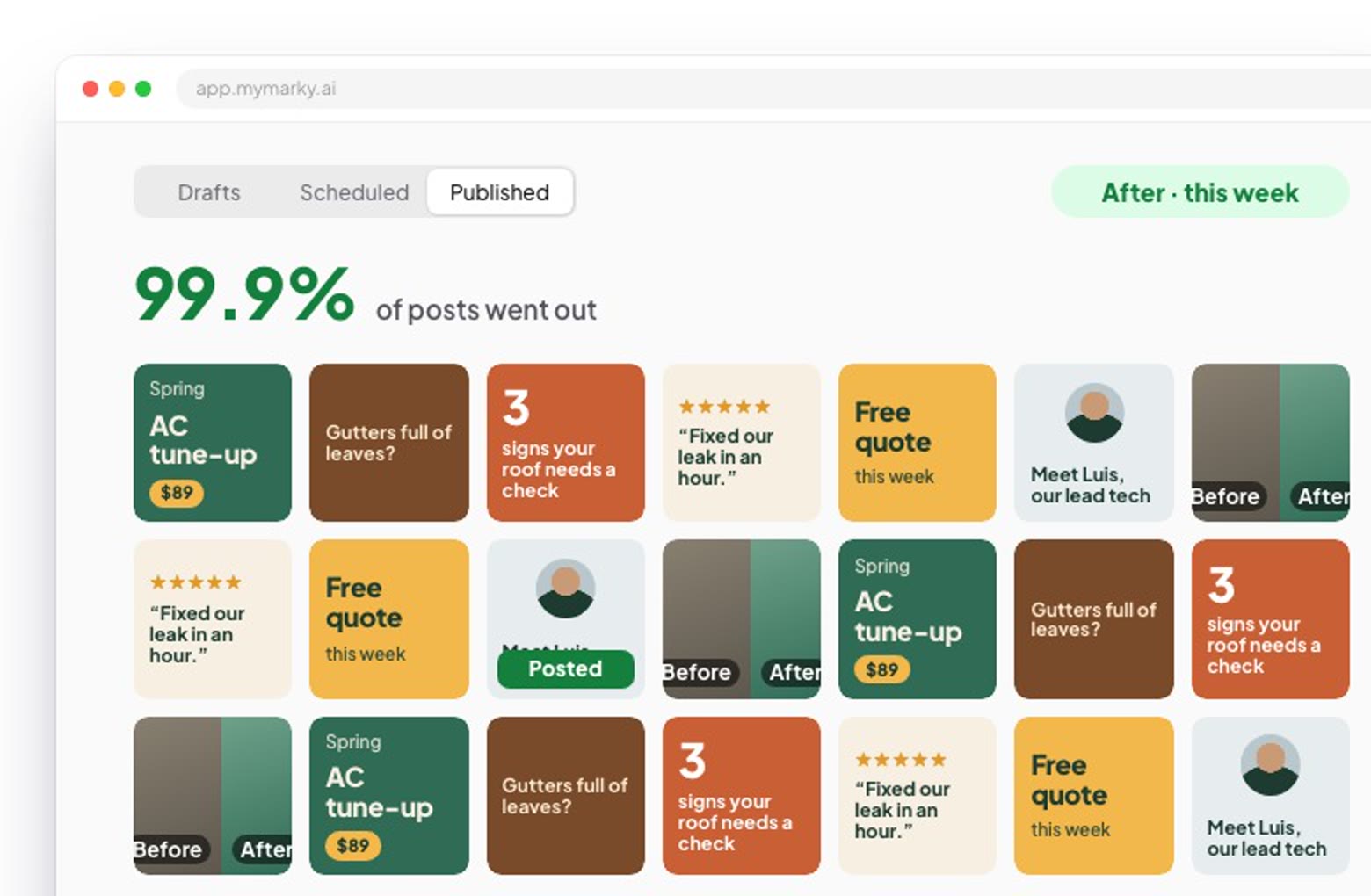
A post that doesn't go out is worse than no post. In January, about 1 in 20 posts failed because of something on our side. On November 18, it was 5 out of 5,204: 99.9% went out. We count only failures that were our fault, not ones like an expired login that you have to fix. We now treat anything under 99% as an emergency.
What to check if a post has not gone out →
9. Easier on your phone
Lots of small fixes for using Marky on a phone. The big one: see your posts as a grid, the way your Instagram profile will look, on every tab. In the phone app, long captions now show just the first line, the hook, until you tap to read more.
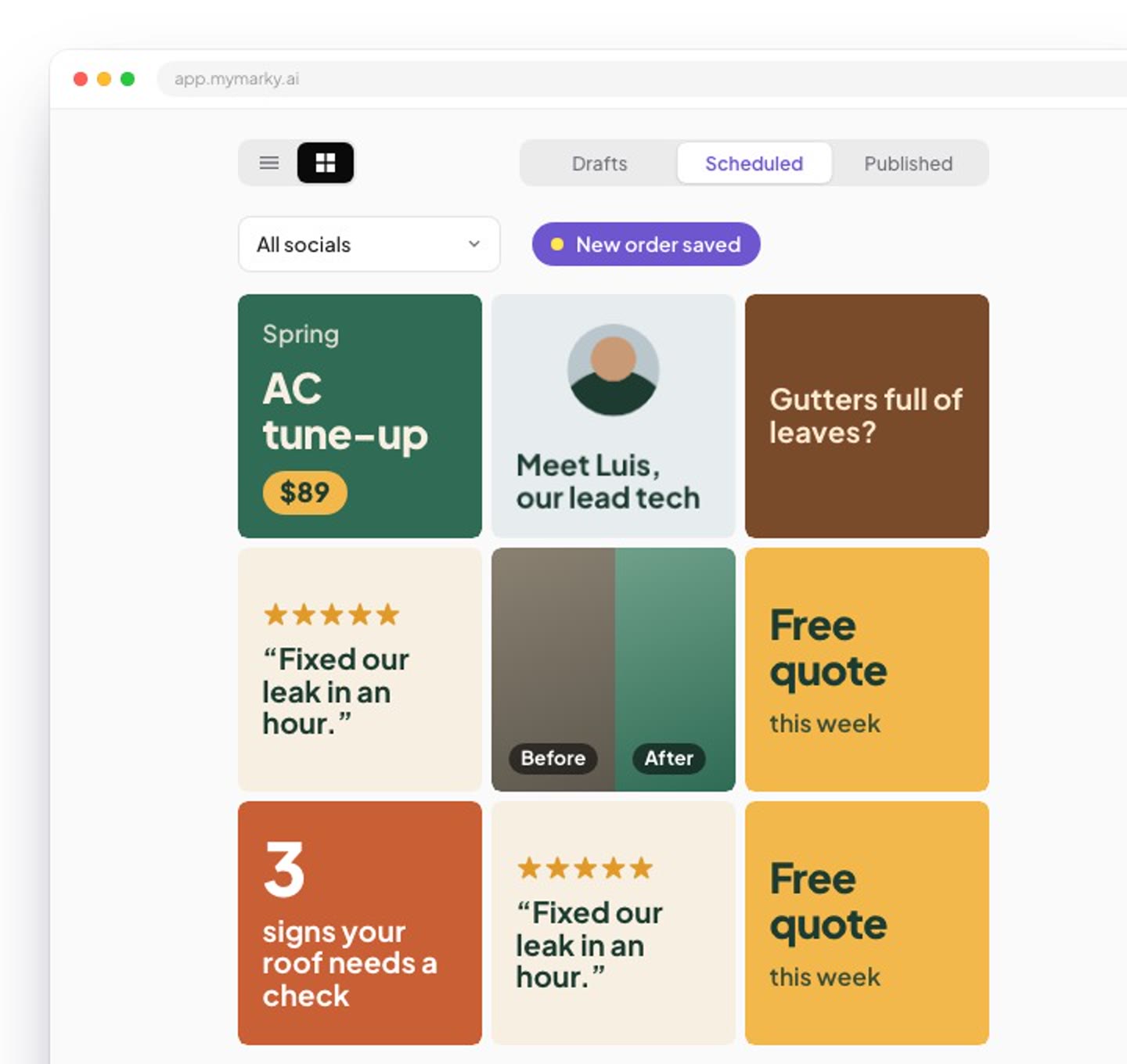
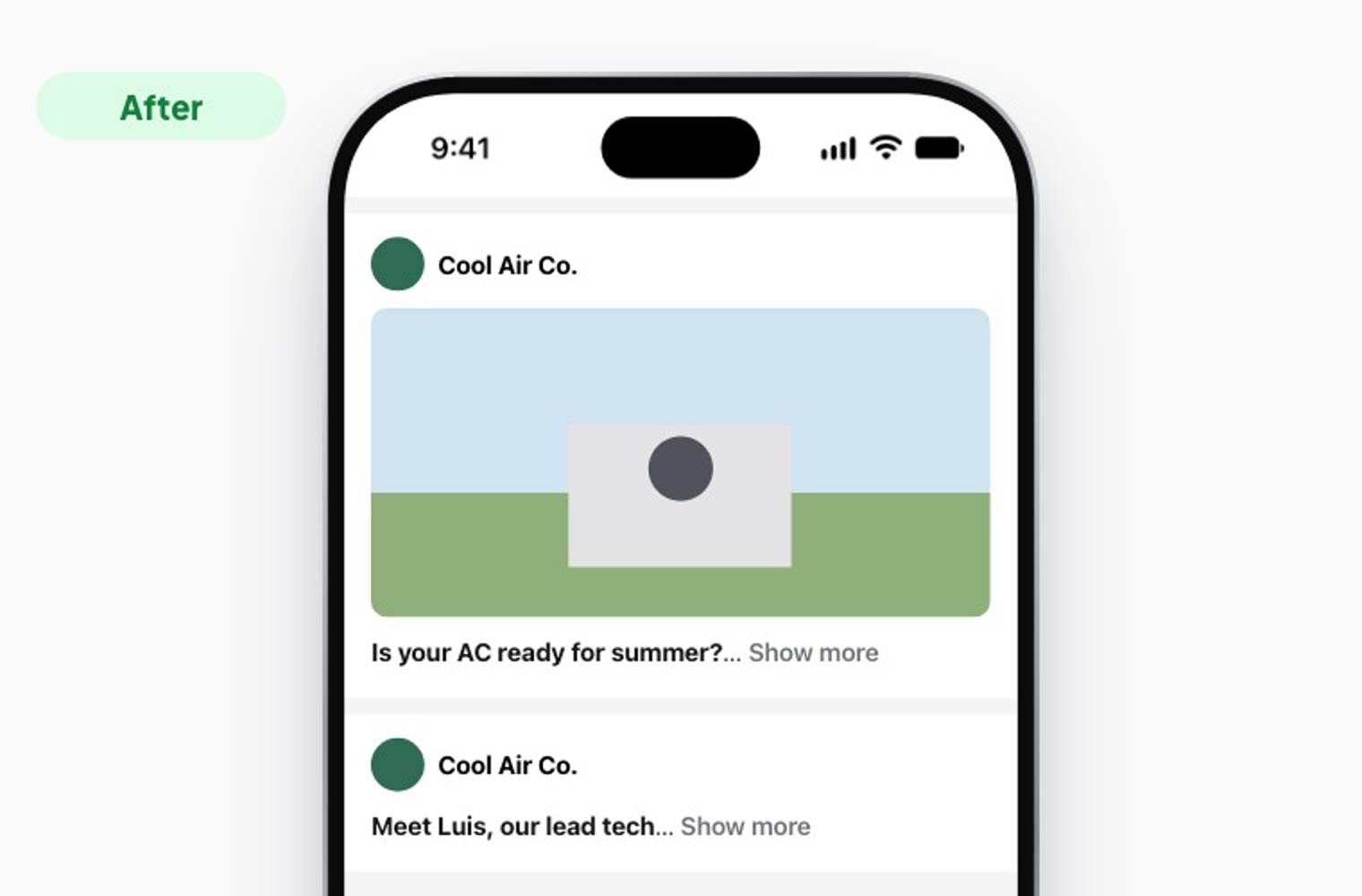
How to see your grid before posts go out →
More ways we made reviewing posts faster →
10. Captions that sound like you
Connect your socials and new captions copy how you already write: your words, your length and your tone. If you write in first person, so do they. They also stopped repeating the same closing line.
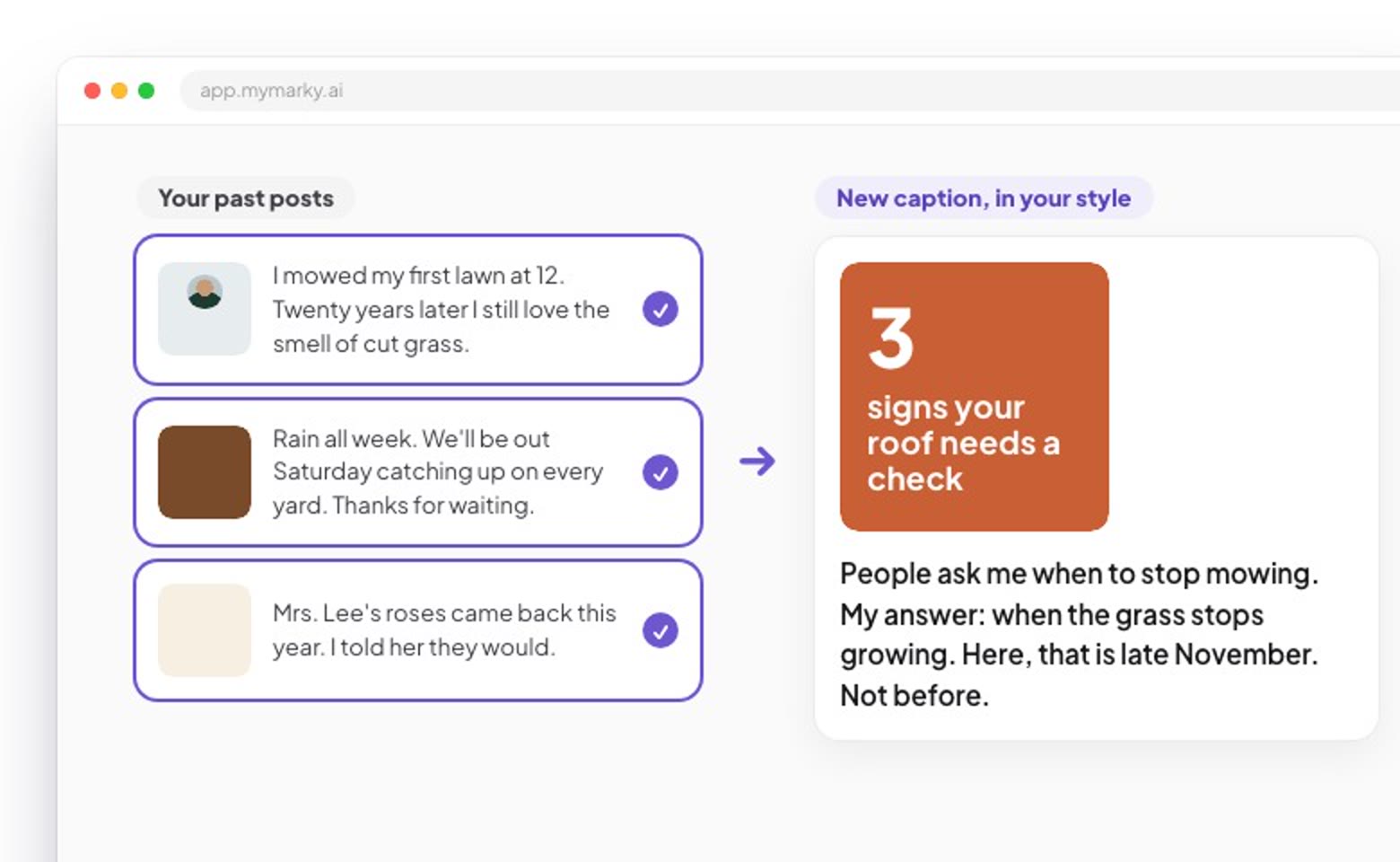
More on captions that sound like you →
11. The Results page
See what all your posting added up to: how many people saw your posts, a wall of the posts you put out, and badges for staying on track. Tap "Share my results" to save it all as one picture you can post or send.
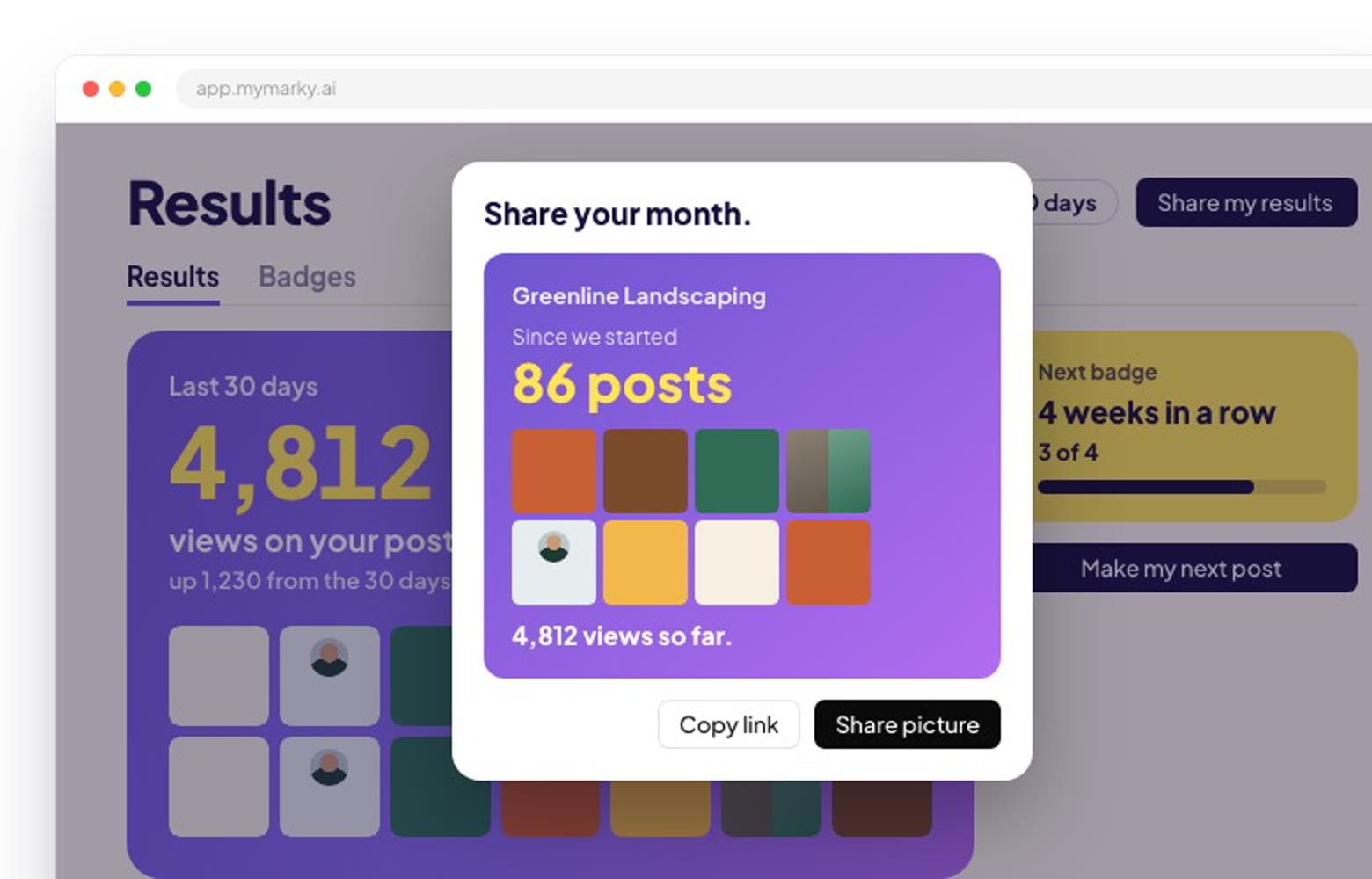
12. Versions of a post
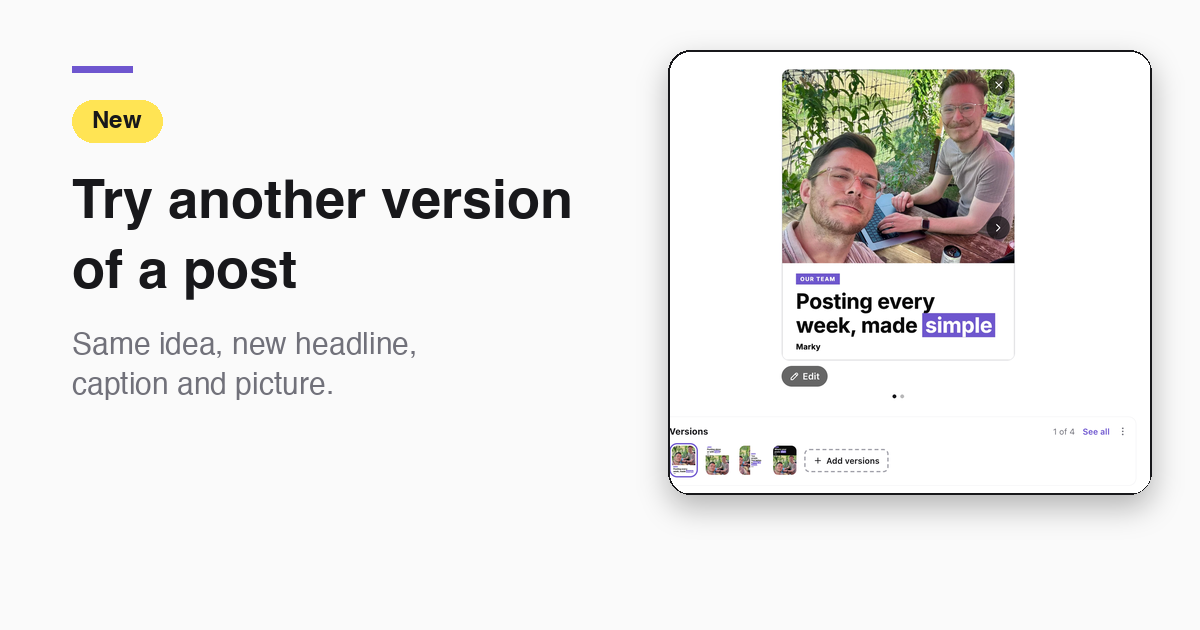
Not sure about a post? Ask for other versions: a new angle on the same idea, each with its own headline, caption and picture. Flip between them and keep the one you like. The one showing is the one that posts. It's on for everyone on the web now, and comes to the iPhone app in its next update. It works on graphic posts.
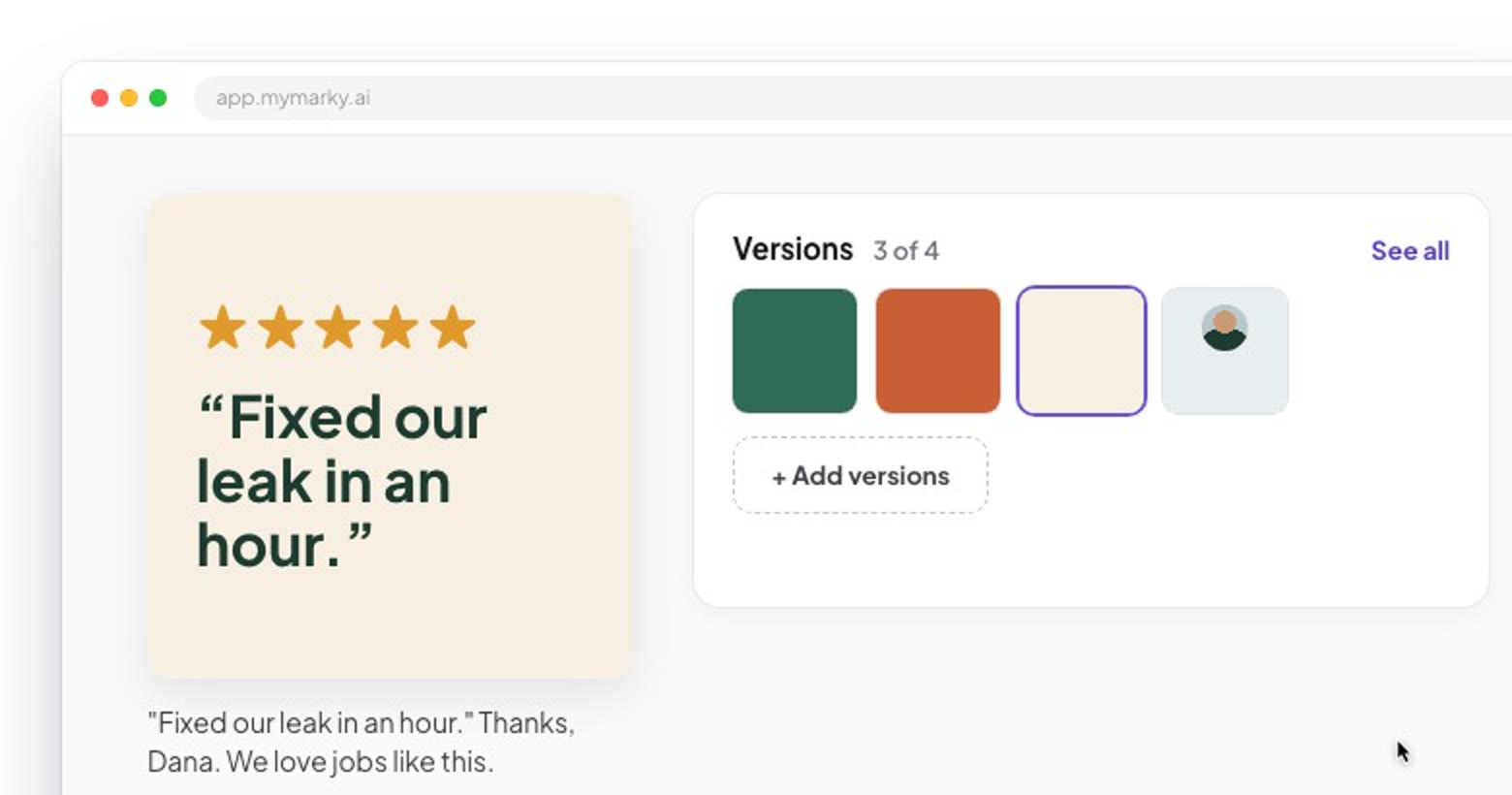
How to try another version of a post →
What's coming next
Here is what we're working on now:
- Carousels. Swipeable posts with their own cover, middle and closing slides.
- Copy a style. Show us posts you love, and we match the design and the writing.
- Photo-first posts. Start from your own photo, and we build the post around it.
- Talking-head videos. Record yourself, and we edit it into a clean video.
- Animated videos without your face. Moving text and pictures, no camera needed.
- Google Business stats. See how your Google Business Profile is doing, in Marky.
- Short links you can track. See how many people clicked the link in a post.
- Ideas, plus "Interview me". Answer a few questions and get posts only you could write.
- Threads. Post to Threads with the rest of your socials.
Which should we build first? Tell us in the survey. It takes 2 minutes, and we read every answer.
Screenshots show Marky's own account. Demos show an example business; the numbers in the publishing and post score demos are our real ones.
Take the next step with Marky
Building a successful business in today's digital world requires the right tools and strategies. Marky simplifies the social media process, allowing you to focus on delivering exceptional results.
Ready to streamline your process and grow your business? Visit our landing page to learn more about how Marky can transform your social media strategy today.
Keep reading
Let's do this
Join millions and start posting on-brand content with Marky today.