What's new: captions that sound like you, and more

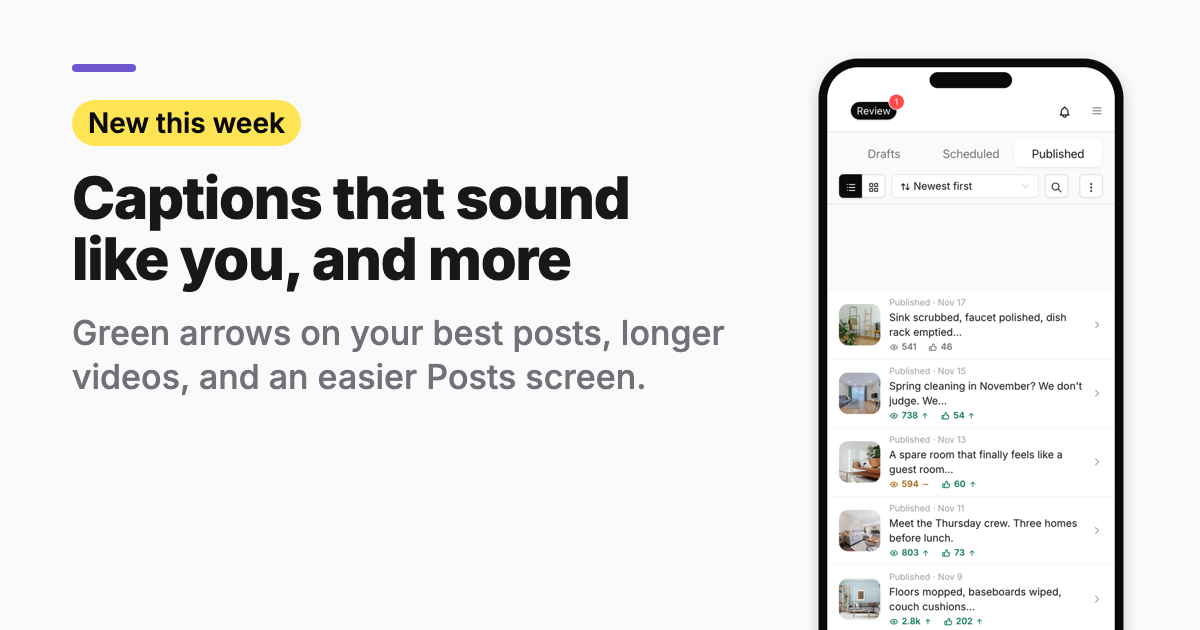
Who it's for: You run a local business and post every week. You want posts that sound like you, and a quick way to see which ones worked.
Captions in your own words
Connect your socials and new captions copy how you already write: the words you use, how long your posts are, and your tone. Captions also stopped repeating the same closing line, and they no longer make up dates or claims.
See which posts beat your usual
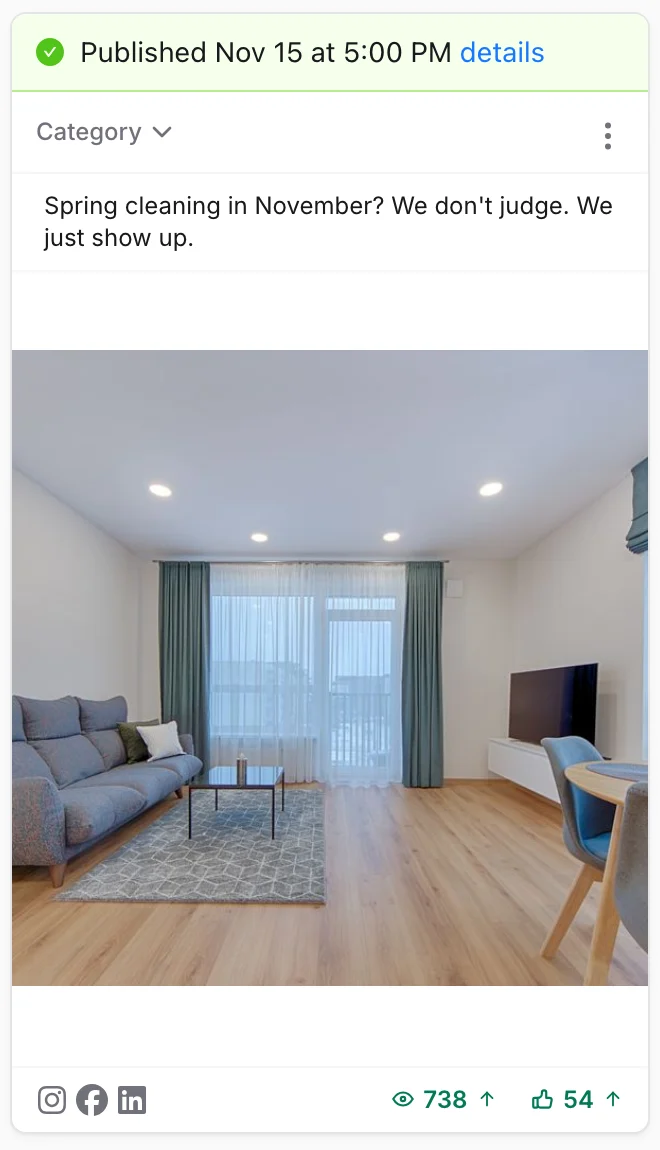
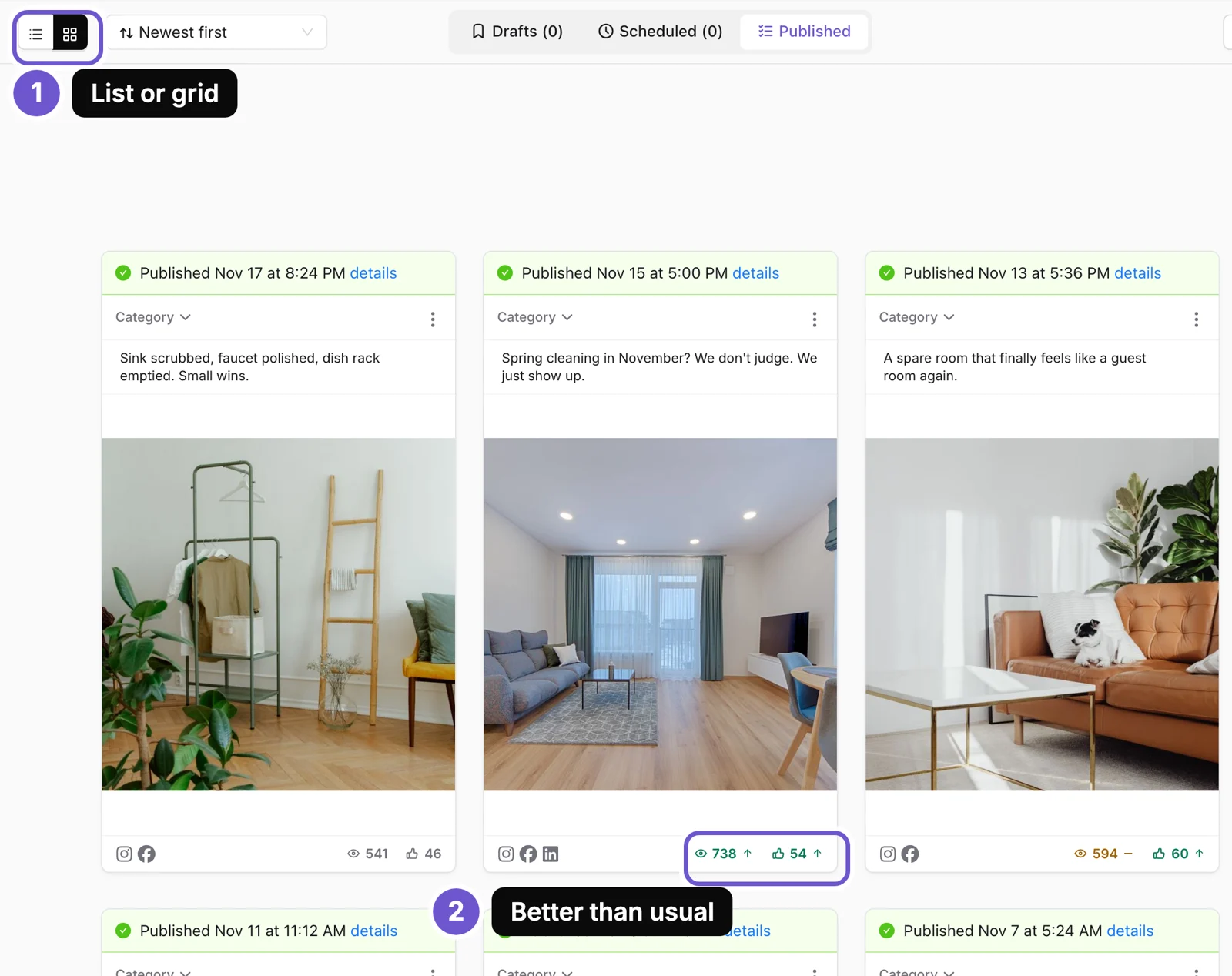
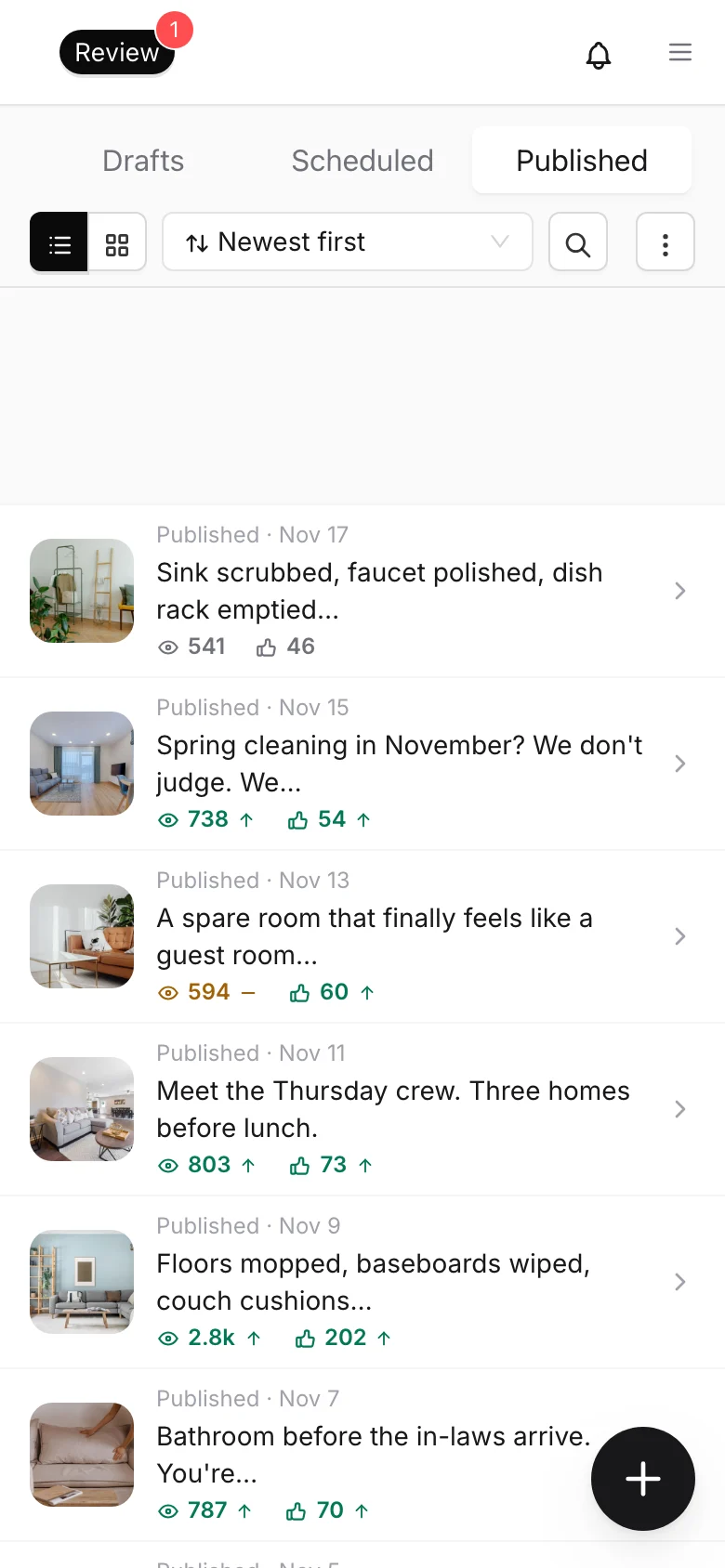
Open Posts, then Published. A green arrow next to the views or likes means that post did better than you usually do. A dash means it was about the same.
List or grid, on every tab
- Open Posts.
- Tap the list or grid button at the top left. It works on Drafts, Scheduled and Published.
- We remember the one you picked next time.
Longer videos, more pictures
- Instagram carousels can have up to 20 pictures.
- Instagram Reels can be up to 15 minutes.
- YouTube Shorts can be up to 3 minutes.
- If a video is too long for a social, we trim it and tell you.
Everything else that changed
Making posts
- Graphics no longer draw a made-up logo badge. The corner shows your real logo, or nothing.
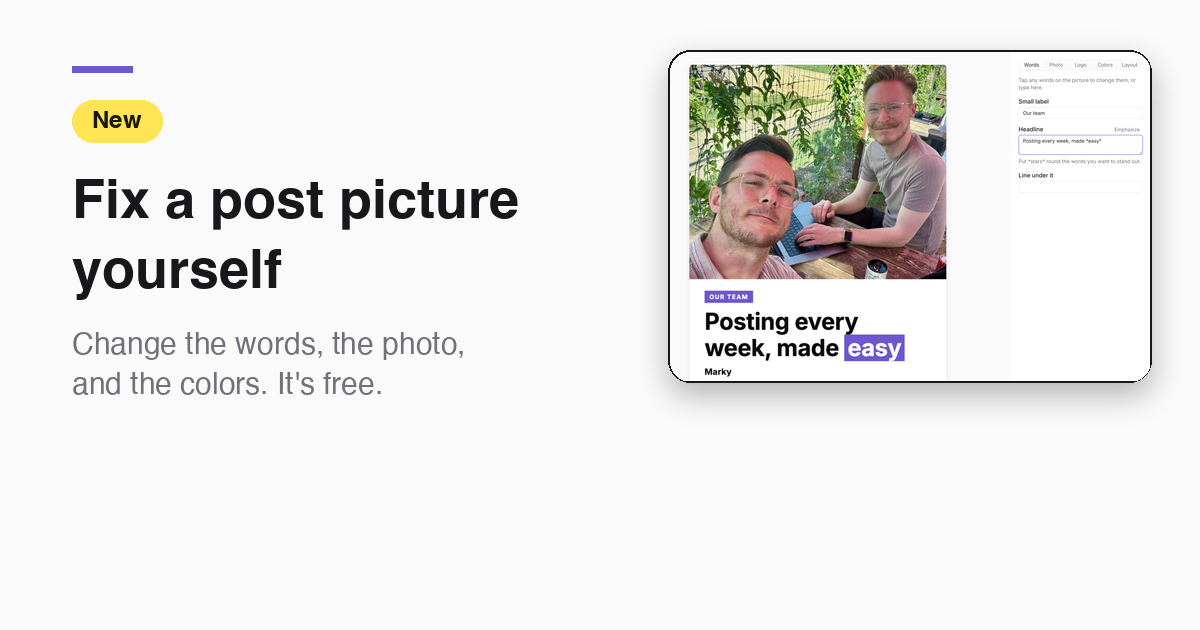
- Graphic layouts never leave an empty box, and the Layout tab only offers layouts that fit your words.
- Chat uses your Library photos first, and weekly batches for local service businesses can include your own video clips.
- Your brand font is picked up from your website.
- Batches come back full. If one post can't be made, we make another.
- Videos made in chat open with a hook and end on the payoff.
- Chat no longer makes extra posts and then deletes them, and picture jobs keep going while you do other things.
Before a post goes out
- A photo or video post needs a caption before you schedule it.
- If a video is too long for an Instagram story or for X, we tell you when you schedule and give you choices as buttons (on web and phone).
- Tall pictures for TikTok keep the words at the top and bottom in view.
Reviewing and editing
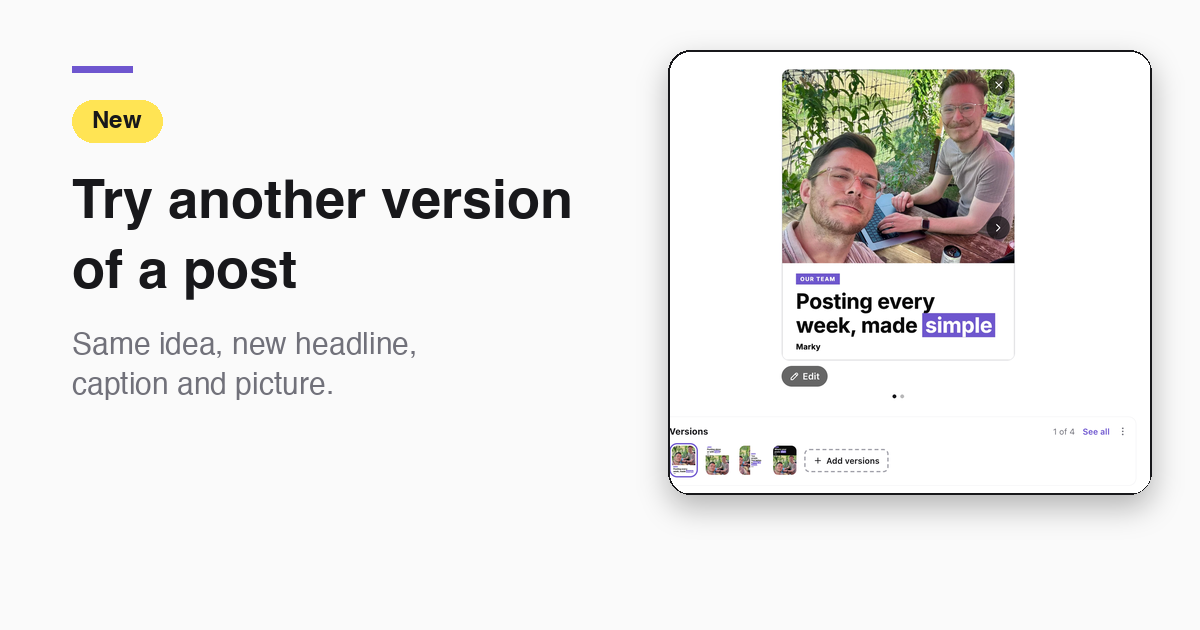
- Edit Post shows your picture or video on top, with the caption under it, like the phone app. You can swipe through a carousel and use Enhance on a photo.
- In Edit Post, Instagram shows at 4:5, the shape Instagram uses.
- Delete, schedule and other post actions show a short note with Undo.
- New posts are added at the end of the list, so it doesn't jump.
- The + button shows on the Posts page only.
- Archive old chats to keep the list short.
Settings and more
- Settings, Business is split into short tabs, and your posting schedule is a small week list.
- Logos you upload get a square copy with space around them.
- Bluesky posts now show views and likes.
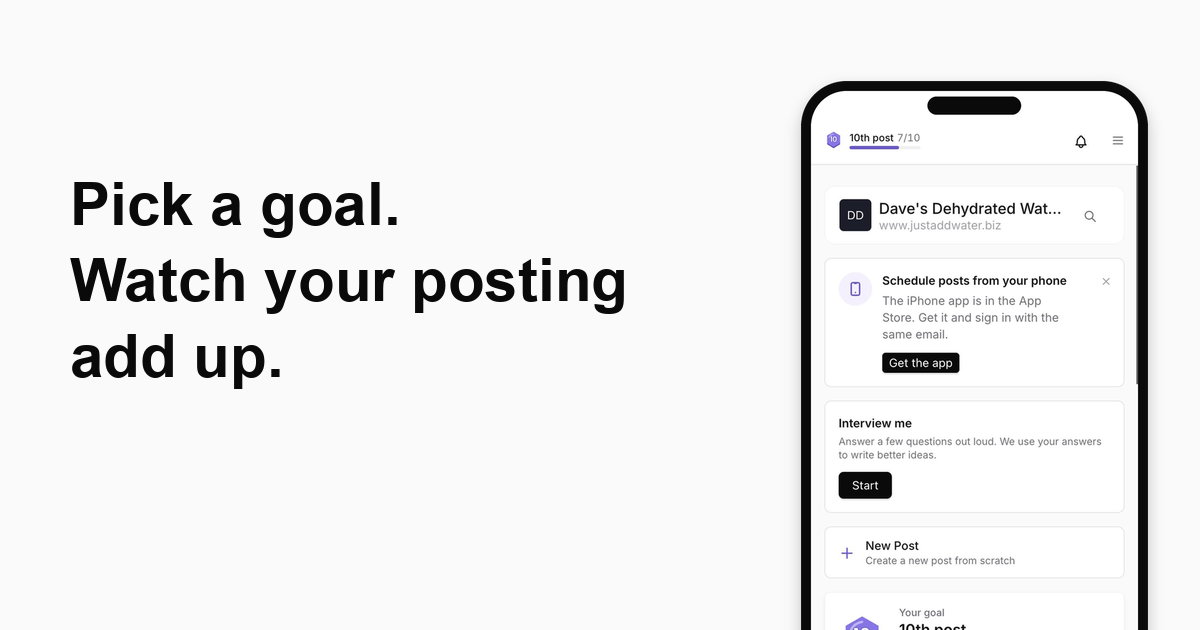
- Home shows one checklist, not three.
- When we fix something you told us about, you see a card saying so.
- Library is a folder tree again, and old design files no longer fill it up.
- A Get the apps page links the iPhone app and shows how to install Marky on your computer.
iPhone app
- The app icon number matches your notifications.
- Paste an image into chat again.
- Post edits save on their own, with a quiet Saving line.
The screenshots show an example business.
Take the next step with Marky
Building a successful business in today's digital world requires the right tools and strategies. Marky simplifies the social media process, allowing you to focus on delivering exceptional results.
Ready to streamline your process and grow your business? Visit our landing page to learn more about how Marky can transform your social media strategy today.
Keep reading
Let's do this
Join millions and start posting on-brand content with Marky today.