Connect Bluesky and post to it

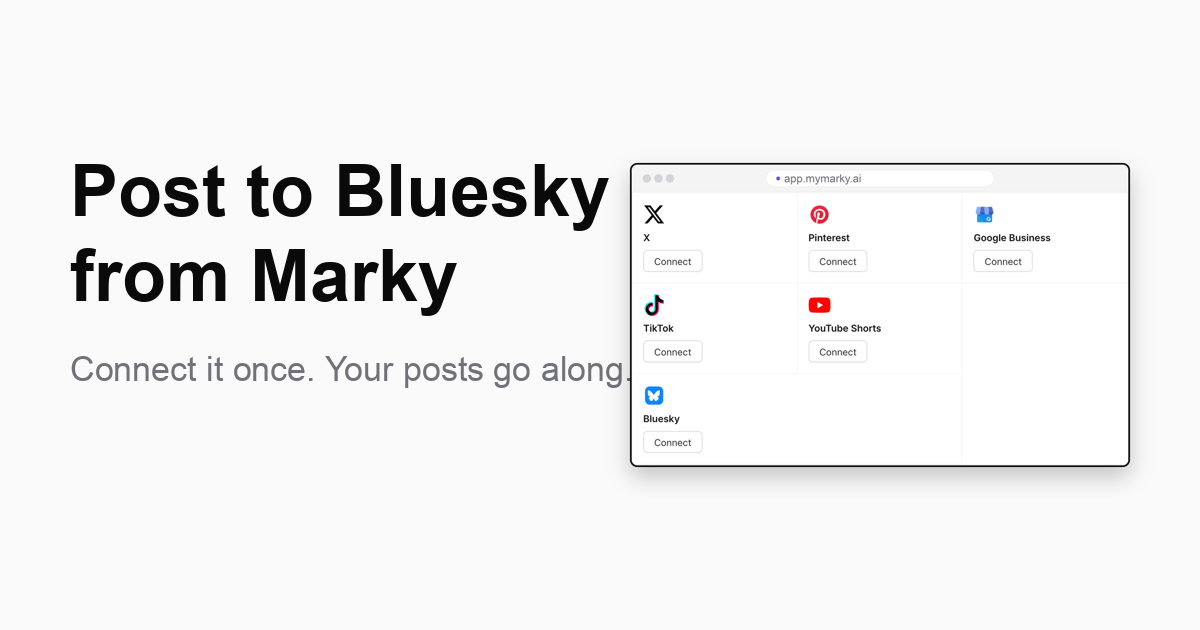
Who it's for: You post to your other socials and want people on Bluesky to see your work too, without writing it all again.
What's new
You can now connect Bluesky to Marky. Once it is connected, your posts can go there with the rest. You pick the posts. Marky sends them.
How to connect it
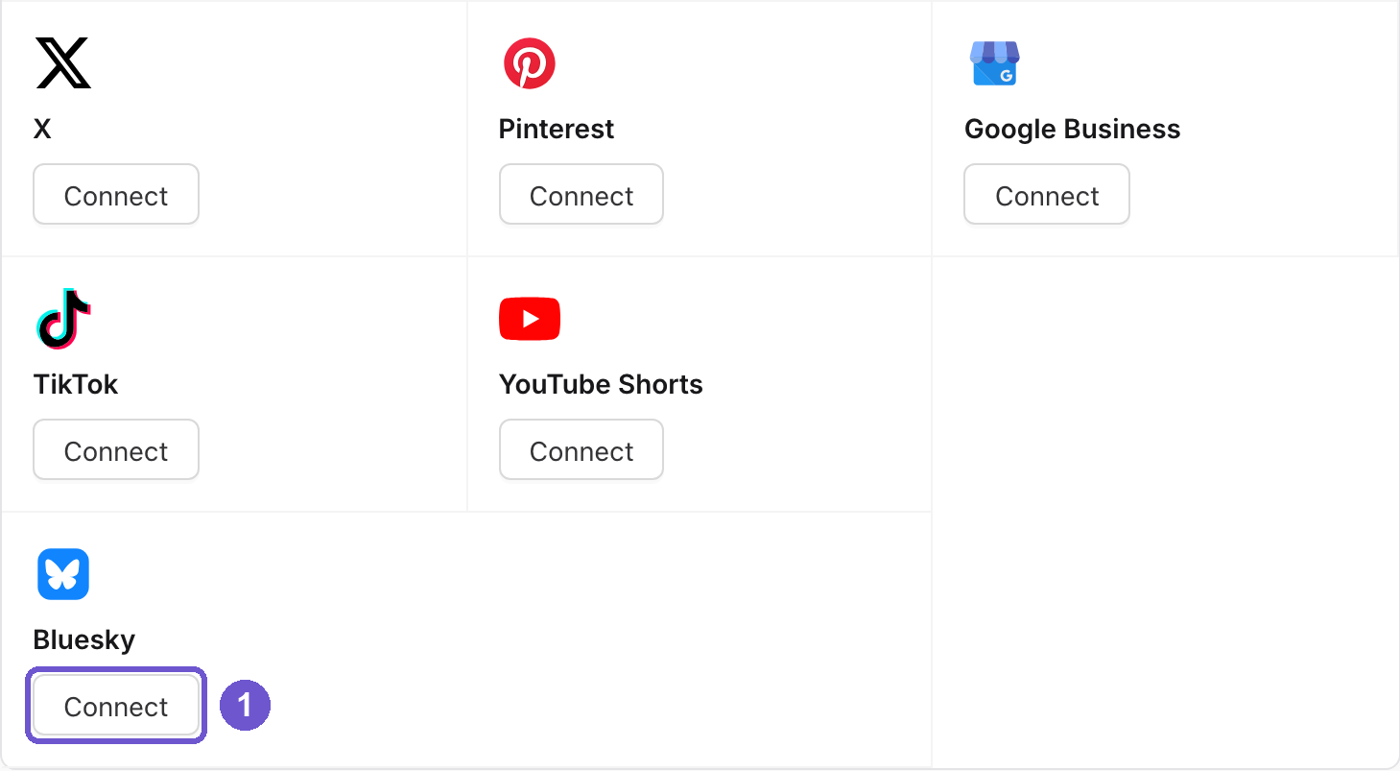
- Open Settings, then Socials, and tap Connect on Bluesky.
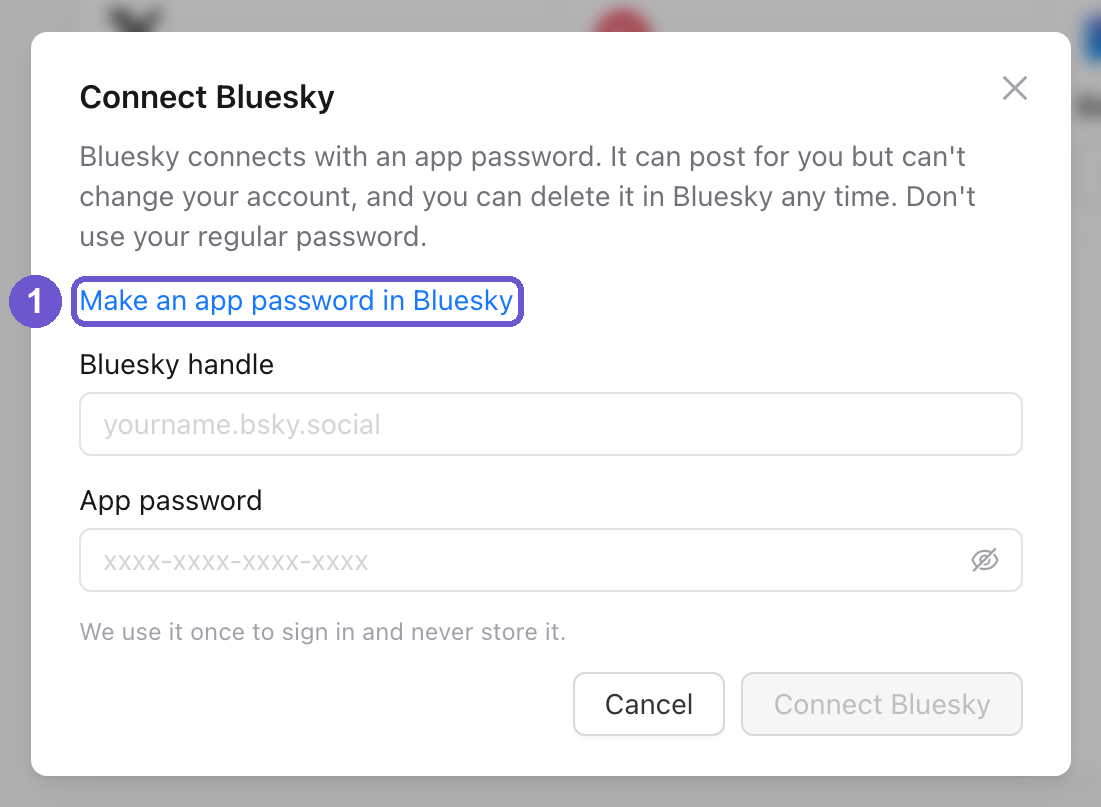
- Tap "Make an app password in Bluesky." It opens Bluesky's app password page. Add a new app password there and copy it. Do not use your regular Bluesky password.
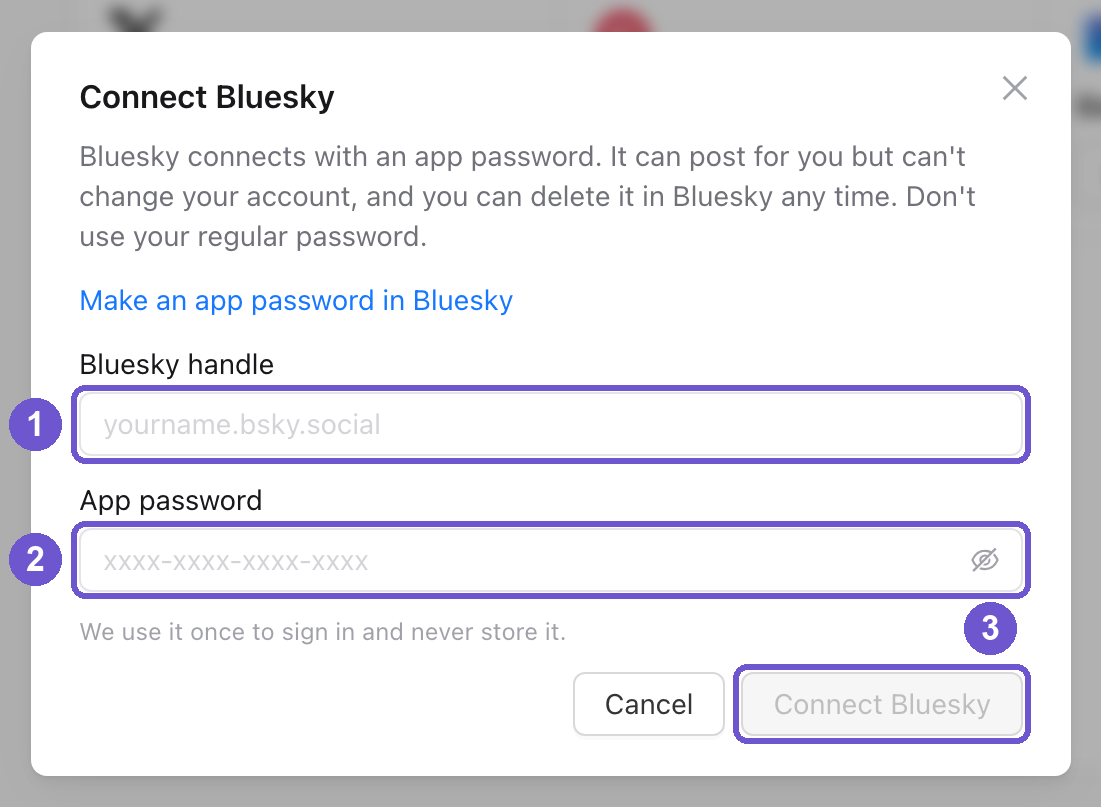
- Come back to Marky. Type your Bluesky handle (like yourname.bsky.social) in the first box and paste the app password in the second.
- Tap Connect Bluesky.
What gets posted
- Your caption. Bluesky allows 300 characters, so Marky trims a longer caption to fit.
- Up to 4 photos on one post.
- A video up to 3 minutes. Big video files are made smaller so they still go through.
Is it safe?
An app password can post for you, but it can't change your account. You can delete it in Bluesky at any time.
Why it matters
- One more place for people to find your work.
- No copy and paste. It goes out with your other posts.
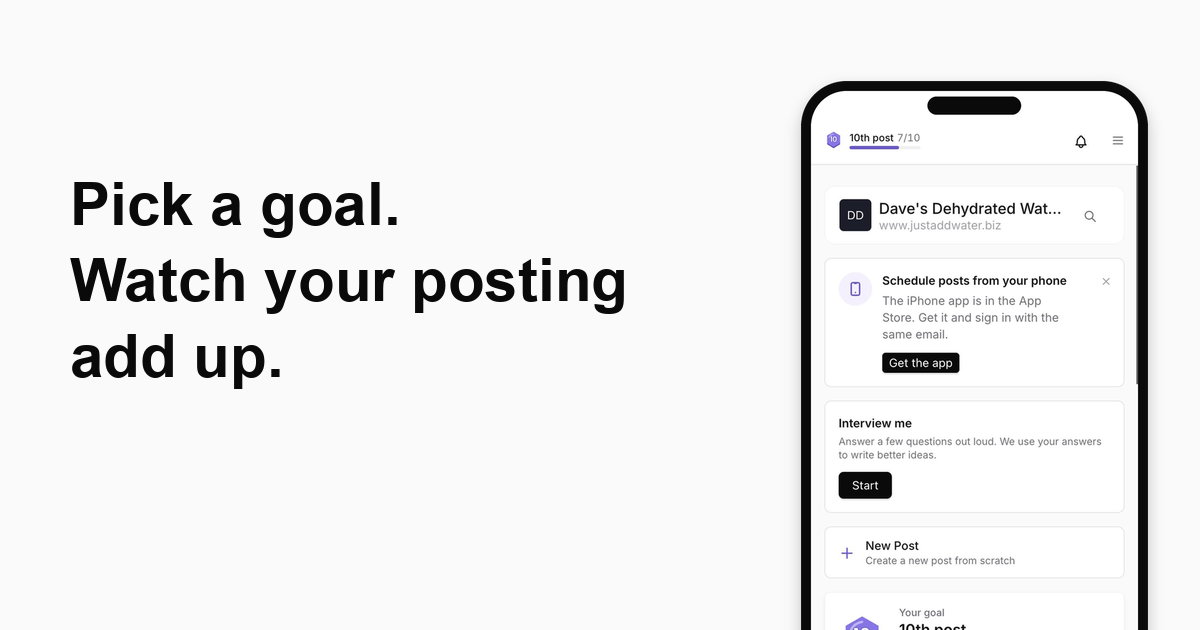
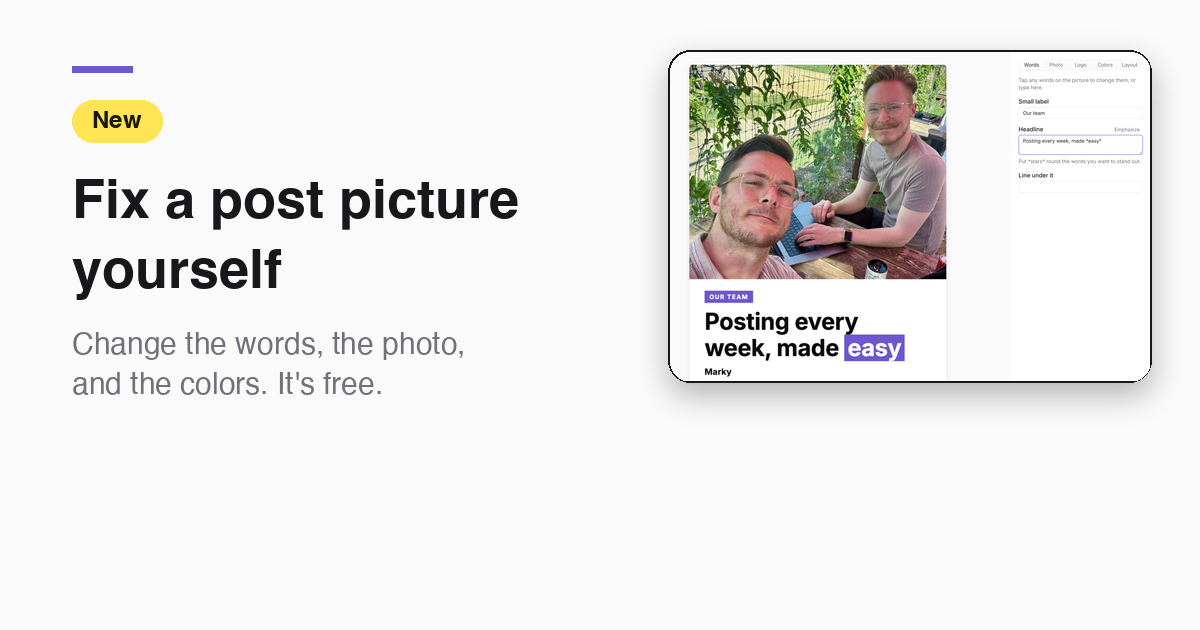
The screenshots show an example workspace.
Take the next step with Marky
Building a successful business in today's digital world requires the right tools and strategies. Marky simplifies the social media process, allowing you to focus on delivering exceptional results.
Ready to streamline your process and grow your business? Visit our landing page to learn more about how Marky can transform your social media strategy today.
Keep reading

Let's do this
Join millions and start posting on-brand content with Marky today.