
You run a cleaning business and you have no time to design. Marky now makes the picture for every post for you. It has a short, clear headline, your own photo when you have one, your brand colors and words you can read.
What changed
Before, the headline could run off the bottom of your photo. Now your photo sits on top and the whole headline is easy to read below it. Left is before, right is after.

The headline is short and easy to read.
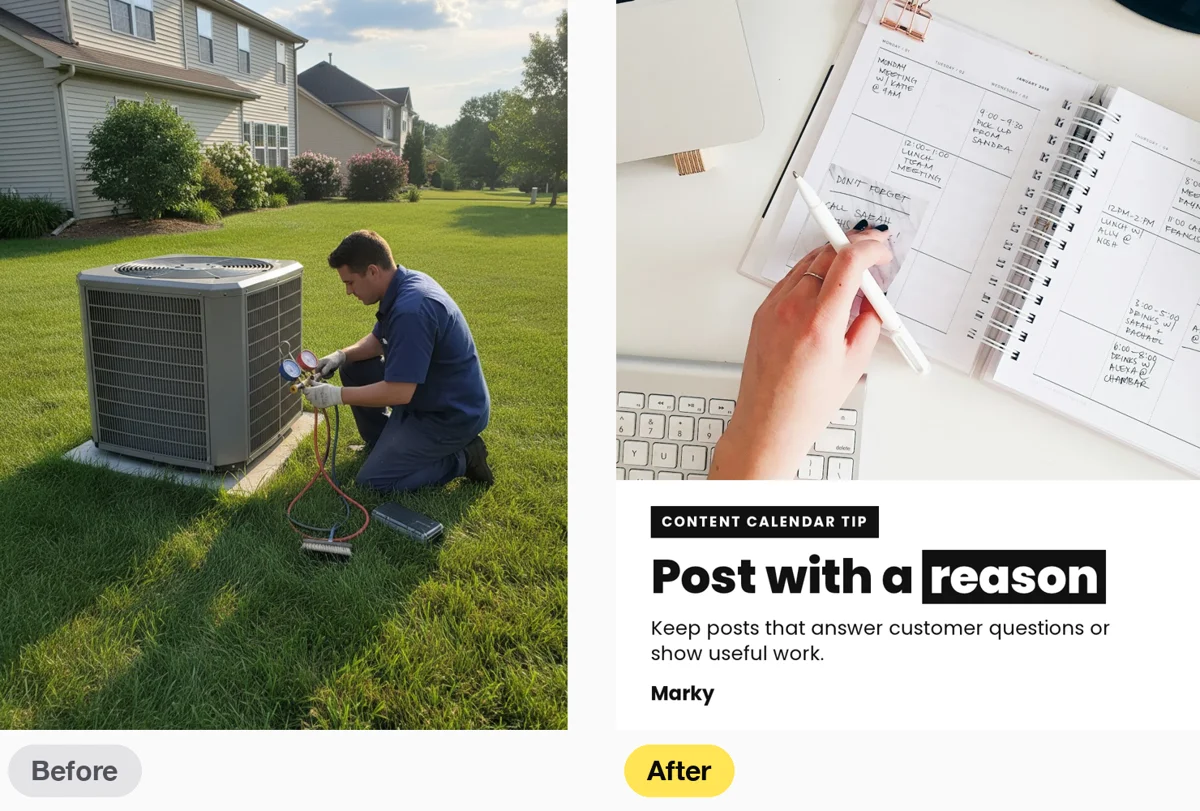
Your real photo comes first. Stock photos are the last choice.
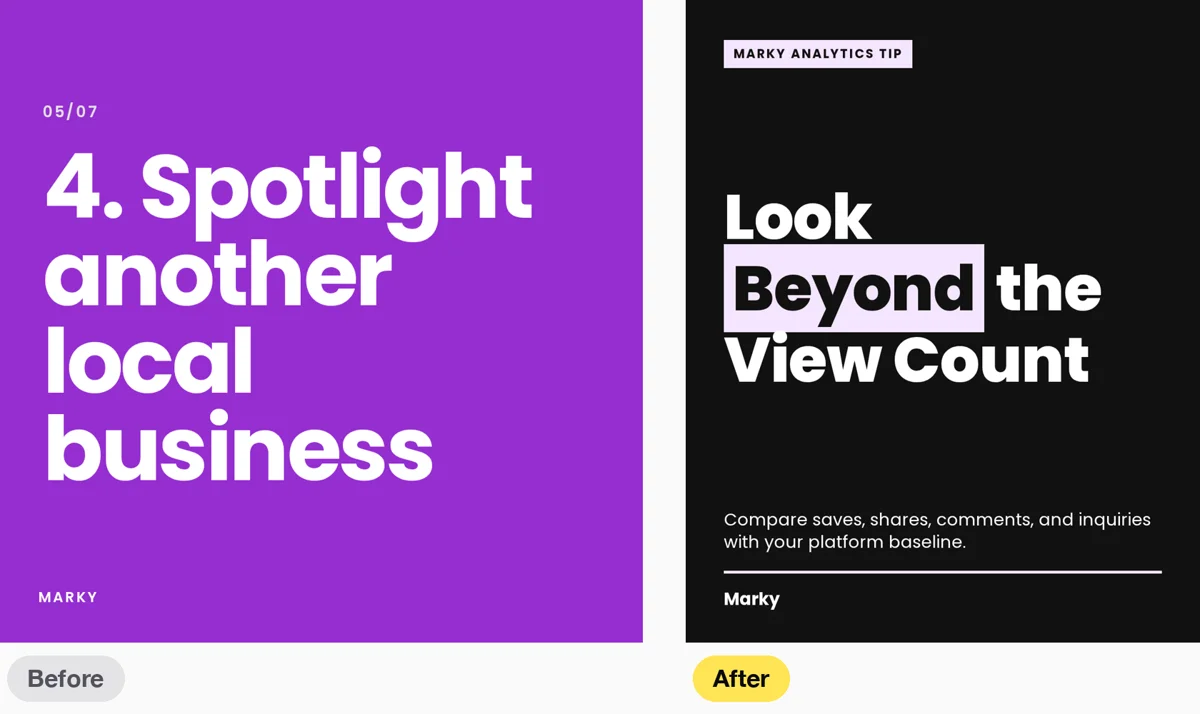
Text stays easy to read, on a light picture or a dark one.
Put your own photos to work
Step 1
Open Library in the left menu.
Step 2
Click Add your photos. A box opens with the photos from your Facebook Page, Instagram or Google Business profile. The first time, connect the account. Tick the photos you want and click Add. To use photos from your computer or phone instead, click Add Images, then Upload.
Step 3
Make your posts the way you always do. We look at your photos first and put a headline on the best one. If you have no photo that fits, we use a clean card in your brand colors, or a stock photo.
Do not like a picture?
Open the post and swap the picture for another one from your Library, like on any other post. The new look is on for every workspace. There is nothing to turn on.
What you get
Posts that look like a designer made them, with your real photos and words people can read, and no design work from you.