Fix a post picture yourself: change the words, photo and colors

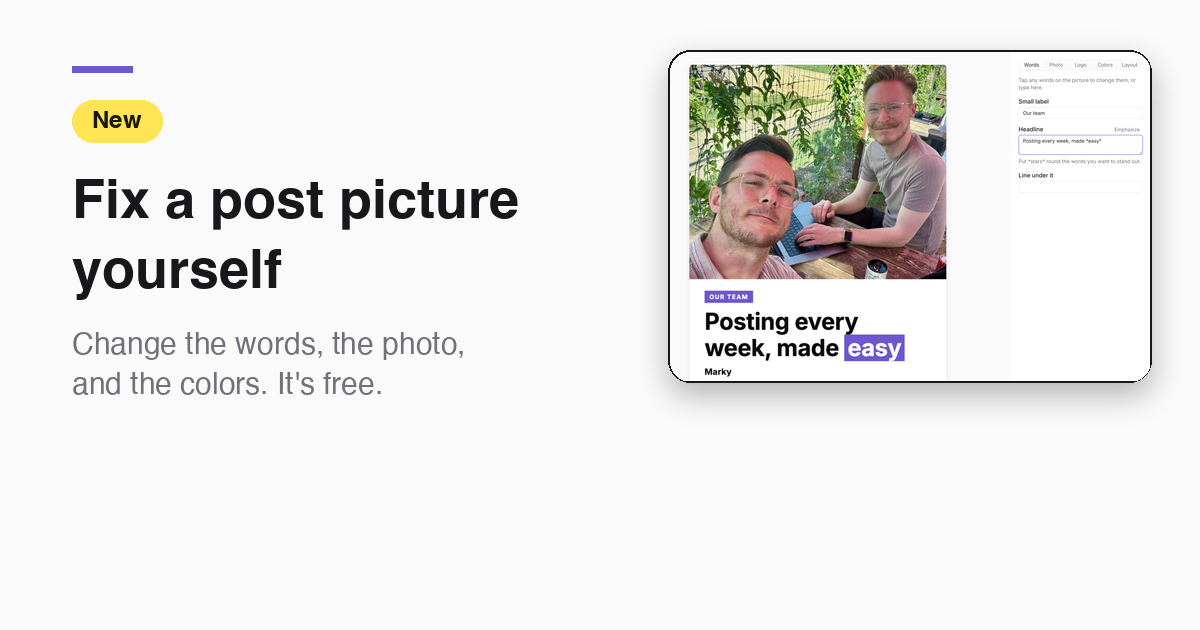
Who it's for: You run a local business and post every week. A post picture is almost right, but one word is off, or you want your own photo on it. Now you can fix it yourself in about a minute. It's free and uses no credits.
1. Open the post and tap Edit
Go to Posts and open the post. Tap the Edit button under the picture, then tap Edit Design.
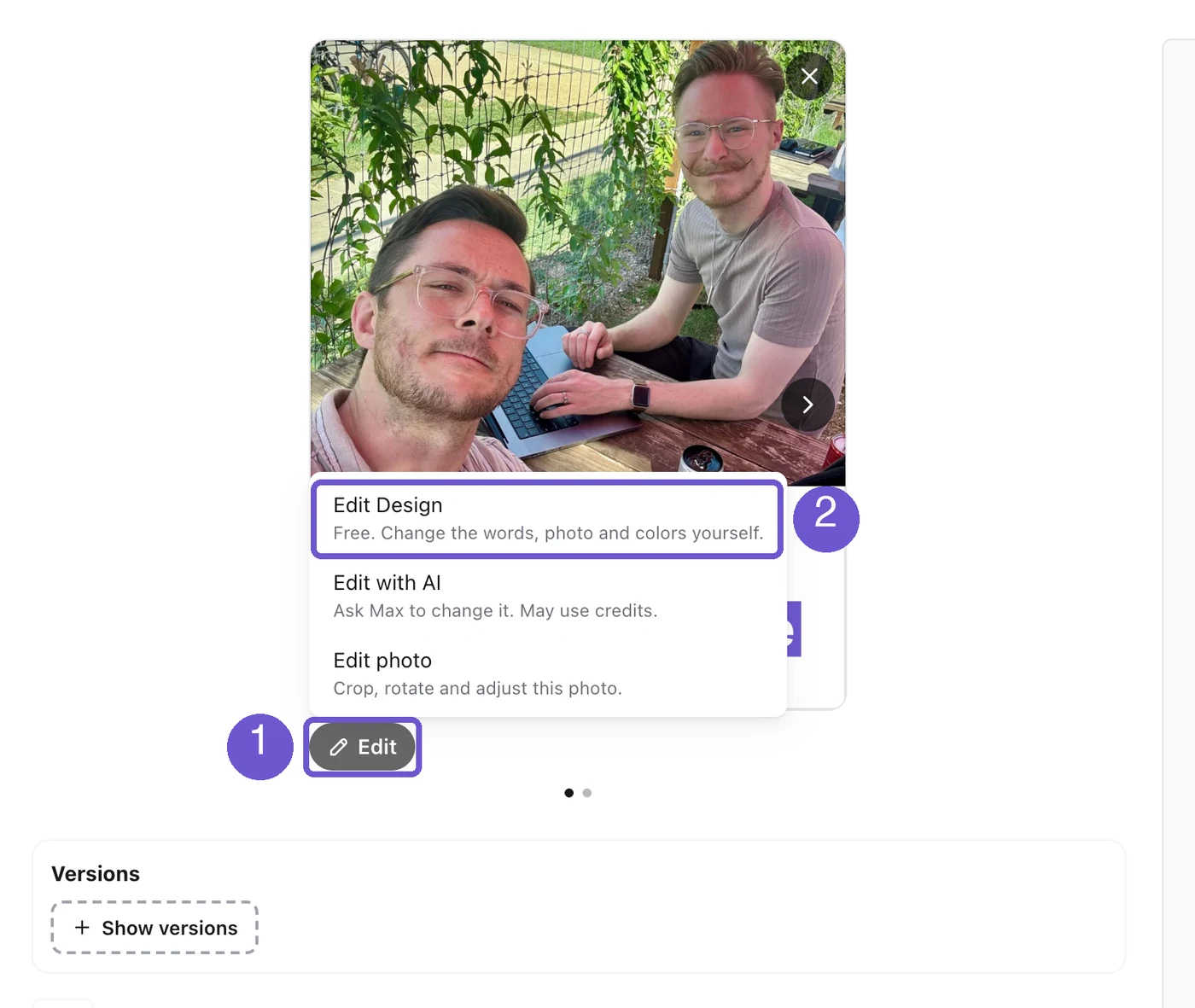
This works on pictures Marky made for you, on the web. The phone version is in testing. If a picture was made in our old editor, you can still crop and adjust it with Edit photo.
2. Change the words
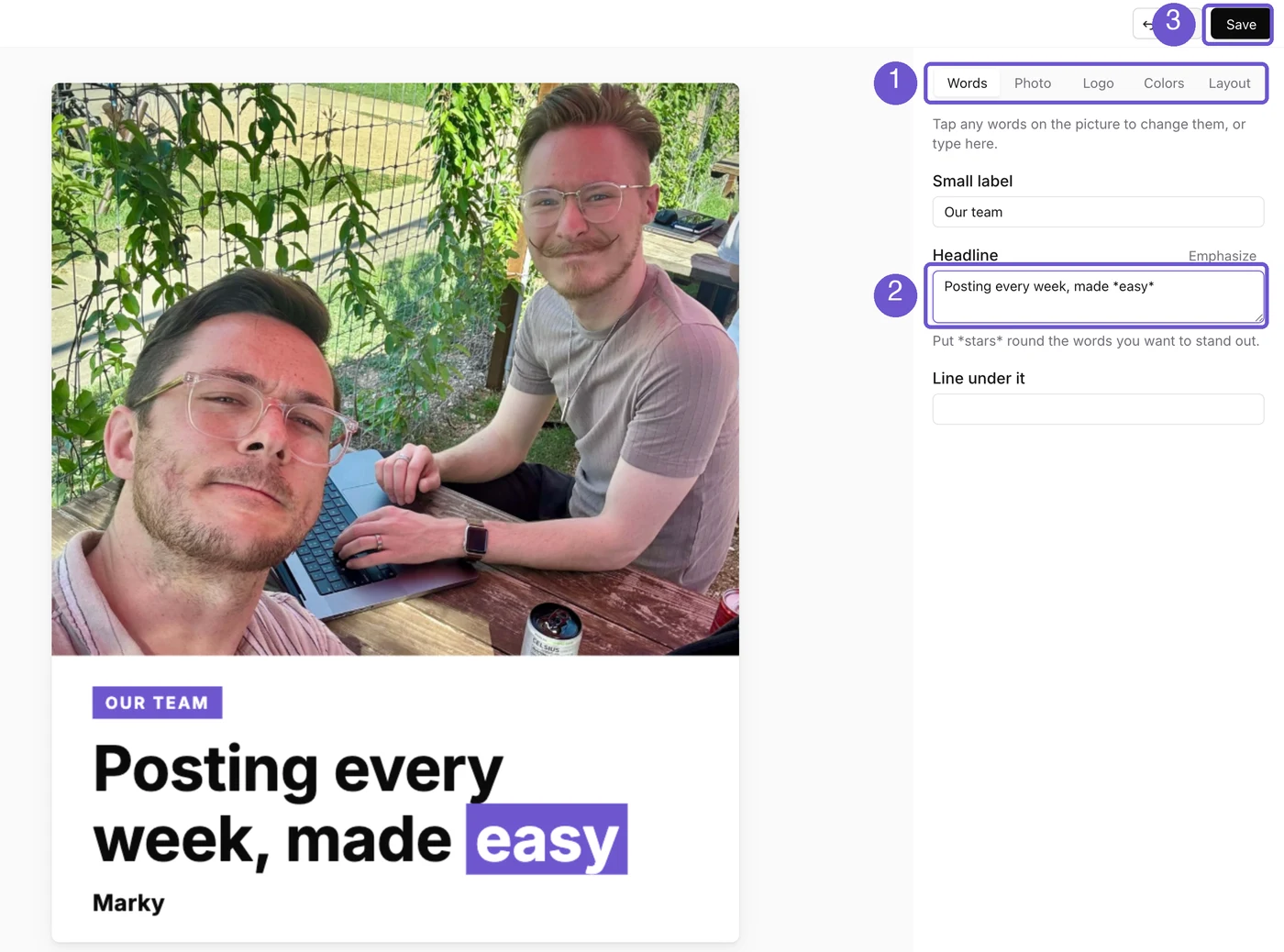
You land in the design editor. The Words tab is open. Tap the words on the picture, or type in the boxes on the right. Put stars around the words you want to stand out, like *easy*. The picture changes as you type.
3. Swap or move your photo
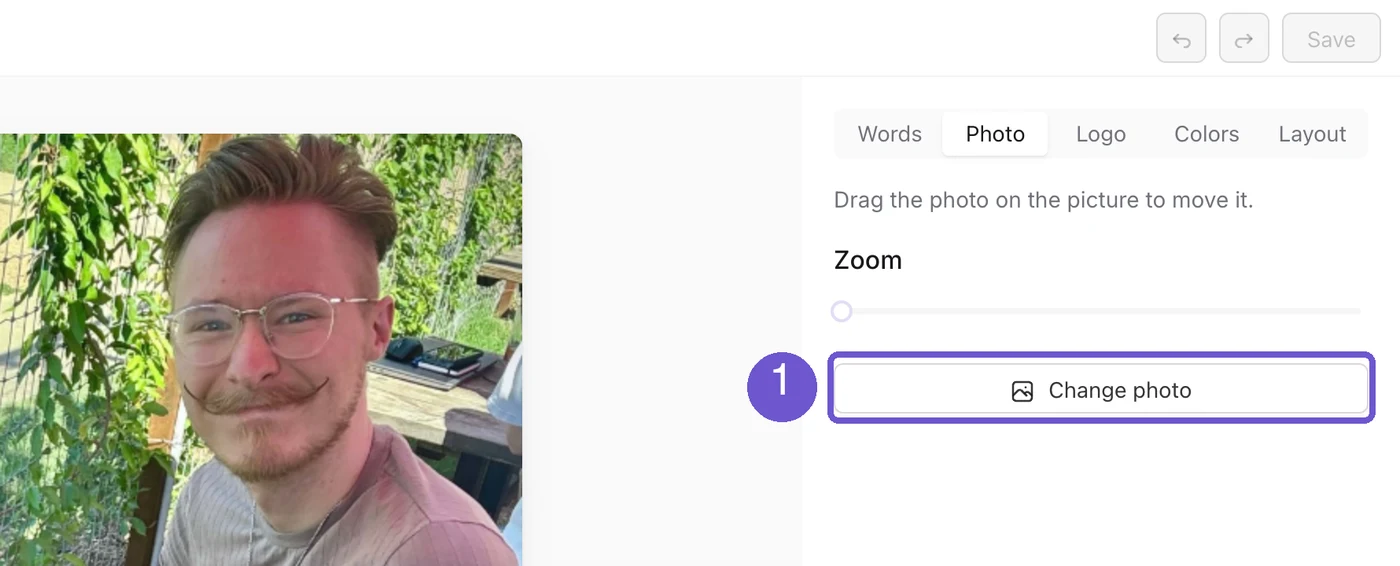
Open the Photo tab. Drag the photo on the picture to move it. Use Zoom to get closer. Tap Change photo to pick another one from your Library.
4. Pick your colors
Open the Colors tab. Tap a color to choose the one behind the words. Your brand colors are there too. The Logo tab lets you show your logo, change it, or add one.
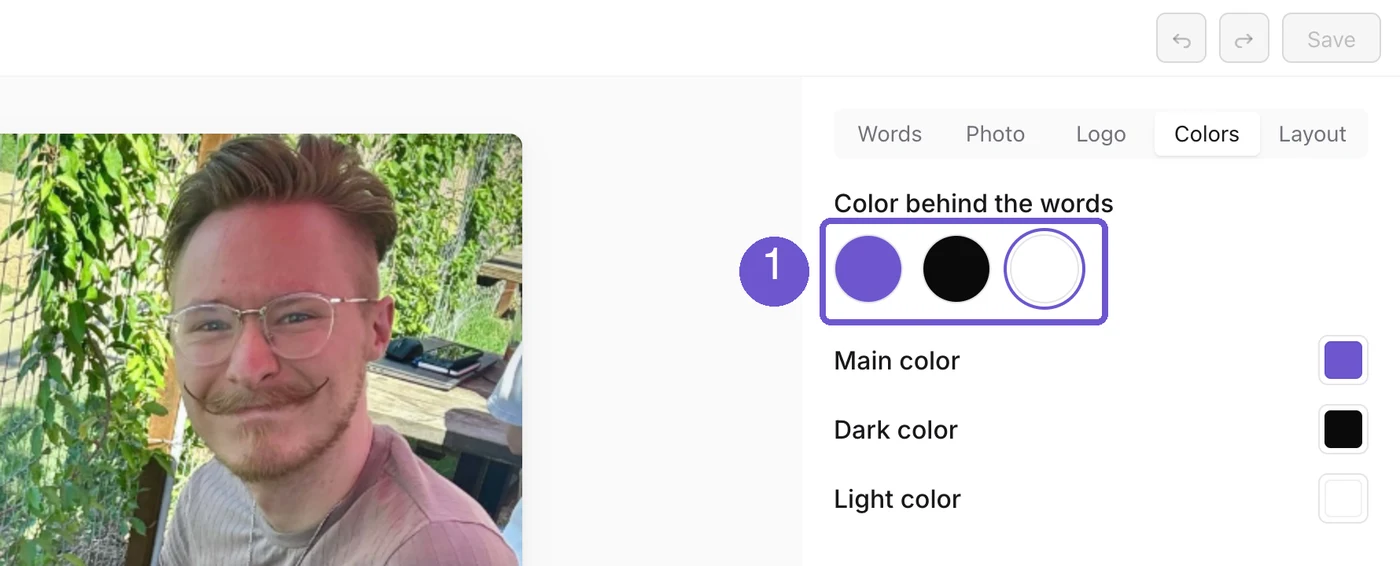
5. Try another layout
Open the Layout tab. You see small pictures of the same post in other layouts. Tap one to switch. We only show layouts that fit your words.
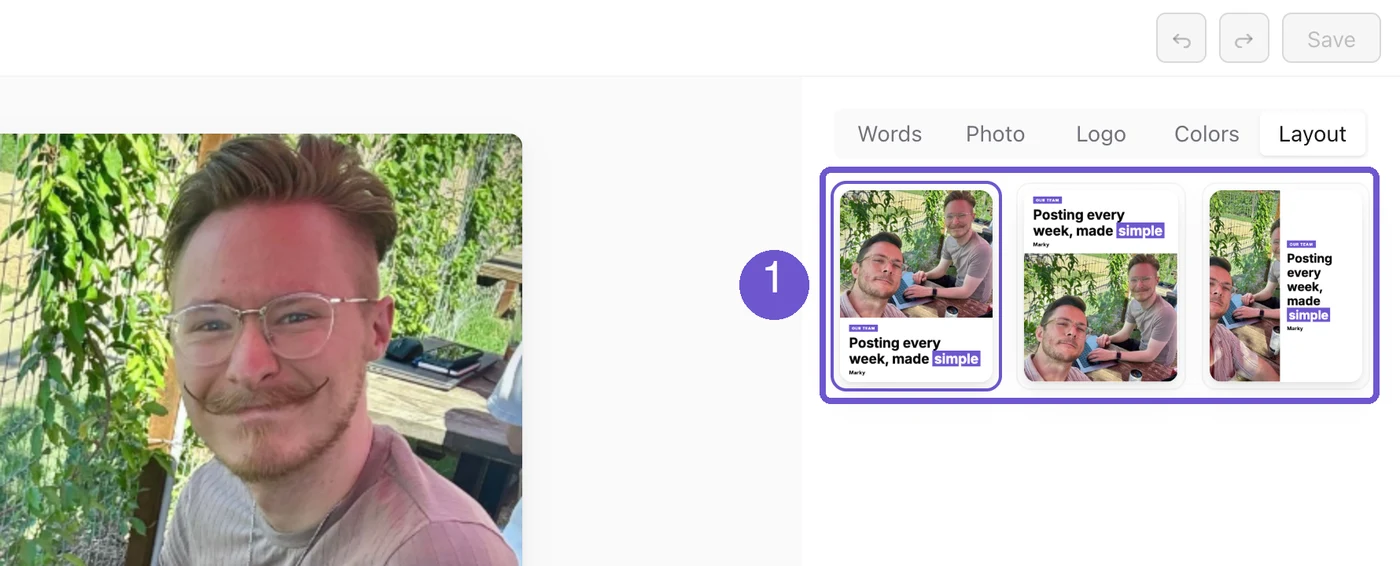
6. Save
Tap Save at the top right. You go back to your post with the new picture on it. If you tap Back first, we ask if you want to leave without saving.
That's it. Your post now says what you want it to say, and it still goes out on time.
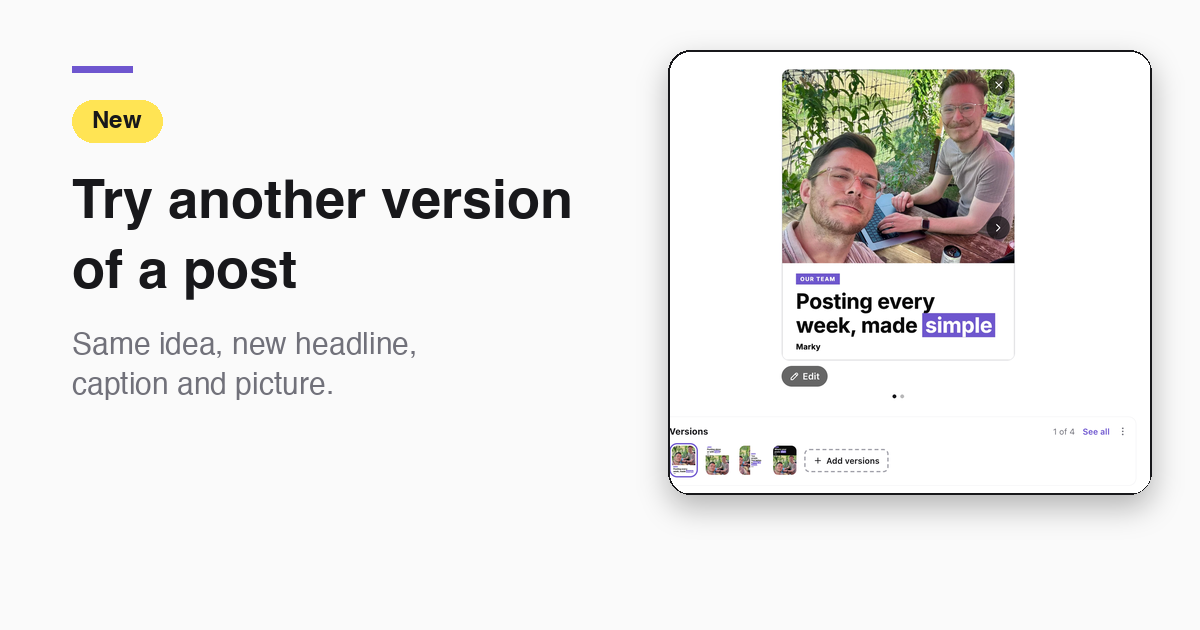
Want another take on the whole post, not just one word? Try another version of a post →
Take the next step with Marky
Building a successful business in today's digital world requires the right tools and strategies. Marky simplifies the social media process, allowing you to focus on delivering exceptional results.
Ready to streamline your process and grow your business? Visit our landing page to learn more about how Marky can transform your social media strategy today.
Keep reading

Let's do this
Join millions and start posting on-brand content with Marky today.