You are in the right place if...If you have multiple Marky accounts/businesses and multiple Facebook pages
but the same Facebook account- Go to app.mymarky.ai/integrations and click "connect" next to Facebook
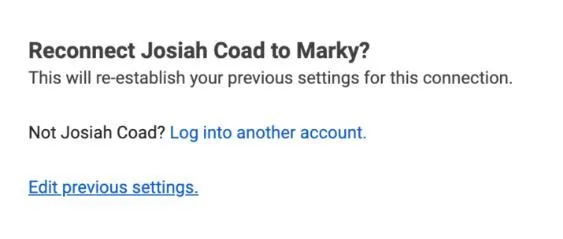
- (if you have already connected Facebook) Click "edit previous settings"
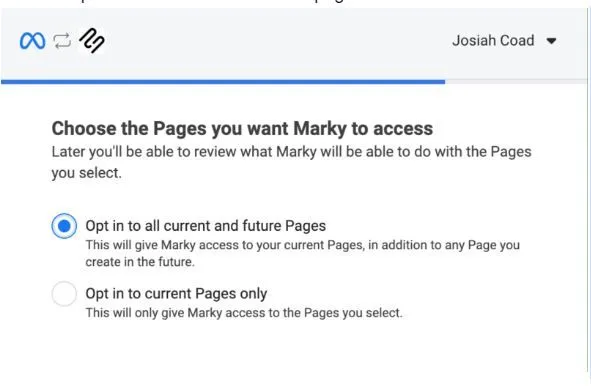
- Click "opt in to all current and future pages"
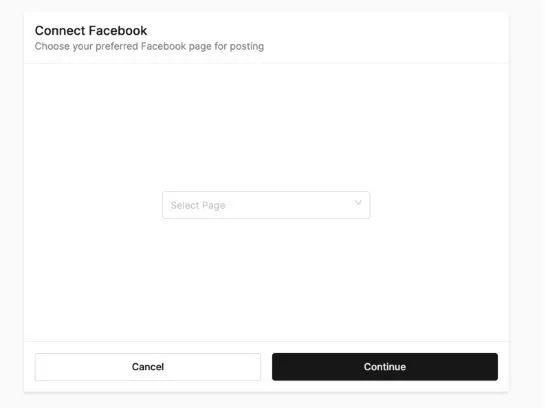
- At then end of the auth flow, Marky will give you the option to select which page you actually want to post to.
Still stuck?
Ask a question, or send us a message. A real person will help.
