
See What's Working — Analytics That Tell You What to Post Next

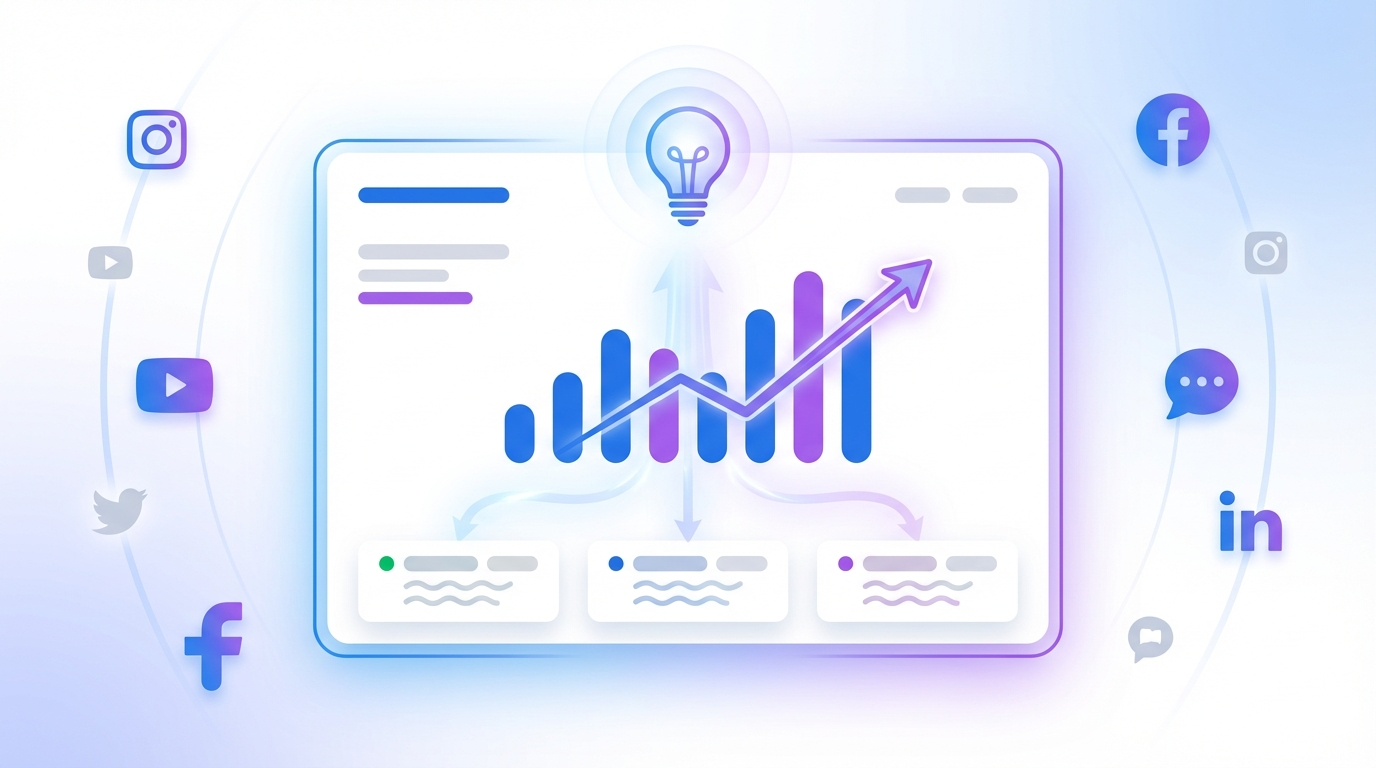
You post. But do you know what's working?
You've been showing up — publishing consistently across Facebook, Instagram, and LinkedIn. But without a feedback loop, you're flying blind. Which posts got seen? Which ones drove clicks? Is your content actually resonating, or just filling the feed?
Logging into each platform to check is a chore. And even when you do, raw numbers don't tell you why something worked or what to do differently next time.
One dashboard. Every platform. Real answers.
The Analytics page pulls your post performance from every connected social account into one view. No tab-switching, no spreadsheets. You see reach, likes, comments, clicks, and engagement rate — per post, sortable and filterable.
But the numbers are just the starting point.
AI insights that go beyond the dashboard
At the top of your analytics, an AI-generated summary reads your data and tells you something you didn't already know. Not a restatement of the numbers — a diagnosis.
- What's actually driving results. "Your carousel posts are pulling 3x the clicks of images — your audience is telling you what they want."
- What to stop doing. "Generic tips posts are filling the bottom of your list. Your audience follows you for behind-the-scenes content, not advice they can get anywhere."
- One concrete next move. Not "post more videos" — but "take your April 2 warehouse appreciation post and reshoot the same concept as a Reel, because that topic already proved it works."
Industry benchmarks give you context
Is a 2.5% engagement rate good? It depends on your industry. The dashboard compares your numbers against benchmarks for your segment — healthcare, real estate, marketing agencies, education, and more. So you know whether you're ahead, behind, or right where you should be. Running social for several clients? Our white-label social media management for agencies keeps each client's analytics separate.
Continue the conversation with Max
See something interesting in your insights? Click "Continue in chat" and Max picks up right where the AI summary left off — with your full analytics context loaded. Ask follow-up questions like "What should I post more of?" or "Which platform should I focus on?" and get answers grounded in your real data.
How to get started
- Connect at least one social account (Facebook, Instagram, or LinkedIn).
- Publish a few posts and wait for stats to sync (usually within 24 hours).
- Open the Analytics page — the AI summary appears at the top of the By Post tab.
- Read the insight, act on the recommendation, and check back next week to see what changed.
The best social media strategy isn't about posting more. It's about knowing what works and doing more of that. Now you can.
Take the next step with Marky
Building a successful business in today's digital world requires the right tools and strategies. Marky simplifies the social media process, allowing you to focus on delivering exceptional results.
Ready to streamline your process and grow your business? Visit our landing page to learn more about how Marky can transform your social media strategy today.
Keep reading

Let's do this
Join millions and start posting on-brand content with Marky today.