Connect Marky to your AI agent, your code, or your favorite tools

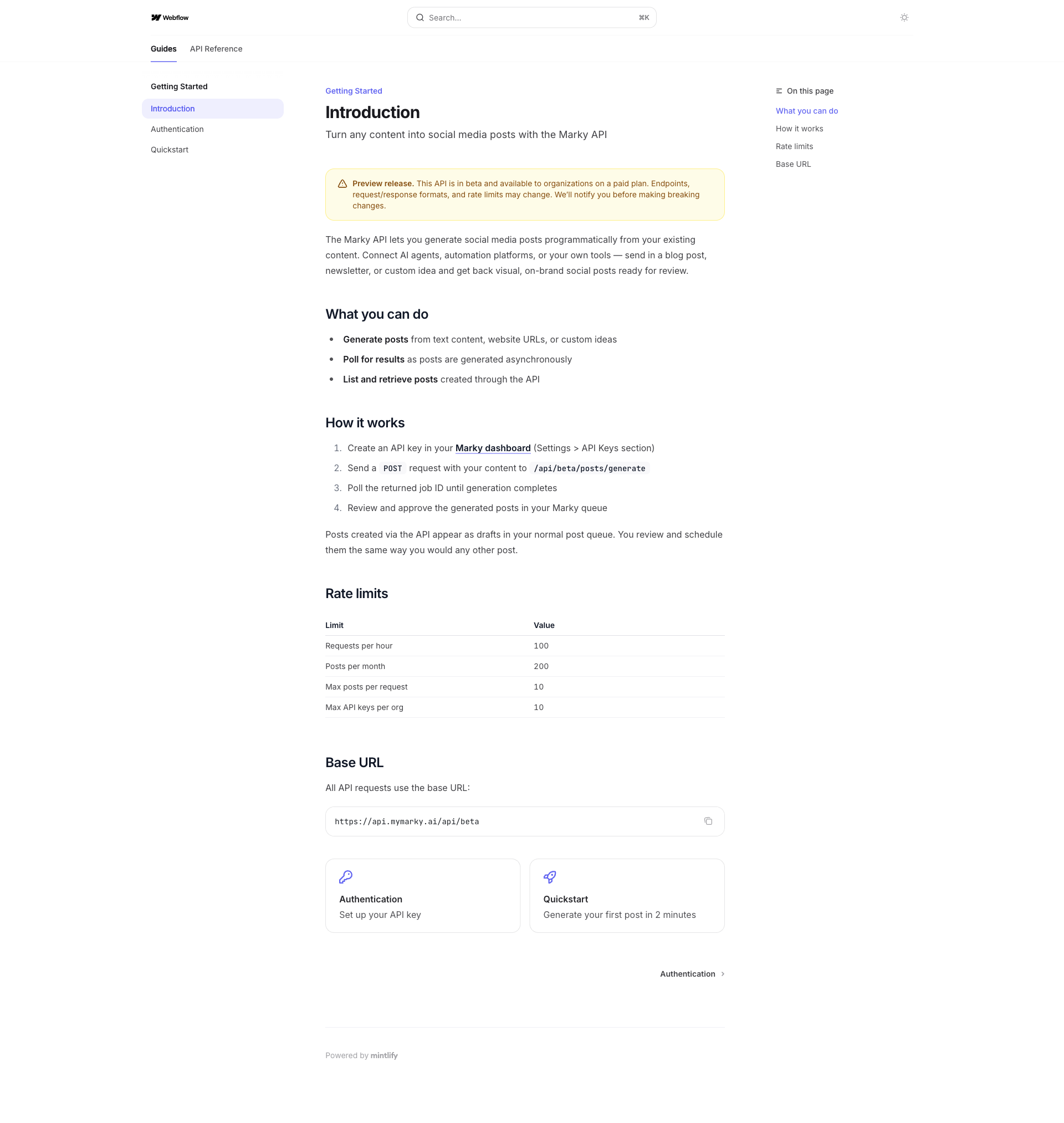
Four ways to use Marky without opening Marky
Your tools already know what to post. Now they can post it. Pick the way that fits you:
- Your AI agent. ChatGPT, Claude or Codex plans, writes and schedules your posts. You just say yes.
- Your own code. Our TypeScript and Python packages schedule a post in a few lines.
- No-code tools. n8n, Zapier, Make and Go High Level can create posts when something happens.
- The API. Call it from anything that can send a web request.
All four use the same Marky. Your posts go to every account you connected, in your brand style.
1. Your AI agent (MCP)
Marky has an MCP server. MCP is how AI agents plug into other apps. Once your agent is connected, it can see your workspaces, write posts, add photos, schedule the week and check how posts did.
- ChatGPT: add this URL as a plugin on chatgpt.com:
https://api.mymarky.ai/api/mcp - Claude Code, Claude Cowork and Codex: install the Marky plugin. It signs you in for you.
- Any other MCP app (like Cursor or OpenClaw): use the same URL.
Then just ask: "Plan a week of posts for my business." The agents page has a one-minute setup for each app, plus prompts to try.
2. Your own code (SDKs)
We have official packages for TypeScript and Python:
- TypeScript and JavaScript:
npm install mymarky - Python:
pip install mymarky
Here is a post with a photo, scheduled in TypeScript:
A retry never makes a second post. The full walk-through, with Python, is in our SDK launch post.
3. No-code tools
- n8n: install the
n8n-nodes-markycommunity node. A new blog post can become a social post on its own. The Marky Trigger node tells your team when a post goes live. - Zapier and Make: send a web request to the Marky API from any Zap or scenario.
- Go High Level: agencies can push posts for every client sub-account from their GHL workflows.
Step-by-step guides: n8n, Zapier and Make, Go High Level.
4. The API
Everything above runs on the same public API. With it you can:
- Posts: create, edit, schedule or publish now, and see if each platform posted it
- Photos and videos: add them from a link or a file
- Workspaces: one per business or client, all under one API key
- Connected accounts: see which social accounts each workspace has
- Results: likes, views and comments for each post and account
- Topics and library: keep your ideas and notes where Marky can use them
- Webhooks: Marky calls your server when a post goes live
Limits: 100 calls a minute, 2,000 a day and 10,000 a week per key, plus 200 new posts a month per account.
Get started
- Open Organization Settings > API Keys and make a key. You need to be an org admin. (Agents using MCP sign in for you, so they skip this.)
- Pick your way in: agent, code, no-code tool or API.
- Schedule your first post.
The API is free while it is in beta. Full docs, with a quickstart and every call, are at docs.mymarky.ai.
Questions? Reach out in the chat.
Take the next step with Marky
Building a successful business in today's digital world requires the right tools and strategies. Marky simplifies the social media process, allowing you to focus on delivering exceptional results.
Ready to streamline your process and grow your business? Visit our landing page to learn more about how Marky can transform your social media strategy today.
Keep reading

Let's do this
Join millions and start posting on-brand content with Marky today.