Social Media Mistakes to Avoid: Using Low-Quality Images or Content
The quality of your content plays a big role in how people perceive your brand.
Using low-quality images or poorly prepared content can reduce engagement and make your posts look less professional.
Mistake: Posting Low-Quality Visuals
❌ Mistake
Some accounts use:
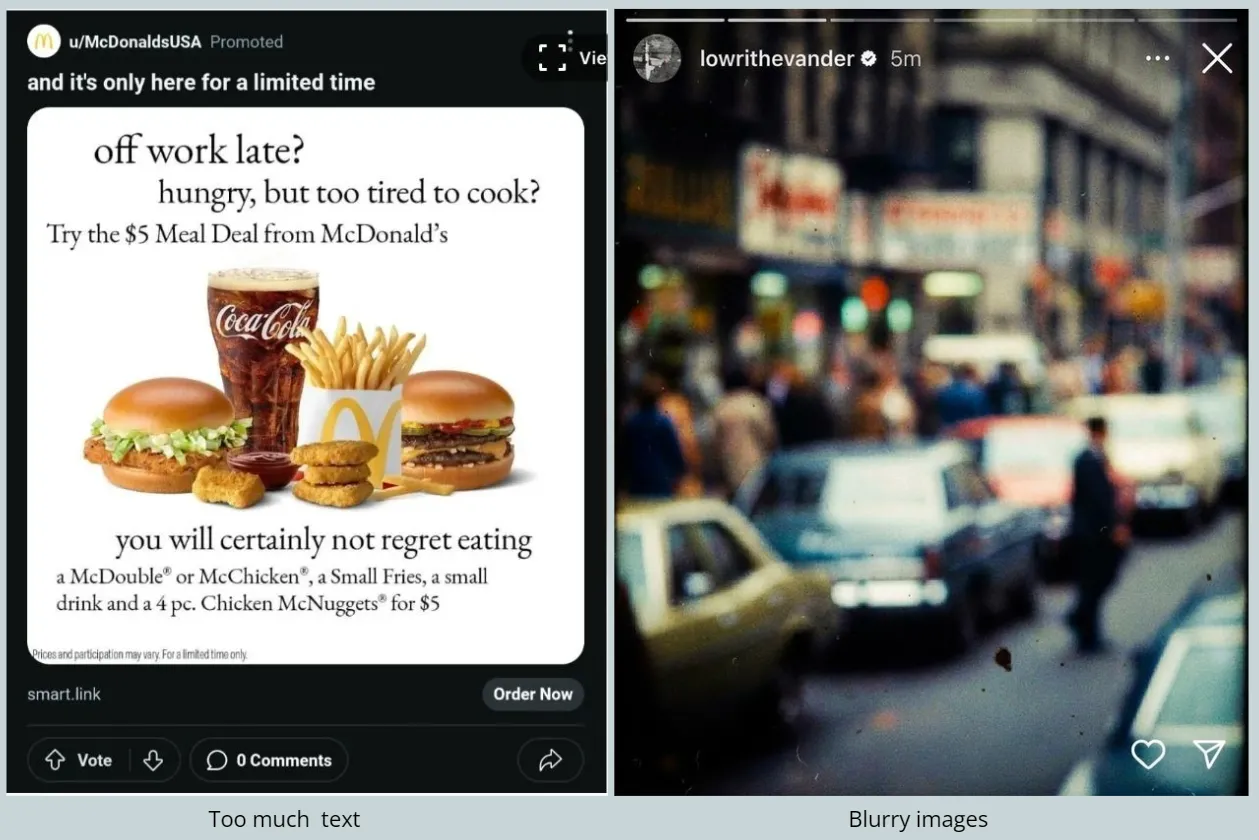
- Blurry or pixelated images
- Poor lighting or dark photos
- Screenshots with low resolution
- Images with too much text
These types of visuals can make posts harder to understand.
Why This Hurts Your Engagement
Low-quality content can:
- Make your posts look unprofessional
- Reduce trust in your brand
- Make users scroll past your content
- Lower overall engagement
On social media, visuals are often the first thing people notice.
What to Do Instead
Focus on using clear and high-quality visuals.
Good images should be:
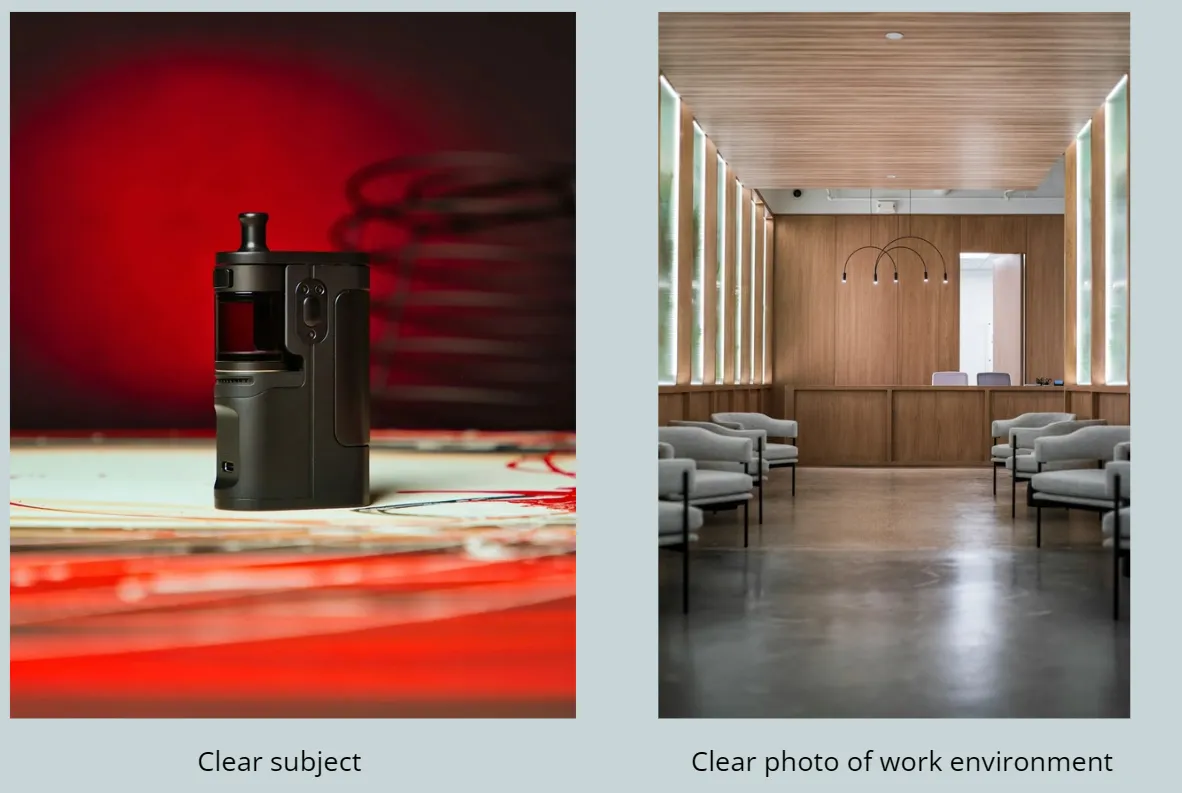
- Clear and sharp
- Well-lit
- Easy to understand
- Relevant to your content
Simple, clean visuals often perform better than overly complex designs.
Use Real and Authentic Photos
Authentic images tend to perform better than overly designed graphics.
Examples:
- Photos of your team
- Real work or projects
- Behind-the-scenes moments
- Products or services in action
These types of visuals feel more natural and relatable.
Avoid Overcrowded Designs
Images with too many elements or text can be difficult to read.
Try to:
- Keep designs simple
- Use minimal text on images
- Focus on one clear message
Clean visuals help your audience quickly understand your content.
Connect This With Your Image Library
The photos you upload to your Library affect the quality of your posts.
Uploading better images will help:
- Improve your post designs
- Create more professional-looking content
- Give Marky more options for generating visuals
Small Improvements Make a Big Difference
You do not need professional equipment, but simple improvements help:
- Use natural lighting
- Keep your camera steady
- Choose a clean background
- Avoid blurry or low-resolution images
Use Tools to Enhance Your Content
Tools like Marky can help you:
- Create clean and simple designs
- Combine images with captions
- Maintain a consistent visual style
f you have any questions or need further assistance, don’t hesitate to reach out! Happy posting!
Josiah, CEO